5 Best SQL Dashboard Tools in 2026
Compare the 5 best SQL dashboard tools in 2026, including Draxlr, Metabase, Power BI, Tableau, and Looker, by pricing, setup effort, and fit for small teams.
SQL dashboard tools connect directly to your SQL database and turn query results into charts, KPIs, and live dashboards your whole team can use. They replace the cycle of manual queries, CSV exports, and spreadsheets that go stale the moment they're shared.
For small teams, the stakes are higher. Developers are busy building the product, so every "can you pull this report?" request costs engineering time. The right tool lets product, sales, and operations answer their own questions while engineers keep shipping.
This guide compares the 5 best SQL dashboard tools in 2026, explains what to look for when you choose one, and shows which picks suit small teams with limited time and budget.
SQL Dashboard Tools at a Glance
| Tool | Best for | Learning curve | Starting price |
|---|---|---|---|
| Draxlr | Teams that want AI, a no-code builder, and SQL in one tool, in the cloud or self-hosted | Low | $25/month |
| Metabase | Developer-led teams comfortable with self-hosting | Moderate | Free (open source); Starter $100/month for 5 users |
| Power BI | Teams already on Microsoft 365 | Steep (DAX and data modeling) | $14/user/month, billed yearly |
| Tableau | Analysts who explore data visually | Moderate to steep | Creator $75/user/month, billed annually |
| Looker | Larger teams that want a governed semantic layer | Steep (LookML) | Quote-based, annual contract |
What to Look for in a SQL Dashboard Tool
- Fast setup. The tool should connect to your database in minutes and let people build a first chart the same day. If it takes weeks to configure, it's a liability for a small team.
- A way in for every skill level. Look for a no-code query builder for non-technical teammates, a SQL editor for analysts, and ideally an AI SQL tool that turns plain-English questions into SQL.
- Direct support for your database. Check that your database, whether PostgreSQL, MySQL, SQL Server, Snowflake, or BigQuery, is supported directly, without first copying data into a warehouse.
- Enough chart types. Bar, line, and pie charts cover most questions, but funnels, pivot tables, and scatter plots matter for specific ones. Our guide to SQL data visualization walks through the main chart types.
- Live data and alerts. Dashboards should query live data, and the tool should send Slack or email alerts when a metric changes or crosses a threshold.
- Sharing and embedding. Look for shareable links, access controls, and the option to embed dashboards in your own product or customer portal.
- Pricing that scales with the team. Per-user pricing adds up quickly as more people need access. Check what viewers cost, not just editors.
The 5 Best SQL Dashboard Tools
1. Draxlr
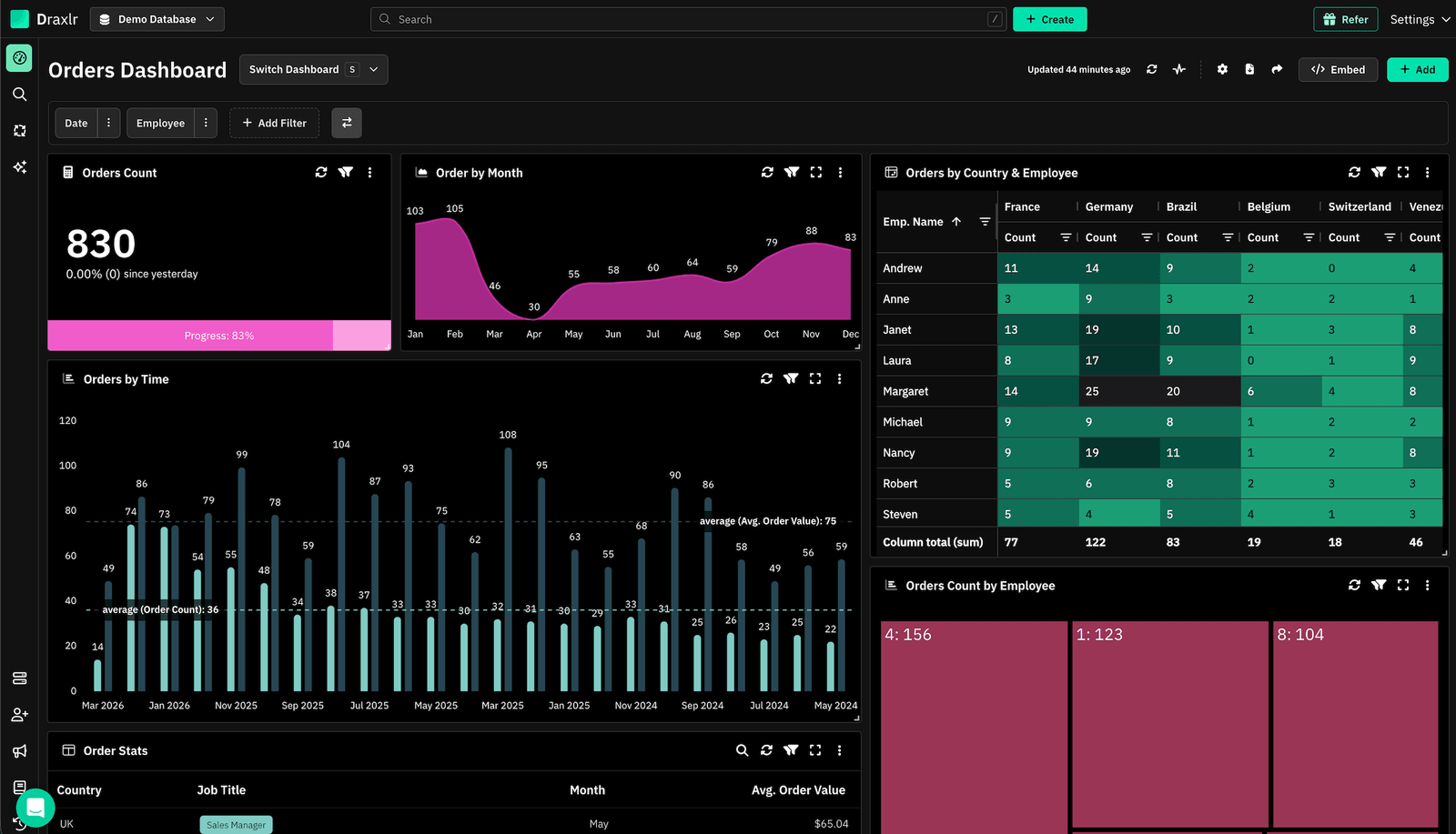
Draxlr is a self-serve BI tool for teams whose data lives in SQL databases. It connects live to 14 SQL databases, including PostgreSQL, MySQL, SQL Server, BigQuery, Snowflake, Redshift, ClickHouse, and Supabase, and gives everyone a way in: a no-code query builder, a SQL editor, and an AI assistant that writes SQL from plain-English questions. You can see the workflow on the SQL dashboard tool page.
Who is it for?
Startups and small to mid-size teams that want dashboards and alerts without a dedicated data engineer, and SaaS teams that want to embed analytics in their product.
Best features
-
AI-generated SQL:
Ask a question in plain English and get the SQL, the result, and a chart. Every generated query can be viewed and edited. -
No-code query builder:
Filter, join, sort, and summarize tables without writing SQL, or write it yourself in the SQL editor. -
Dashboards with drill-down:
Arrange bar, line, pie, area, funnel, and other charts on dashboards with filters, then click any data point to drill down into the rows behind it. -
Slack and email alerts:
Run alerts at a specific time, at a periodic interval, or only when the data changes. See how to set up Slack alerts for SQL data. -
Sharing:
Email dashboard summaries on a schedule, and share dashboards through a public URL secured with a PIN. -
Embedding:
Embed dashboards in your product with HTML, React, or Vue, with domain restrictions. Embedding is on the Premium plan and above. Row-level security for embeds and Full App Embedding, which gives each customer their own analytics workspace, are on the Power plan. -
Exports and API:
Export results to CSV, send them to Google Sheets, or fetch saved query results through the API. -
Support on every plan:
Every plan includes live chat and email support.
Pricing
- Lite: $25/month for 1 database and 1 user
- Premium: $75/month for 2 databases and 10 users, with dashboard embedding
- Power: $250/month for 5 databases and 30 users, with row-level security for embeds and Full App Embedding
- Enterprise: from $500/month, with custom limits and self-hosting
- 7-day free trial, no credit card required
Connect your DatabaseDraxlr offers a clean, modern interface and makes it incredibly easy to build dashboards — even for non-technical users. I especially like the visual quality and flexibility of the available graph types. It's intuitive, fast to set up, and has excellent usability from the start. The ability to securely share dashboards via link is a game-changer for our client reporting. — Review from a SaaS Founder on G2
2. Metabase
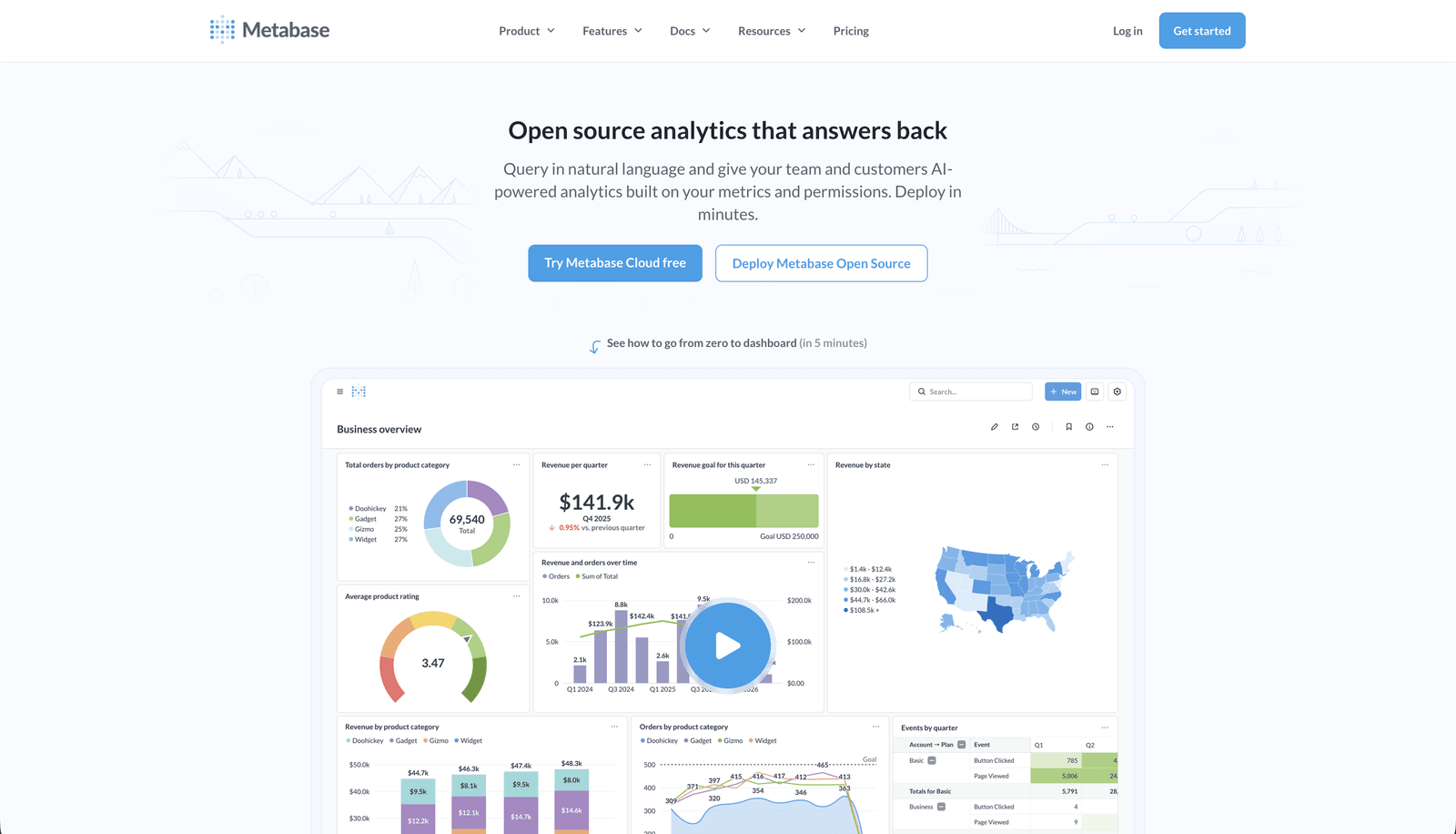
Metabase is one of the best-known open-source BI tools and a common starting point for teams that want SQL dashboards. It has a clean interface, a guided query builder for simple questions, and a full SQL editor for analysts.
Who is it for?
Developer-led teams that are comfortable running their own server, or teams that want a hosted plan for a handful of users.
Best features
- A free, open-source edition you can self-host
- A visual query builder alongside a native SQL editor
- Dashboard subscriptions and alerts by email or Slack
- Connections to PostgreSQL, MySQL, BigQuery, Redshift, Snowflake, and other popular databases
- Interactive embedding, row-level security, SSO, and white-labeling on the Pro plan
Pricing
- Open source: free to self-host
- Starter: $100/month, including 5 users, then $6 per additional user
- Pro: $575/month, including 10 users, then $12 per additional user
Watch out for
Self-hosting means you own the servers, upgrades, and backups. Embedding with row-level security and SSO sit on the Pro plan. For more options, see our guide to Metabase alternatives.
3. Microsoft Power BI
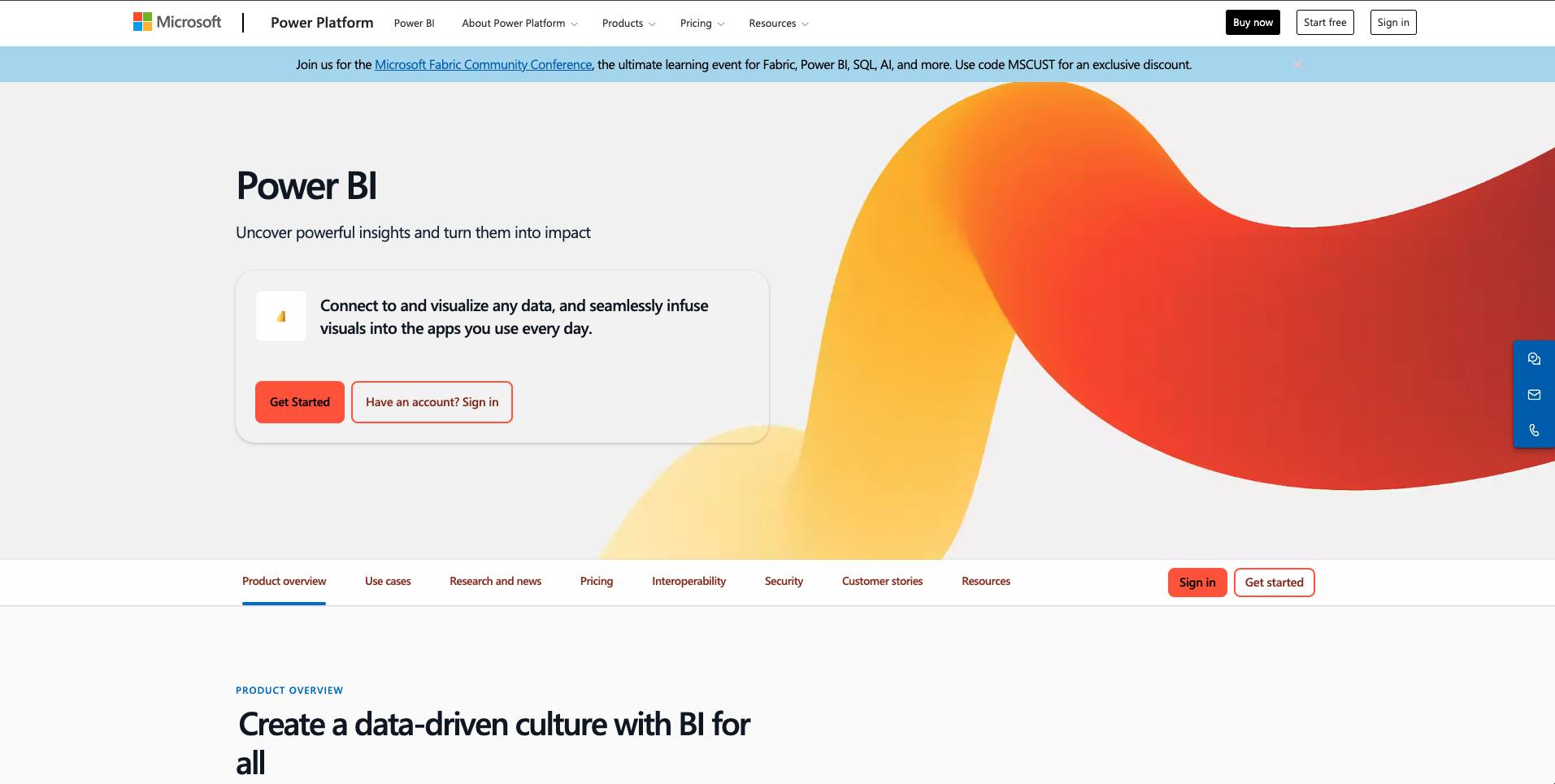
Power BI is Microsoft's BI platform and one of the most widely used dashboard tools in the world. It's a natural fit if your team already works in Excel, Teams, and Azure.
Who is it for?
Teams already on Microsoft 365, ideally with someone who can own data modeling and DAX.
Best features
- Deep integration with Excel, Teams, Azure, and the rest of Microsoft 365
- Hundreds of connectors for databases, cloud services, and files
- Q&A for natural-language questions, which works best on a well-modeled dataset
- Custom visuals from Microsoft AppSource
- Report and dashboard embedding through Power BI Embedded
Pricing
- Power BI Desktop: free, Windows only
- Pro: $14/user/month, billed yearly
- Premium Per User: $24/user/month, billed yearly
To share reports, both the author and each viewer need a Pro or Premium Per User license, unless the content sits in Premium or Fabric capacity.
Watch out for
Learning DAX and Power Query takes time, and per-user licensing grows with every viewer. For other options, see our guide to Power BI alternatives.
4. Tableau
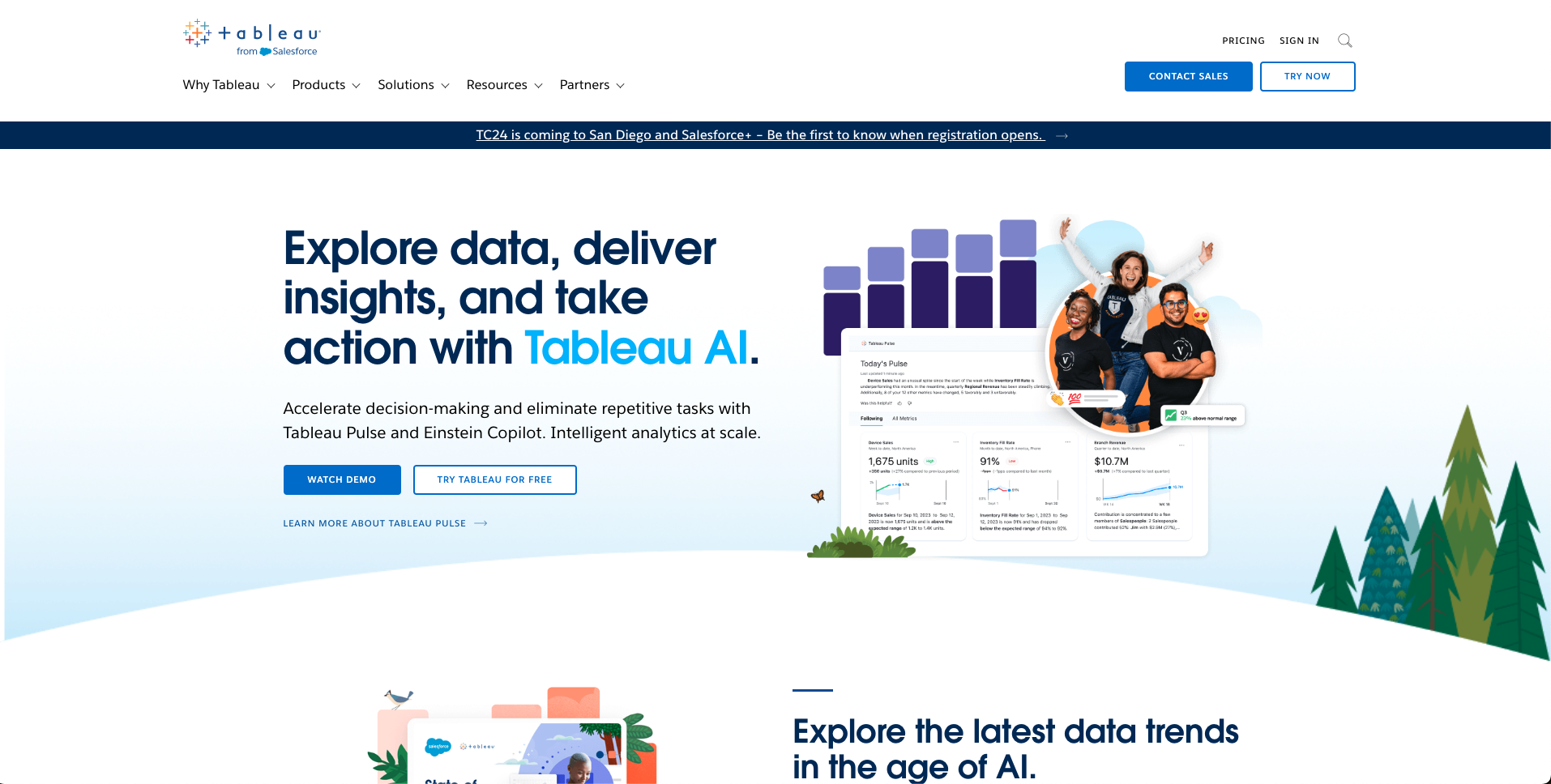
Tableau, part of Salesforce, is known for visual depth. Its drag-and-drop interface makes it a favorite of analysts who explore data visually.
Who is it for?
Mid-size and large teams with analysts and the budget for per-user licenses.
Best features
- Drag-and-drop visual analysis
- A wide range of chart types, including treemaps and bubble charts
- Connections to a large number of data sources
- Deployment on Tableau Cloud or Tableau Server
- Embedding options for websites and apps
Pricing
On the Standard edition, billed annually, Creator costs $75/user/month, Explorer $42/user/month, and Viewer $15/user/month. Every deployment needs at least one Creator license, and the Enterprise edition costs more per user.
For other options, see our guide to Tableau alternatives.
5. Looker
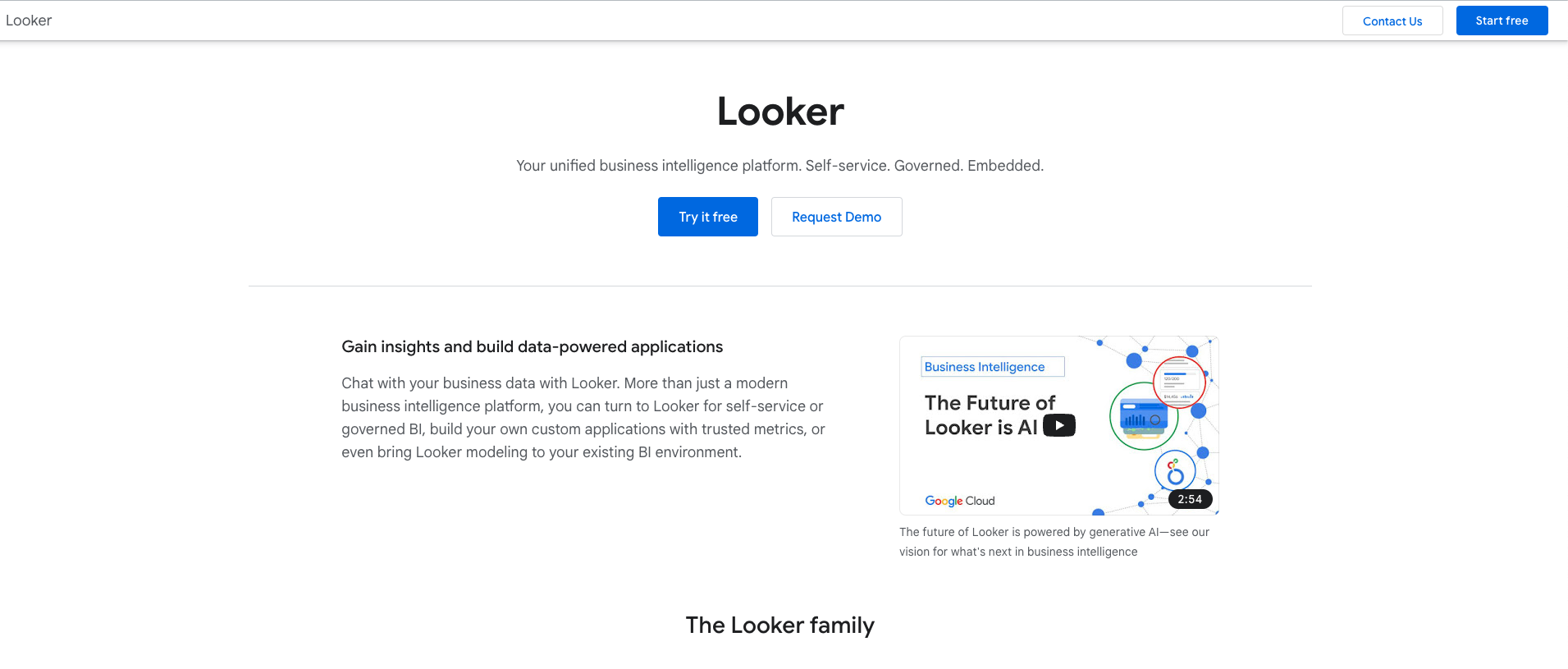
Looker, part of Google Cloud, is built around LookML, a SQL-based modeling language. Data teams define metrics and relationships once in LookML, and business users explore governed data on top. Looker queries your database directly.
Who is it for?
Larger teams with data engineers who can build and maintain the LookML model.
Best features
- A LookML semantic layer for consistent, governed metrics
- Direct queries against your database, with no data extracts
- Fully cloud-hosted, with no desktop app to install
- Conversational Analytics for natural-language questions
- An Embed edition for customer-facing analytics
Pricing
Pricing is quote-based through Google Cloud sales, on annual contracts. The Standard edition is for teams with fewer than 50 users and includes 10 standard users and 2 developer users.
For other options, see our guide to Looker alternatives.
Other tools worth a look
- Zoho Analytics: a budget pick, especially for teams already using Zoho apps. A free plan covers 2 users and 10,000 rows, paid plans start at $24/month billed annually for 2 users, and its AI assistant, Zia, answers plain-English questions.
- Sisense: an enterprise analytics platform focused on embedding analytics in products, with custom, quote-based pricing. See our guide to Sisense alternatives.
Best SQL Dashboard Tools for Small Teams
Small teams usually have three constraints: a tight budget, little time for setup, and no dedicated analyst. Here's how the options line up:
- Tightest budget: Metabase's open-source edition and Zoho Analytics' free plan cost nothing to start, but Metabase needs someone to host it. Draxlr starts at $25/month with nothing to host.
- Fastest setup: Hosted tools that connect straight to your database get you to a first dashboard fastest. Power BI and Looker expect a data model (DAX or LookML) before most people can build reports.
- No dedicated analyst: Pick a tool where non-technical teammates can ask questions themselves, through a no-code builder or AI. Draxlr combines both with a SQL editor for anyone who wants to write SQL.
- Already on Microsoft 365: Power BI will feel familiar, but budget for per-user licenses and time to learn DAX.
- Data privacy: If data has to stay in your network, look at self-hosting: Metabase's open-source edition, or Draxlr on the Enterprise plan.
Conclusion
The best SQL dashboard tool is the one your team will actually use. For teams on SQL databases, Draxlr combines AI, a no-code builder, a SQL editor, alerts, and embedding in one tool, with SSO and self-hosting for enterprises. Metabase suits developer-led teams that want open source, Power BI fits Microsoft shops, and Tableau and Looker suit larger teams with analysts and data engineers.
Shortlist two or three tools, connect them to your own database during a free trial, and see which one gets your team to answers fastest.
FAQs
1. What is a SQL dashboard tool?
A SQL dashboard tool is software that connects directly to your SQL database and turns query results into charts, tables, and live dashboards. Your team can track KPIs and monitor key metrics in one place, without exporting data into spreadsheets.
2. Which is the best SQL dashboard tool?
It depends on your team. Draxlr suits teams that want AI, a no-code builder, and SQL in one tool, from startups to enterprises that need SSO and self-hosting. Metabase suits developer-led teams happy to self-host. Power BI fits teams on Microsoft 365, and Tableau and Looker suit larger teams with analysts or data engineers.
3. Do I need to know SQL to use a SQL dashboard tool?
Not always. Many tools include a visual query builder, and some, like Draxlr, add AI that writes the SQL from a plain-English question. SQL knowledge helps with complex questions, and a good tool also lets analysts write SQL directly.
4. What databases do SQL dashboard tools support?
Most support the major relational databases, such as PostgreSQL, MySQL, MariaDB, and SQL Server, plus data warehouses like BigQuery, Redshift, Snowflake, and ClickHouse. Check that your specific database is supported before you commit.
5. How much do SQL dashboard tools cost for small teams?
Metabase's open-source edition is free to self-host, and Zoho Analytics has a free plan for 2 users. Hosted plans start at about $24 to $25 a month, for example Zoho Analytics billed annually or Draxlr Lite, while per-user tools like Power BI Pro cost $14 per user per month. Check what viewers cost, since per-viewer licenses add up fastest.
6. Can SQL dashboard tools send automated reports and alerts?
Yes. Most tools can email scheduled reports, and many send Slack or email alerts when a metric changes or crosses a threshold. In Draxlr, alerts can run at a set time, on an interval, or only when the data changes.
7. How do I choose a SQL dashboard tool?
Start with where your data lives and who will use the tool. Then compare setup effort, chart types, alerts, sharing and embedding, and how pricing grows as more people need access. Shortlist two or three tools and test them on your own database during a free trial.
About the author

Ameena Shad is the founder of Draxlr, a modern business intelligence platform focused on making data analysis simpler and faster. She writes about embedded analytics, databases, SQL, dashboards, and building scalable data products for modern teams.
If you have questions about anything in this guide, or want to compare options for your specific stack, you can try Draxlr free, or reach out directly through the Draxlr team.