7 Best Sigma Computing Alternatives in 2026
Sigma publishes no pricing and queries your warehouse live. Compare 7 Sigma Computing alternatives for 2026 with verified pricing and flat-rate plans.
Short answer: most teams leave Sigma Computing for one of two reasons - the warehouse bill that its live-query model generates, or pricing they cannot see before talking to sales. Draxlr is the practical swap for teams who want dashboards on a flat, published price. Power BI fits Microsoft estates. Tableau wins on visual depth, ThoughtSpot on natural-language search, Qlik on governed exploration, Looker on a central metrics layer, and Sisense on large-scale embedding.
Sigma is a genuinely good product. Its spreadsheet interface is the most approachable thing in warehouse-native BI, and for finance and ops teams who live in Excel, that alone justifies it. The reasons to look elsewhere are rarely about the interface.
Why teams look for a Sigma Computing alternative
Sigma does not store query results. That is the design, and it is stated plainly in Sigma's own caching documentation. Every dashboard interaction that misses cache becomes a live query against Snowflake, BigQuery, Databricks or Redshift - and you pay your warehouse provider for that compute, not Sigma.
Sigma is upfront about the consequences. The same documentation warns that "setting an auto-refresh might burden the connection and result in significant warehouse costs," and notes that manual and scheduled refreshes bypass caching entirely. Sigma mitigates this with layered caching - a browser cache, Alpha Query, a query ID cache and a universal result cache in beta - falling back to re-querying the warehouse when all of them miss. But the architecture still means dashboard popularity and warehouse spend move together.
For a small team that is fine. For a company rolling analytics out to hundreds of people, it turns a fixed software cost into a variable infrastructure cost that is hard to forecast before deployment.
The second issue is simpler: Sigma publishes no pricing. Its pricing page routes to a demo request rather than a plan table, so every evaluation starts with a sales call. Third-party procurement data puts typical contracts in the tens of thousands per year, but you cannot verify that yourself before committing time.
One myth worth correcting: plenty of comparison articles claim Sigma requires a cloud data warehouse. That is out of date. Sigma's connection docs list PostgreSQL, MySQL, Azure SQL, SQL Server 2022 and Starburst alongside Snowflake, BigQuery, Databricks and Redshift. If "it will not talk to my Postgres" is why you are shopping, that reason no longer holds.
Sigma Computing alternatives at a glance
| Tool | Best for | Published pricing | Entry price |
|---|---|---|---|
| Draxlr | Flat-price SQL dashboards and embedding | Yes | $25 / month flat |
| Power BI | Microsoft 365 and Azure estates | Yes | $14 / user / month |
| Tableau | Presentation-grade visualisation | Yes | $15 / viewer / month |
| ThoughtSpot | Natural-language search analytics | Partial | $25 / user / month |
| Qlik Cloud | Governed exploration, unlimited users | Yes | $300 / month |
| Looker | Central governed metrics layer | No | Quote only |
| Sisense | Large-scale embedded analytics | No | Quote only |
1. Draxlr
Best for: teams who want dashboards on a price they can read off a page, without warehouse spend scaling alongside usage.
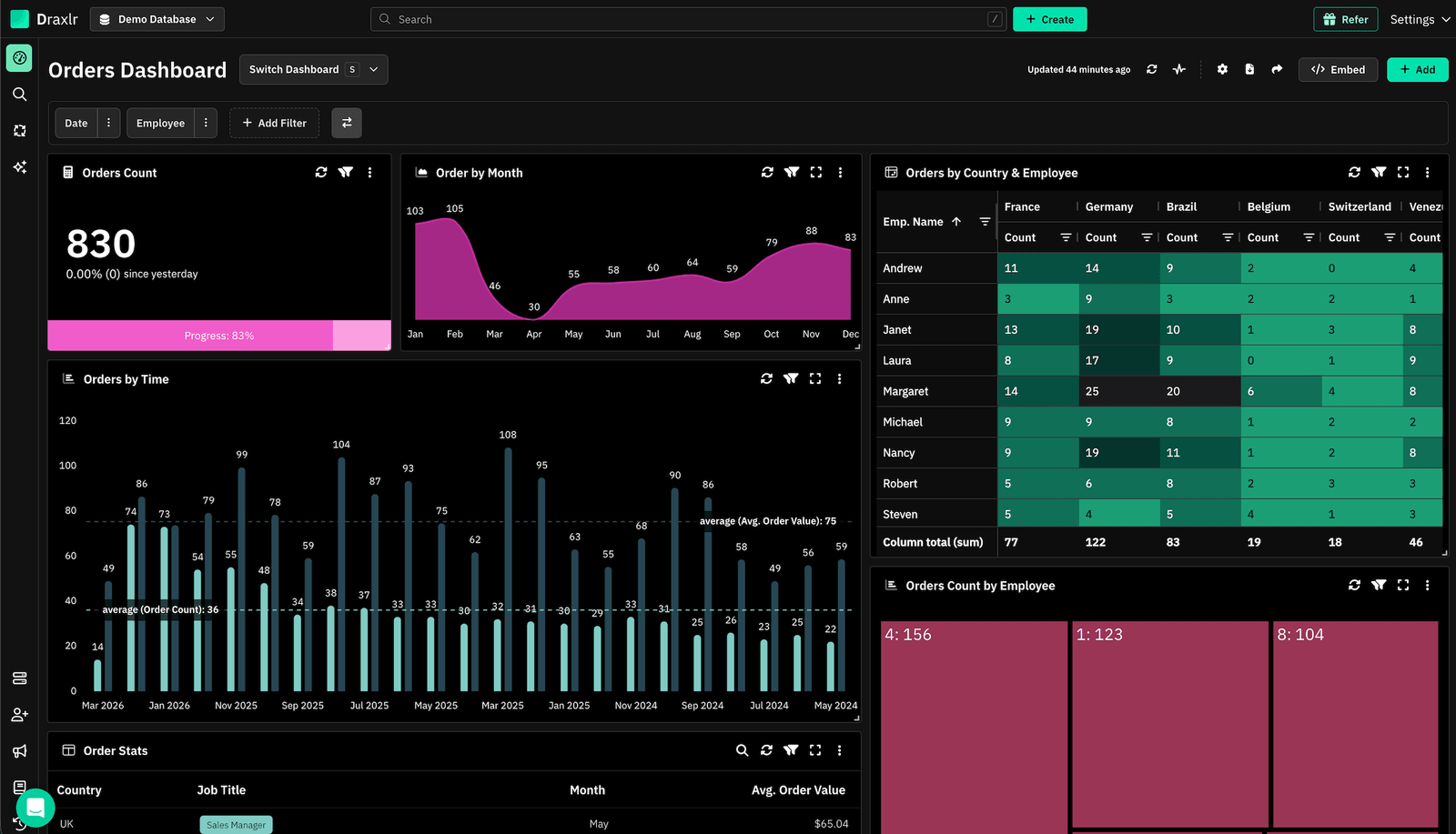
Draxlr takes the opposite approach to Sigma on cost. Plans are flat monthly prices with seats included, published on the pricing page, and people who only view a dashboard never count as billable users. If the thing that sent you looking for alternatives was an unpredictable bill, that is the difference that matters.
It connects directly to PostgreSQL, MySQL, MS SQL, BigQuery, Snowflake, Redshift, ClickHouse, Databricks, Supabase, Neon and PlanetScale, so it works against a warehouse or straight against an operational database - no modelling project required before the first chart.
Where it overlaps most with Sigma is accessibility for non-SQL users. A visual query builder handles filters, joins, grouping and summaries through clicks, and the AI assistant turns a plain-English question into SQL you can then open and edit rather than just run.
Connect your Database
Key strengths
- Flat, published pricing with seats included and unlimited external viewers on every plan.
- Visual query builder plus a SQL editor, so analysts and business users work in the same tool.
- AI SQL generation from natural-language questions, editable afterwards in the builder.
- White-label embedding with per-customer context for customer-facing dashboards.
- Alerts and automations: Slack and email alerts on a schedule, at intervals, or only when a metric changes.
- MCP server so assistants like Claude can query your databases and build dashboards directly, included on every paid plan.
- Drill-down into the rows behind any chart, plus live-mode dashboards for wall displays.
- Self-hosting on the Enterprise plan for teams with data-residency requirements.
Where it is not the fit
- If your team specifically wants the spreadsheet grid as the primary way to model data, Sigma's interface is purpose-built for that and Draxlr's is not.
- Self-hosting sits on the Enterprise plan, so it is a deliberate step up rather than something available on the entry tiers.
Pricing
| Plan | Price | What is included |
|---|---|---|
| Lite | $25 / month ($200 / year) |
1 database, 1 user, 50 AI credits, MCP, unlimited external viewers. |
| Premium | $75 / month ($600 / year) |
2 databases, 10 users, 100 AI credits, white-label embedding. |
| Power | $250 / month ($2,000 / year) |
5 databases, 30 users, 300 AI credits, white-label embedding. |
| Enterprise | $500 / month ($3,800 / year) |
Custom databases and users, dedicated server or self-hosting, SSO, audit logs. |
2. Microsoft Power BI
Best for: organisations already standardised on Microsoft 365 and Azure.
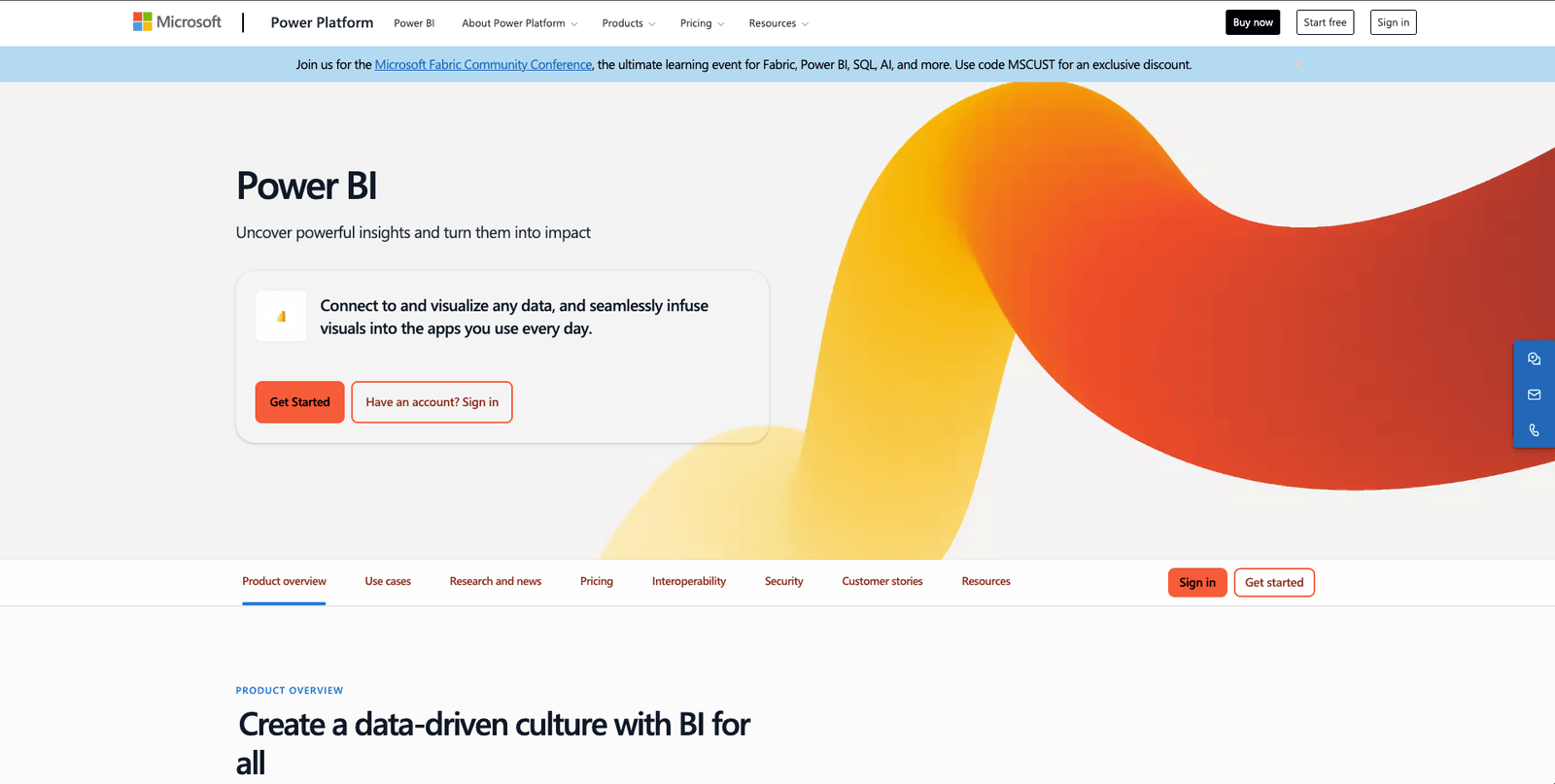
Power BI is the cheapest per-seat commercial BI tool at this tier, and in a Microsoft estate the identity, permissions and Excel integration are already solved. Where Sigma leans on a spreadsheet grid over live warehouse queries, Power BI leans on an imported semantic model, which changes the cost profile entirely: refreshes are scheduled rather than per-interaction.
Key strengths
- Over 100 connectors with deep Azure SQL, Synapse and Fabric integration.
- Copilot for generating DAX and summarising reports.
- Row-level security mapped to Entra ID groups.
- Included at no extra cost with Microsoft 365 E5 and Office 365 E5 annual subscriptions.
- Import mode decouples dashboard usage from warehouse compute.
Where it falls short
- DAX is a real learning investment. It looks like Excel and behaves nothing like it.
- Power BI Desktop is Windows-only; Mac authors need a VM.
- Large models need Premium Per User or Fabric capacity, which changes the cost conversation.
- Embedding into a product requires Power BI Embedded or Fabric capacity, not just Pro seats.
Pricing
- Power BI Desktop: free
- Power BI Pro: $14 per user per month, paid yearly
- Power BI Premium Per User: $24 per user per month, paid yearly
- Microsoft Fabric capacity: consumption-based; Premium P-SKUs are no longer sold to new customers
More options in our Power BI alternatives guide.
3. Tableau
Best for: presentation-grade visualisation and executive reporting.
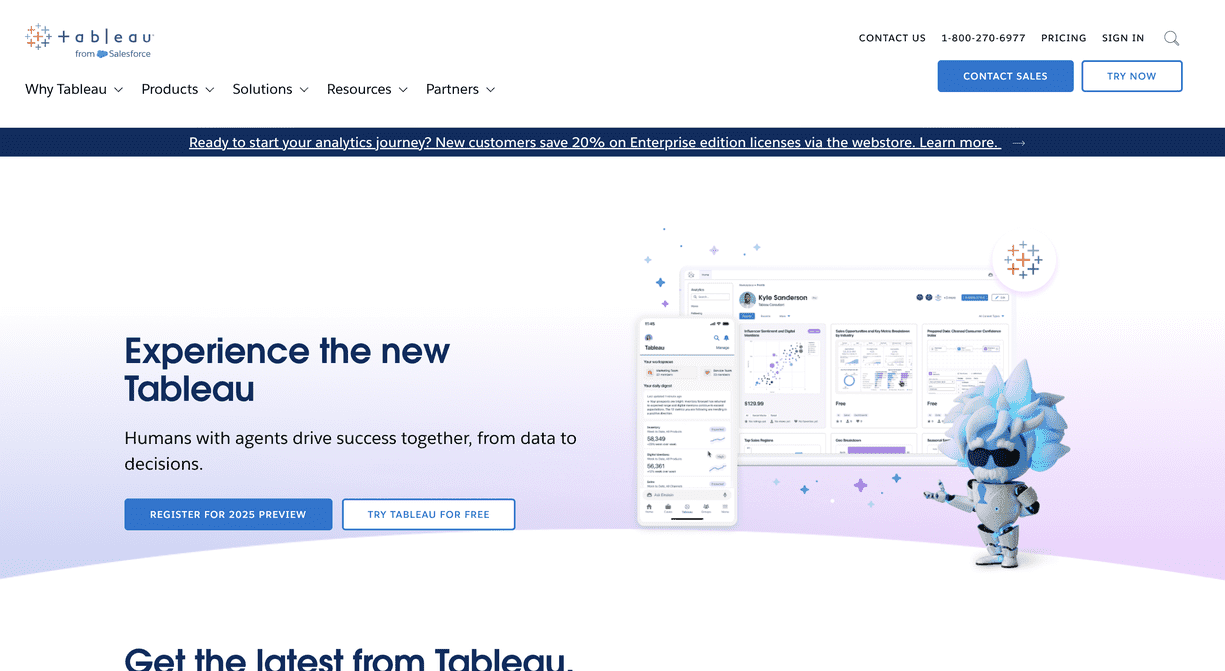
Tableau remains the benchmark for visual depth. If your output is board-level data storytelling rather than an operational dashboard someone checks on a Tuesday, nothing here matches it. Its extract engine also lets you decouple dashboards from live warehouse queries, which is the specific pressure valve Sigma does not offer.
Key strengths
- The deepest chart and geospatial library on this list.
- Hyper extracts for fast, warehouse-independent performance.
- Tableau Prep for visual data preparation.
- Huge community, template and training ecosystem.
- Published per-role pricing, unlike Sigma.
Where it falls short
- Per-viewer seat pricing gets expensive as analytics reaches more people.
- Steep authoring learning curve; Tableau expects a trained analyst.
- The newer agentic features sit in the Tableau+ bundle, priced per organisation through Salesforce rather than published.
- Slower on very large live connections without extracts.
Pricing
Tableau Cloud, billed annually:
- Standard: Creator $75, Explorer $42, Viewer $15 per user per month
- Enterprise: Creator $115, Explorer $70, Viewer $35 per user per month
See our full Tableau alternatives comparison.
4. ThoughtSpot
Best for: teams who want people to ask questions in plain language instead of opening a dashboard.
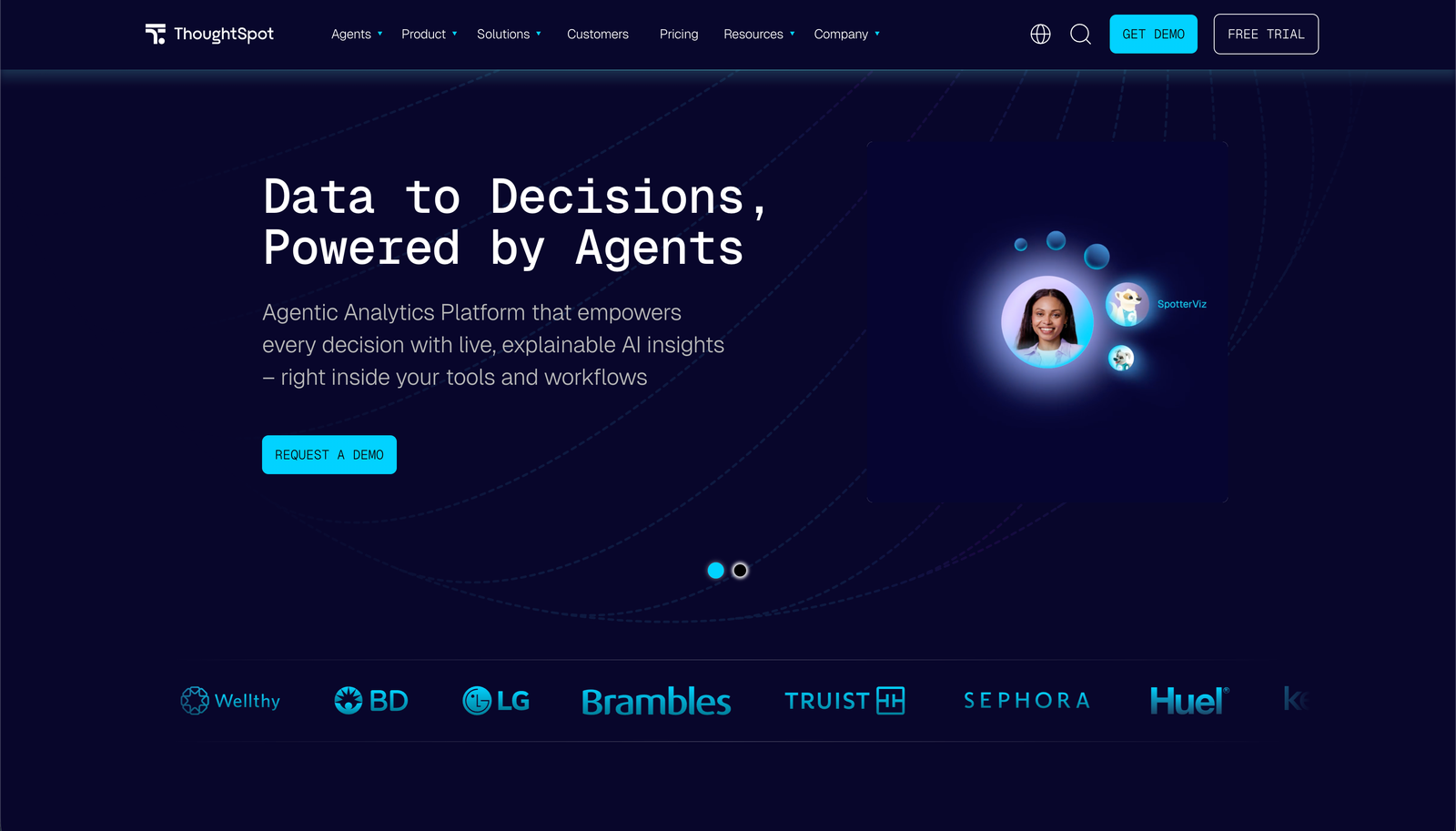
ThoughtSpot is search-first BI. Users type a question, get a visual answer, and SpotIQ surfaces anomalies automatically. It is the closest thing on this list to Sigma's "give analytics to non-analysts" goal, taking a different route: search rather than a spreadsheet grid.
Key strengths
- Natural-language search that genuinely works for non-technical users.
- SpotIQ automated insight and anomaly detection.
- Strong live connections to Snowflake, BigQuery, Databricks and Redshift.
- Liveboards for when people do want a conventional dashboard.
Where it falls short
- The published tiers cap out quickly. Essentials covers 5-50 users and 25M rows; Pro reaches 1,000 users and 250M rows. Past that it is Enterprise, which is quote-only.
- Needs clean, well-modelled data; search quality degrades badly on messy schemas.
- Like Sigma, it queries the warehouse live, so it does not solve the compute-cost problem.
- Less flexible than Tableau for bespoke dashboard layouts.
Pricing
- Essentials: $25 per user per month, billed annually (5-50 users, 25M rows)
- Pro: $50 per user per month, billed annually (up to 1,000 users, 250M rows)
- Enterprise: custom quote, unlimited users and data
More in our ThoughtSpot alternatives guide.
5. Qlik Cloud
Best for: governed analytics across a large, mostly read-only audience.
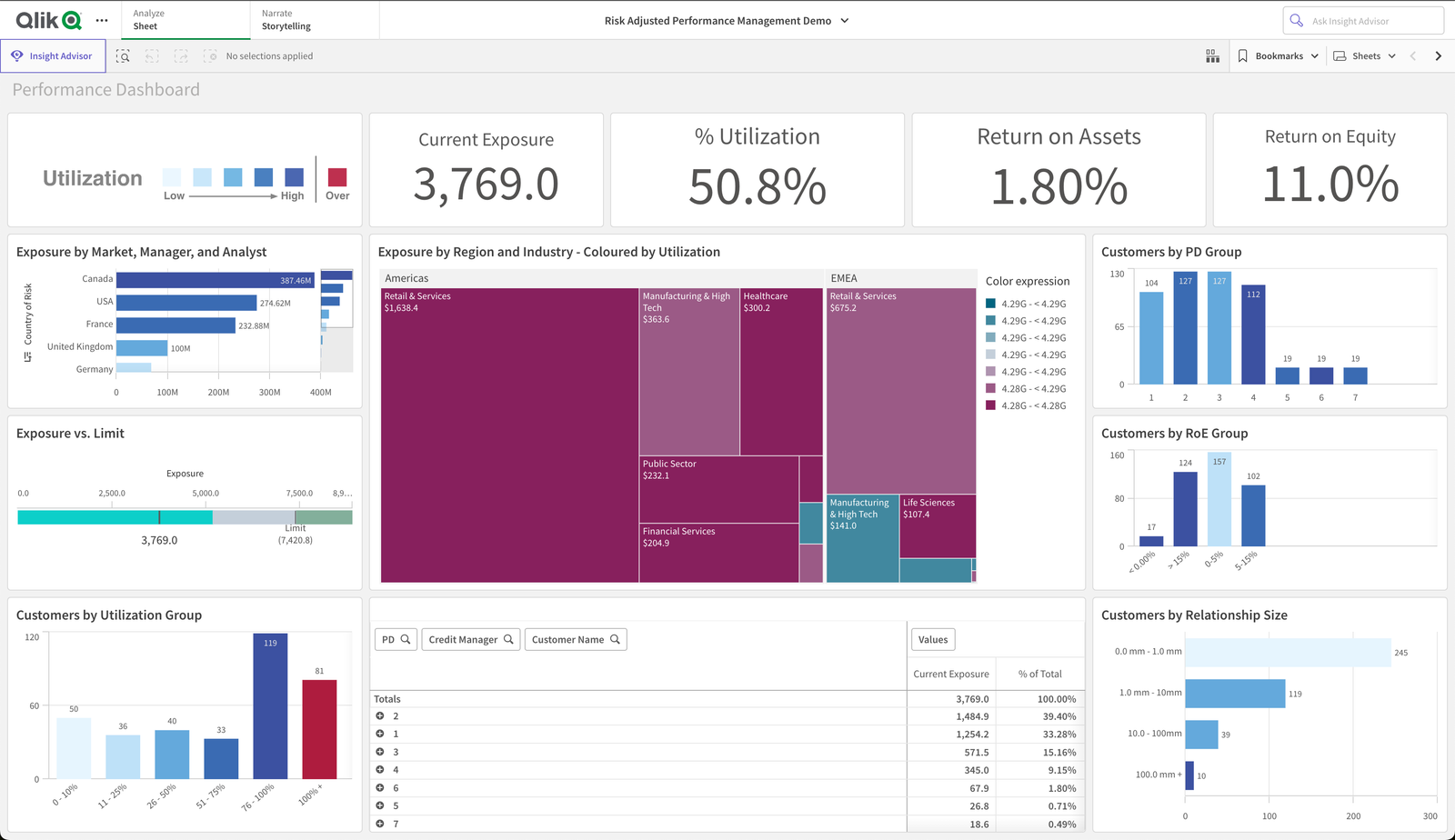
Qlik runs on an associative engine: select any value and every chart updates to show what is related and what is excluded. For open-ended exploration across messy, multi-source data it behaves differently from every SQL-generating tool here.
Its 2026 pricing is the interesting part. Qlik Cloud Analytics is sold on capacity measured in GB of data, with unlimited users above the Starter tier - so adding people is free and adding data is what costs.
Key strengths
- Associative engine surfaces excluded and unrelated values, not just filtered subsets.
- Unlimited users on Standard and above, which makes wide rollouts predictable.
- Strong built-in ETL through load scripts.
- AutoML and predictive analytics on Premium.
Where it falls short
- $300 per month is the floor, and that tier caps at 10 users and 10 GB.
- Capacity pricing punishes small teams with large data volumes.
- The associative model is unfamiliar and needs real training.
- Default themes look dated next to Sigma or Tableau.
Pricing
Billed annually: Starter $300/month (10 users, 10 GB), Standard $825/month (unlimited users, 25 GB), Premium $2,750/month (50 GB), Enterprise custom from 250 GB.
See our Qlik alternatives guide.
6. Looker
Best for: enterprises that want one governed definition of every metric.
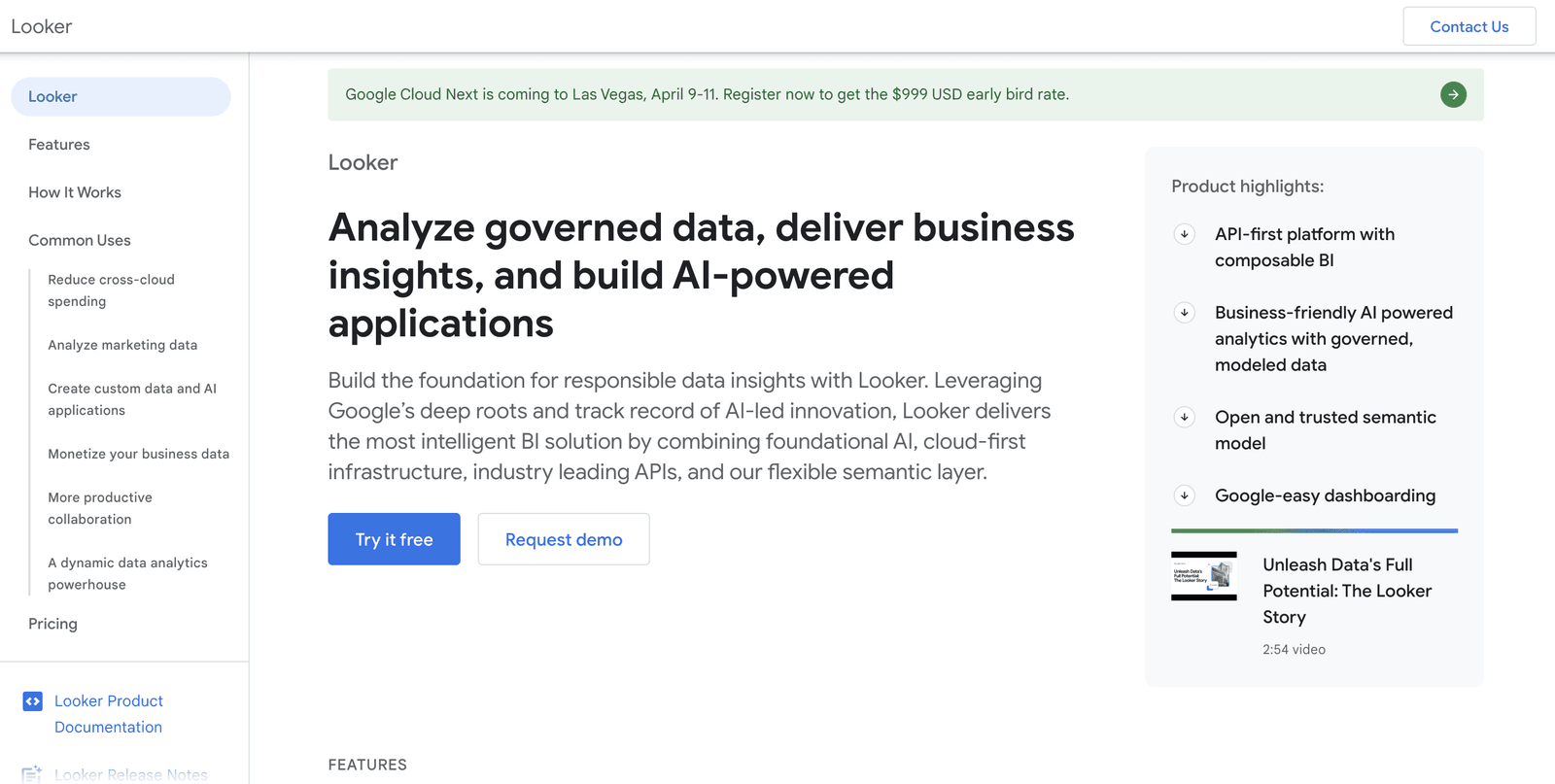
Looker is the strongest governance story here. LookML lets you define metrics once, in version-controlled code, so "revenue" means the same thing in every report. For organisations where conflicting numbers in two dashboards is a real business problem, that is worth the overhead.
Note that Looker is a different product from Looker Studio, which Google renamed back to Data Studio in April 2026. Data Studio is the free self-serve tool; Looker is the enterprise platform.
Key strengths
- LookML semantic layer with Git version control and code review.
- Live queries against BigQuery, Snowflake and Redshift.
- Excellent embedded analytics and a deep API surface.
- Natural fit for organisations already on Google Cloud.
Where it falls short
- LookML requires developer skills. It is not self-serve for business users, which is the opposite of Sigma's pitch.
- Quote-only enterprise pricing, so the same evaluation friction as Sigma.
- Slow and expensive to set up: modelling comes before the first dashboard.
- Like Sigma, live queries mean dashboard use drives warehouse spend.
Pricing
Quote-based. Google does not publish Looker platform pricing. Data Studio, the separate free product, costs nothing, with Data Studio Pro at $9 per user per month per Google Cloud project.
More in our Looker alternatives guide.
7. Sisense
Best for: software companies embedding analytics into a product at scale.
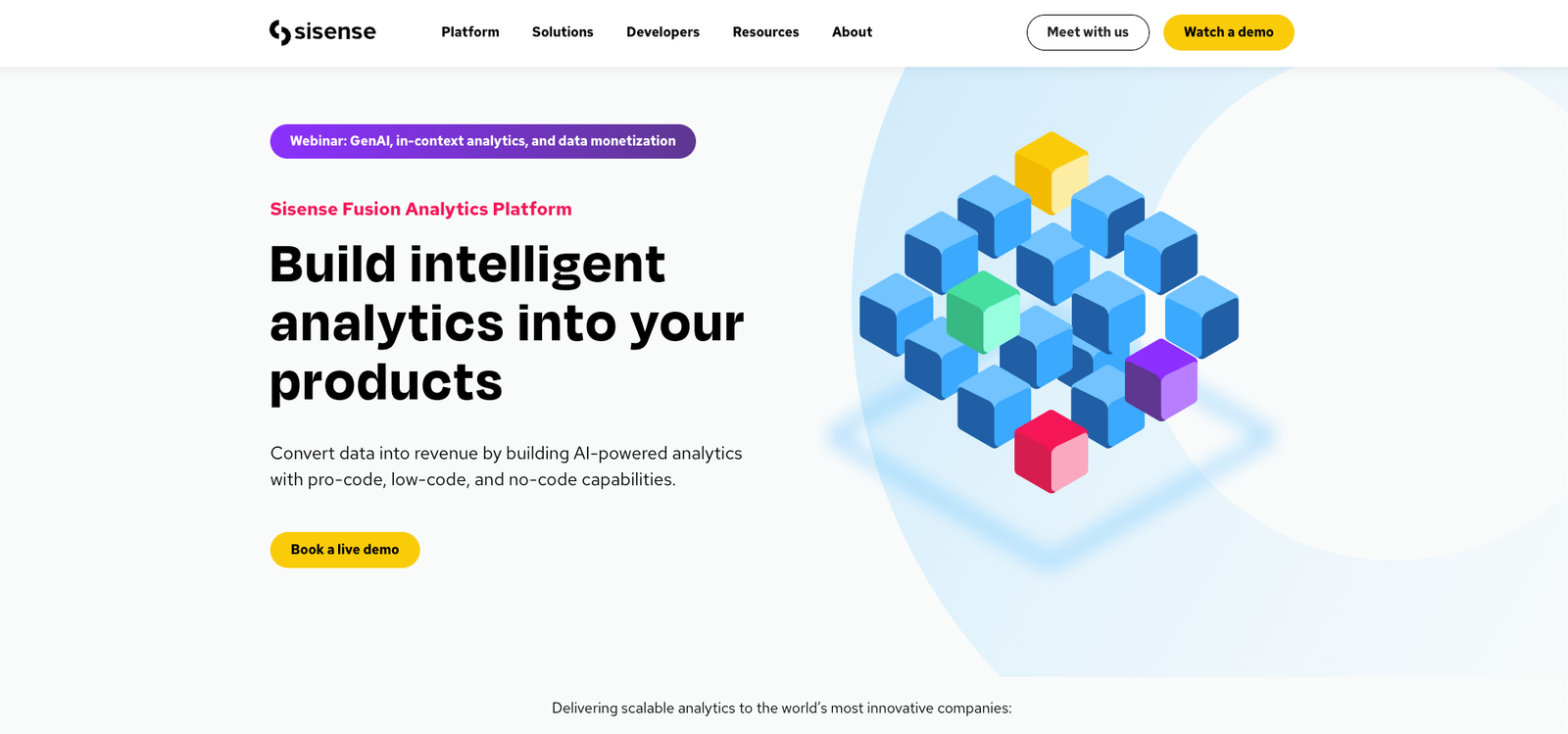
Sisense is less a dashboard tool than an analytics engine you build on. Its Elasticube modelling layer and deep API surface were designed for embedding, and it handles multi-tenant, customer-facing deployments that most tools here would struggle with.
Elasticube also matters for the cost question: it can pre-aggregate data so end-user interactions do not each become a fresh warehouse query.
Key strengths
- Purpose-built embedding: iframe, SDK and headless API options with full white-labelling.
- Elasticube in-memory modelling across large, heterogeneous sources.
- Multi-tenant architecture designed for customer-facing analytics.
- AI-assisted exploration and natural-language querying.
Where it falls short
- No public pricing, and buyer-reported figures start in the low five figures for a handful of users.
- Requires developer involvement; the low-code label oversells it.
- Support quality is the most consistent complaint in public reviews.
- Overkill for internal-only dashboards.
Pricing
Custom quote only. If embedding is the driver, our embedded analytics cost guide breaks down how these models differ, and the Sisense alternatives guide covers direct competitors.
How to choose
- Is warehouse spend the actual problem? If so, rule out tools that query live on every interaction - ThoughtSpot and Looker have the same profile as Sigma. Import or extract models (Power BI, Tableau) and direct-to-database tools with caching (Draxlr) change the shape of the bill.
- Who builds, and who only reads? If readers vastly outnumber authors, avoid per-viewer seat pricing. Qlik's capacity model and Draxlr's flat plans both stop punishing you for wider rollout.
- Do you need to see the price before you commit? Draxlr, Power BI, Tableau and Qlik publish theirs. Looker and Sisense do not, and neither does Sigma.
- Is the spreadsheet grid the point? If your finance team chose Sigma specifically because it works like Excel, weigh that honestly. None of these replicate it exactly.
- Are you embedding into a product? Then white-labelling, multi-tenancy and how end users are counted matter more than anything else. See our embedded analytics tools comparison.
Conclusion
Sigma solved a real problem: warehouse-native analytics that a finance team can actually use. The trade-off is architectural, and it shows up on your cloud bill rather than your software invoice.
If that trade-off works for you, stay. If the variable cost is the issue, look at tools whose pricing is flat and published, and whose dashboards do not re-query the warehouse on every click.
For teams who want that predictability without giving up self-service, Draxlr connects to your database in minutes, includes seats in a flat monthly price, never charges for people who only view dashboards, and supports white-label embedding from $75 a month.
Try Draxlr freeFAQs
Who does Sigma Computing compete with?
Sigma competes with Draxlr, Power BI, Tableau, ThoughtSpot, Qlik, Looker and Sisense, plus warehouse-native tools like Omni and Hex. Its closest positioning rivals are the ones selling self-service analytics to business users rather than analysts.
How much does Sigma Computing cost?
Sigma does not publish pricing; its pricing page routes to a demo request. Third-party procurement data puts typical contracts in the tens of thousands of dollars per year, split across Creator and Viewer license tiers, but you cannot verify a figure without contacting sales.
Does Sigma Computing increase warehouse costs?
It can. Sigma does not store query results, so interactions that miss cache run live against your warehouse and you pay that provider for the compute. Sigma's documentation warns that auto-refresh "might burden the connection and result in significant warehouse costs," and that manual and scheduled refreshes bypass caching.
Does Sigma Computing require a cloud data warehouse?
No, and this is a common misconception. Sigma's connection documentation lists PostgreSQL, MySQL, Azure SQL, SQL Server 2022 and Starburst alongside Snowflake, BigQuery, Databricks and Redshift.
What is the best Sigma Computing alternative for non-technical users?
Draxlr and ThoughtSpot are the two easiest for people who do not write SQL. Draxlr uses a visual query builder plus AI-generated SQL; ThoughtSpot uses natural-language search. Power BI is capable but expects a DAX learning curve.
Which Sigma alternative has the most predictable pricing?
Draxlr, with flat monthly plans starting at $25 and no per-viewer charges. Qlik Cloud is predictable in a different way - unlimited users, priced on data volume. Power BI and Tableau are transparent but scale linearly with headcount.
Which Sigma alternative is best for embedded analytics?
Sisense for large-scale, customer-facing deployments with engineering resources behind them, and Draxlr for SaaS teams that want white-label dashboards with per-customer context without a dedicated integration project.
Is Sigma Computing worth it?
For finance and ops teams who want to work in a spreadsheet directly against warehouse data, yes - nothing else matches that interface. Reconsider if analytics is rolling out company-wide, where the live-query model turns a fixed software cost into a variable infrastructure cost.
About the author

Vivek is a coder and the founder of Draxlr who cares deeply about building good products. He works at the intersection of AI, SQL, dashboards, and embedded analytics, with a strong focus on making complex data workflows feel simple, useful, and fast for real teams.
If you have questions about anything in this guide, or want to compare options for your specific stack, you can email Vivek at vivek@draxlr.com, try Draxlr free, or reach out directly through the Draxlr team.