Best Qrvey Alternatives for Embedded Analytics in 2027
Compare the best Qrvey alternatives for embedded analytics in 2027, from Draxlr and Luzmo to Embeddable, Reveal, GoodData and Sisense, on hosting, SQL and RLS.
The best Qrvey alternatives for embedded analytics in 2027 are Draxlr, Luzmo, Embeddable, Reveal, GoodData and Sisense. Each one puts analytics inside your product and keeps every customer to their own rows. They differ on the four things that matter most to a team leaving Qrvey. Those are who runs the infrastructure, how much your customers can do for themselves, whether your data has to be loaded or modeled before the first chart, and whether you can see a price before a sales call.
Draxlr gives your customers a SQL editor, a no-code query builder and an AI assistant inside your app, all running live against your SQL database, with row-level security applied as each query runs. There is no Kubernetes cluster, search index or LLM account to set up, because Draxlr runs the platform and the AI comes with the plan. Teams that need analytics inside their own network can self-host Draxlr with Docker on the Enterprise plan. Embedding starts at $75/month flat with unlimited customer viewers, and row-level security and full app embedding start at $250/month.
This guide compares the tools on hosting and upkeep, what customers can build, tenant isolation, how AI is paid for and published pricing. Vendor details were checked against each vendor's own pricing pages and documentation on 28 October 2026.
Why do teams look for Qrvey alternatives?
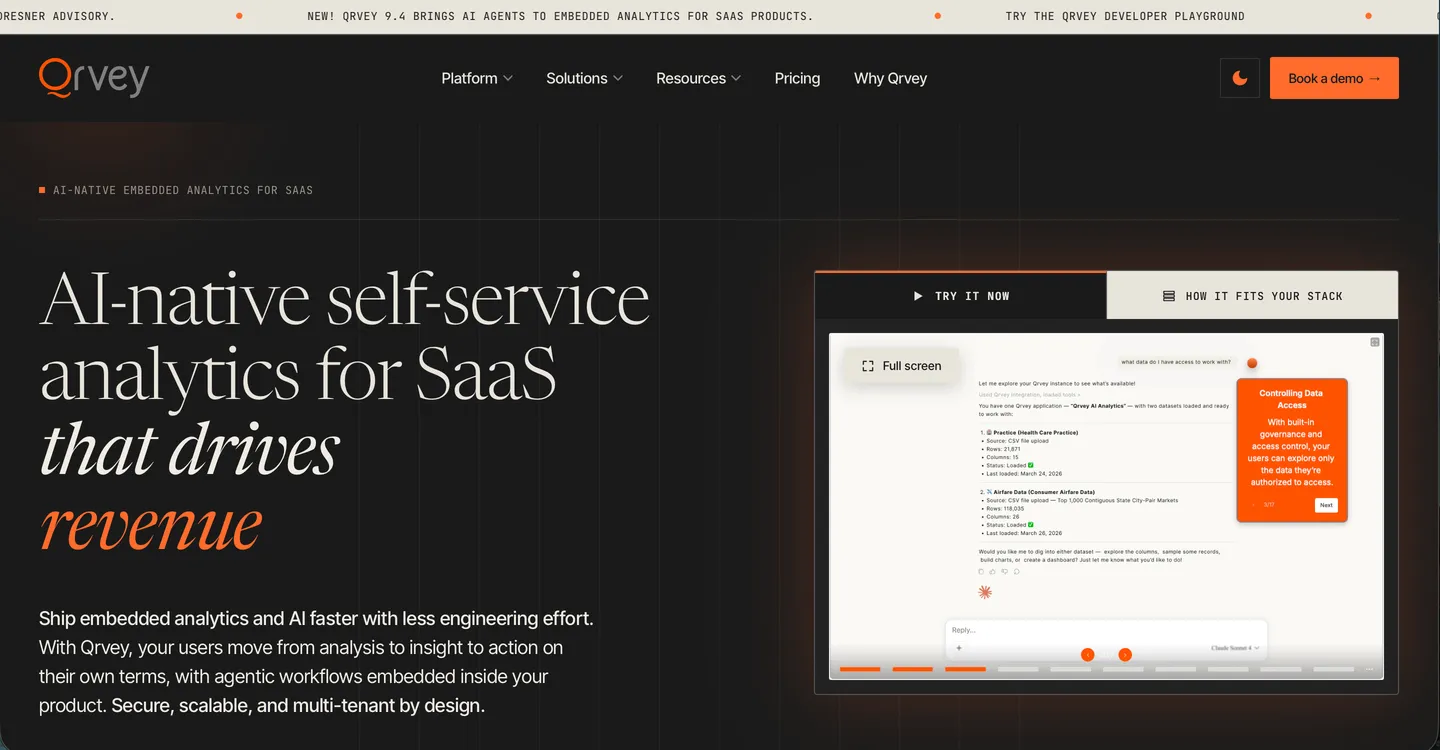
Qrvey sells AI-native embedded analytics built for multi-tenant SaaS. It installs into your own cloud account instead of Qrvey's, embeds natively as JavaScript widgets built on web components without iframes, and secures data at the row, column, object, asset and feature level. Customers can build dashboards with a drag-and-drop chart builder and custom formulas, design pixel-perfect reports and set up alerts and triggers in a no-code workflow builder. Qrvey 9.4 added Sidekick, an AI assistant your product team places and configures, along with AI agents and an MCP server. Qrvey 9.5, announced in September 2026, adds comparative analytics (Qrvey news).
Its commercial terms are built for scale. Qrvey Pro and Qrvey Ultra are flat-rate packages with unlimited tenants, users and dashboards, and since April 2026 both can be bought as a perpetual licence instead of a subscription. Pro is meant for teams that already have an analytics-ready database, while Ultra adds Qrvey's own data engine and transformation layer (Qrvey pricing).
Teams usually start comparing Qrvey alternatives over what it takes to run Qrvey and what customers can do once it is live:
- You run the platform. Qrvey installs into your own cloud account instead of running on Qrvey's servers. It publishes setup guides for AWS and Azure, and says GCP works too. On AWS, your team ends up running a Kubernetes cluster, a PostgreSQL database and a search index, all billed to your cloud account. Every upgrade means running the installation again with the new version, and Qrvey's guide warns it can take the platform offline for up to two hours (Qrvey AWS deployment docs). Qrvey Support and its paid Embedded Services can help with setup and tuning, but the cloud bill and the day-to-day upkeep are yours, on top of the licence.
- Live queries come with limits. Live Connect queries Snowflake, Redshift, PostgreSQL, Databricks, MySQL 8.0+ and SQL Server directly, with joins and formulas written as a SQL query against the source. Qrvey's docs also say some transformations and calculated fields can be limited or unavailable, data views can't be built on a Live Connect dataset, historical snapshots need a managed dataset, and queries should return within 30 seconds to avoid timeouts (Qrvey Live Connect docs). The other route is a managed dataset, which loads a copy of your data into Qrvey that has to be kept in sync.
- AI runs on an LLM account you bring. Sidekick and the AI agents call a provider you connect in Qrvey's Admin Center. Qrvey's docs list OpenAI, Azure OpenAI and Claude in Amazon Bedrock, each used with your own account and credentials (Qrvey AI provider docs). You pick the model, and AI spend arrives as a separate bill that you forecast and govern yourself.
- No SQL editor for your customers. Qrvey's self-service, embedded visualization and pricing pages describe customers building dashboards, charts, formulas and custom datasets, and asking Sidekick questions in plain language. None of them offers those customers a SQL editor. In Qrvey's docs, writing SQL appears as a way to define a Live Connect dataset rather than as a tool for embedded end users.
- Pricing is on request. Qrvey publishes no prices. You fill in a short form and a quote arrives by email within 24 hours, so early budgeting starts with a sales conversation.
What should you look for in a Qrvey alternative?
- Who runs it. Vendor-hosted SaaS, a self-hosted option, or a platform you install and upgrade in your own cloud. If data has to stay in your network, ask what self-hosting involves, because a set of Docker containers and a Kubernetes cluster with a search index are very different jobs.
- What customers can do. Viewing dashboards, building their own, querying without code, writing SQL and asking an AI are five different ceilings. Match the ceiling to what your customers are already asking for.
- Where the tenant rule is enforced. In a signed embed token, a workspace per tenant, a prepared dataset or code you write. If customers can run ad-hoc queries, the rule has to hold on those queries as well as on the dashboards you ship.
- Live queries or a copy. Whether the tool queries your database as it stands, or needs data loaded, modeled or transformed before the first chart.
- How AI is paid for. Credits included in the plan, a usage meter from the vendor, or your own LLM provider account billed separately.
- How the price moves. Flat, perpetual, per workspace, per viewer or usage-based, and whether you can see it before a sales call.
What are the best Qrvey alternatives in 2027?
| Tool | Best for | Who runs it | Customer self-service | Published price |
|---|---|---|---|---|
| Draxlr | SaaS teams that want to embed a full analytics app where every customer can build dashboards, write SQL and ask AI | Draxlr, or self-hosted with Docker on Enterprise | Dashboards, no-code queries, raw SQL, saved queries, AI | Yes: $75, $250, from $500/month. Flat, unlimited viewers |
| Luzmo | Teams that want a managed embedded dashboard editor with SDKs for every major framework | Luzmo. Private infrastructure on quote | Dashboards, charts, own data, AI. No raw SQL | Yes: from €1,995/month billed annually, plus usage |
| Embeddable | Developer-led teams that want dashboards as code in their own repository | Embeddable | Only what your developers ship | No. Flat monthly subscription |
| Reveal | Software teams that want analytics as an SDK inside their own infrastructure | You, on your servers or cloud | Dashboards, AI chat that builds dashboards | No. Flat-rate, unlimited users |
| GoodData | Multi-tenant products that need governed metrics across many workspaces | GoodData. Self-hosted on Enterprise | Analytics in their own workspace | No. Platform fee plus a charge per workspace |
| Sisense | Enterprises that need deep SDK embedding and on-premise deployment | Sisense. Dedicated cloud or on-premise on Enterprise | Dashboards and widgets you expose | No. Self-Serve and Enterprise, both on request |
| Qrvey (for reference) | SaaS vendors that need unlimited tenants on a flat or perpetual licence inside their own cloud | You, in your AWS or Azure account | Dashboards, formulas, reports, workflows, AI | No. Flat-rate or perpetual licence |
Draxlr publishes this guide. Details for the other tools come from each vendor's own pricing pages and documentation, checked on 28 October 2026.
1. Draxlr
Best for SaaS teams that want to embed a full analytics app where every customer can build dashboards, write SQL and ask AI
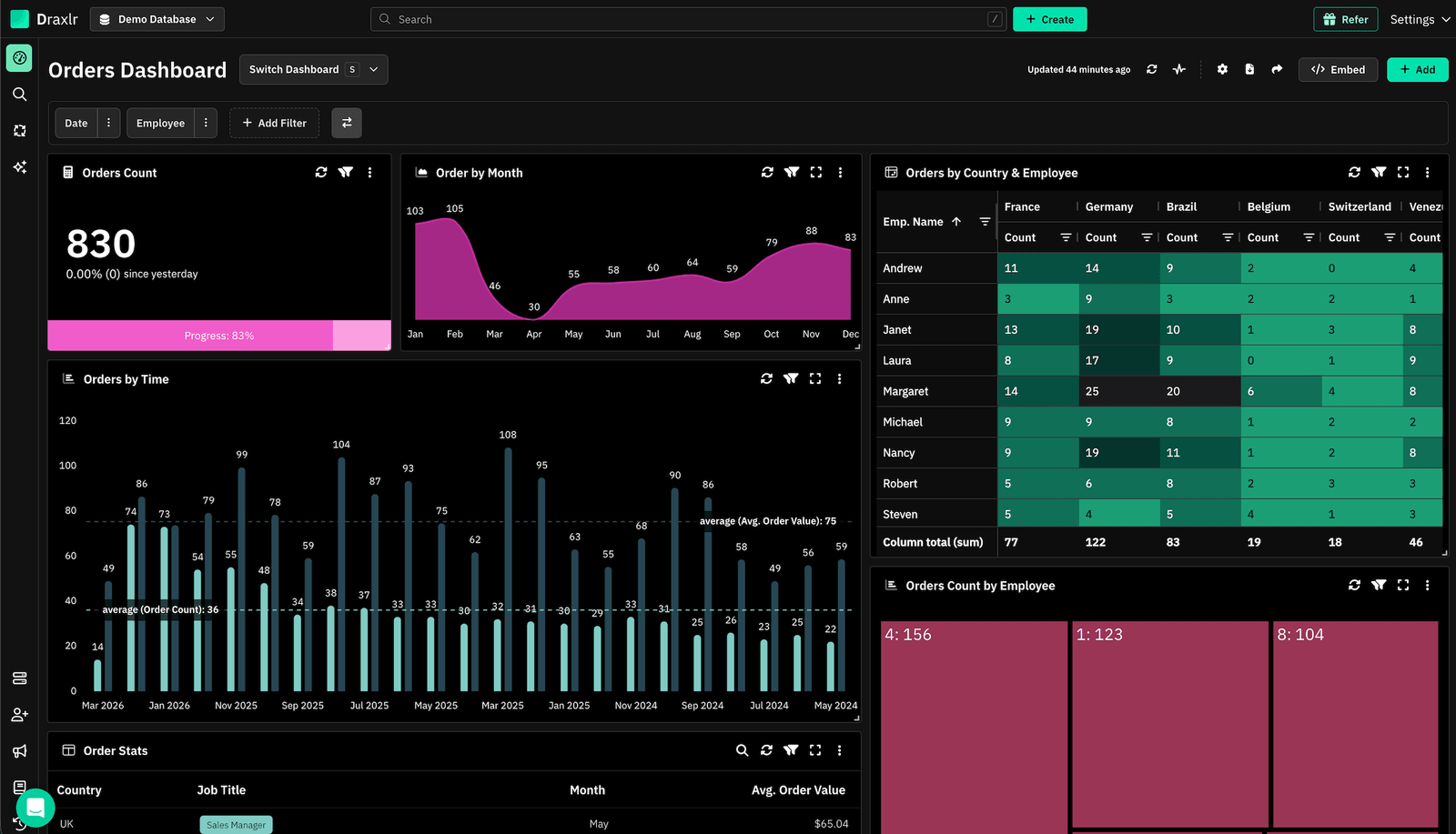
Draxlr is an embedded analytics platform built to put the whole analytics experience inside your product, from a single dashboard to the full Draxlr app. Row-level security is applied as each query runs, which is what makes it safe to give customers a SQL editor and an AI assistant, and every query reads your database live, so there is nothing to copy or model before customers start exploring.
- Customer self-service: full app embedding gives each customer their own analytics workspace inside your product. A customer who just wants the numbers opens the dashboards you share. One who needs a new report builds it with a no-code query builder or asks the AI assistant, and one with an analyst on staff writes queries in a SQL editor, then saves them or turns them into dashboards. You choose which of those tools your customers get. When a page only needs a fixed view, you can embed a single white-labeled dashboard with filters and drill-downs instead, using HTML, React or Vue.
- Multi-tenancy: row-level security keeps each customer to their own rows whether you embed one dashboard or the full app. Your backend sends the customer's RLS group and attribute values with the embed token, and Draxlr applies them to every dashboard, every query the customer writes and every question they ask the AI assistant (RLS docs).
- Hosting: Draxlr runs the platform, so there is no cluster to size, no search index to tune and no upgrade window to schedule. If data has to stay in your network, you can run it on a dedicated server in the region you choose, or self-host it with Docker in your VPC or on-premise.
- AI: Draxlr AI writes the SQL, runs it, shows the query it used and explains the result, and it can build a whole dashboard from one prompt. Customers can check any answer and edit the query behind it, and because the AI is built in, there is no LLM account to connect. Your own team can also work from Claude, ChatGPT or Cursor through the Draxlr MCP server. They ask a question in chat, save the query that answers it and add it to a dashboard your customers see, all without opening Draxlr. The server only runs read queries against your database and applies each person's row-level security.
- Pricing: published and flat, with unlimited customer viewers. Premium is $75/month for white-labeled dashboard embedding, Power is $250/month and adds row-level security and full app embedding, and Enterprise starts at $500/month with SSO, audit logs and self-hosting. SQL alerts to Slack and email come on every plan, and scheduled email reports start on Premium. The 7-day Power trial needs no credit card (embedded analytics pricing).
- Watch out for: Draxlr connects to SQL databases and warehouses only, so data in MongoDB, S3 files or REST APIs needs a pipeline into SQL first, while Qrvey's pipelines can load MongoDB and S3 directly. Row-level security and full app embedding need the Power plan. AI is metered from one pool shared across your tenants, at 300 credits a month on Power with 200 more for $10. Credits cover only AI messages, so customers keep using the query builder and SQL editor once the pool runs out.
2. Luzmo
Best for teams that want a managed embedded dashboard editor with SDKs for every major frontend framework
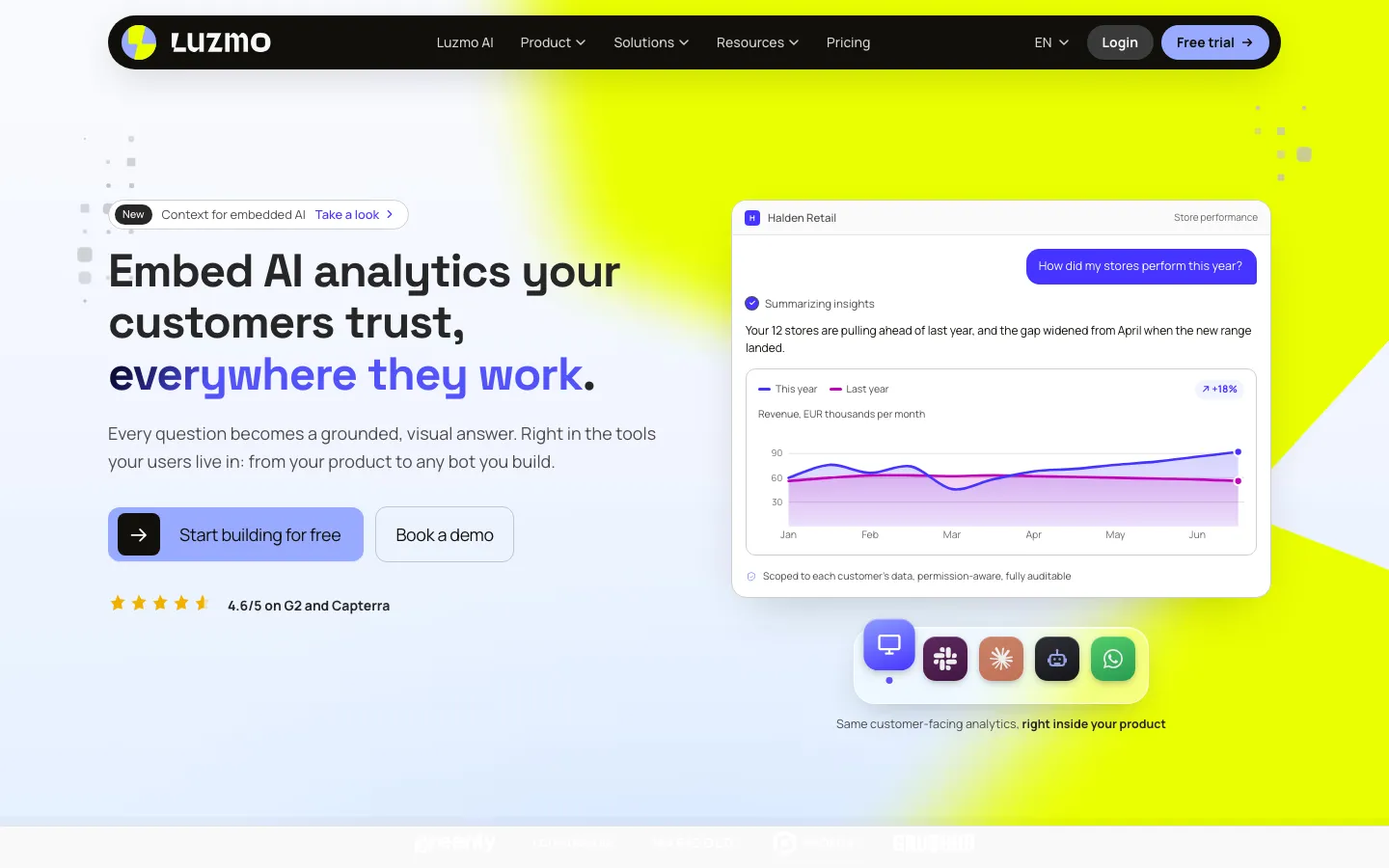
Luzmo runs as managed SaaS and embeds dashboards as a web component, with React, Vue, Angular and React Native wrappers. White-labeling is included in its single plan.
- Customer self-service: customers build and edit dashboards in an embedded drag-and-drop editor, upload and join their own data, and create their own fields. SQL stays on the vendor side, in Luzmo's dataset and query panels.
- Multi-tenancy: parameter filters set on the dataset and overridden per user in the embed token, so a customer can't remove them in the editor.
- Hosting: Luzmo hosts it. Private infrastructure is a quote-only enterprise deployment.
- AI: Luzmo IQ answers plain-language questions as text or charts, with 500 AI conversations a month included.
- Pricing: one plan, "Embedded Everywhere", from €1,995/month billed annually. It includes 100 million synced rows a month, and usage above the allowances is billed on top (Luzmo pricing).
- Watch out for: if running analytics in your own cloud is why you chose Qrvey, Luzmo offers that only as a custom enterprise deployment. Its end users can't write SQL, which is the sharpest difference in a head-to-head with Draxlr.
3. Embeddable
Best for developer-led teams that want dashboards as code in their own repository
Embeddable ships dashboards as a web component for React, Vue or Angular. Your developers write charts in React and data models in Cube, and both live in your repository.
- Customer self-service: customers use the dashboards and components your developers ship.
- Multi-tenancy: a security context passed to the Tokens API drives security filters, SQL rules or access policies, and a query fails if a filter can't be applied.
- AI: AI chat is advertised, but the end-user chatbot is marked as a prototype in the docs.
- Pricing: not published. Plans are a flat monthly subscription with no usage-based pricing, scoped to your project, and evaluation starts with a supported proof-of-concept phase (Embeddable pricing).
- Watch out for: modeling in Cube and building components takes frontend and data engineering time on your side, so Qrvey's cluster upkeep turns into code upkeep.
4. Reveal
Best for software teams that want analytics as an SDK inside their own infrastructure
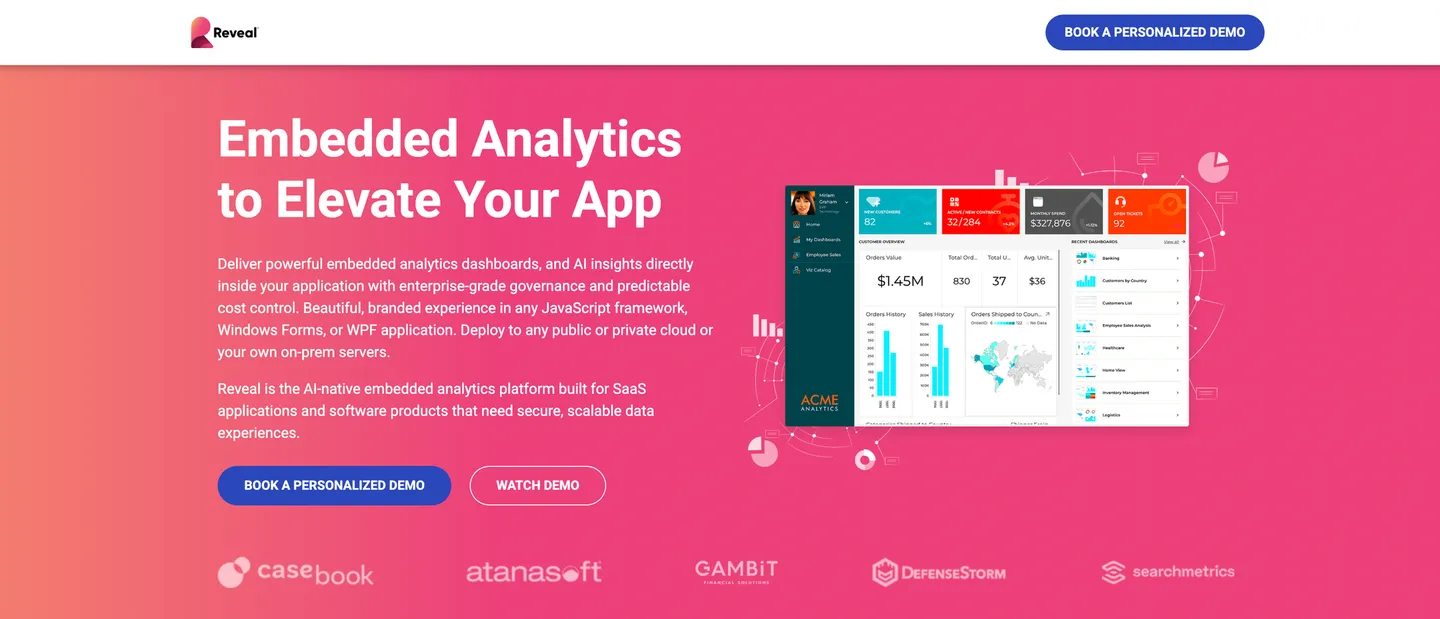
Reveal, by Infragistics, embeds through the Reveal SDK, with client libraries for React, Angular, Vue and Blazor and server SDKs for .NET Core, Java and Node.js. The Reveal server runs inside your own stack and queries your data sources live. For a team that liked keeping analytics in its own infrastructure but not running a separate platform to do it, this is the closest match on the list.
- Customer self-service: customers can build and edit dashboards, and Reveal AI adds a conversational chat that builds and edits dashboards, plus AI summaries, analysis and forecasts.
- Multi-tenancy: built in your code. Your app passes user context to the Reveal server, which uses it to filter queries, limit which tables a user sees or switch the data source for each tenant.
- Hosting: on your infrastructure, in the cloud, hybrid or on-premise, with single sign-on through your app's existing authentication.
- AI: Reveal AI works with OpenAI, Azure OpenAI, Anthropic, Gemini or your own model, so like Qrvey, AI runs on a provider account you choose.
- Pricing: not published. Pricing is flat-rate with unlimited users and no extra fee per customer, and the SDK has a 30-day trial (Reveal pricing).
- Watch out for: you write the tenant isolation logic yourself, and your developers own the server integration and its upgrades.
5. GoodData
Best for multi-tenant products that need governed metrics across many customer workspaces
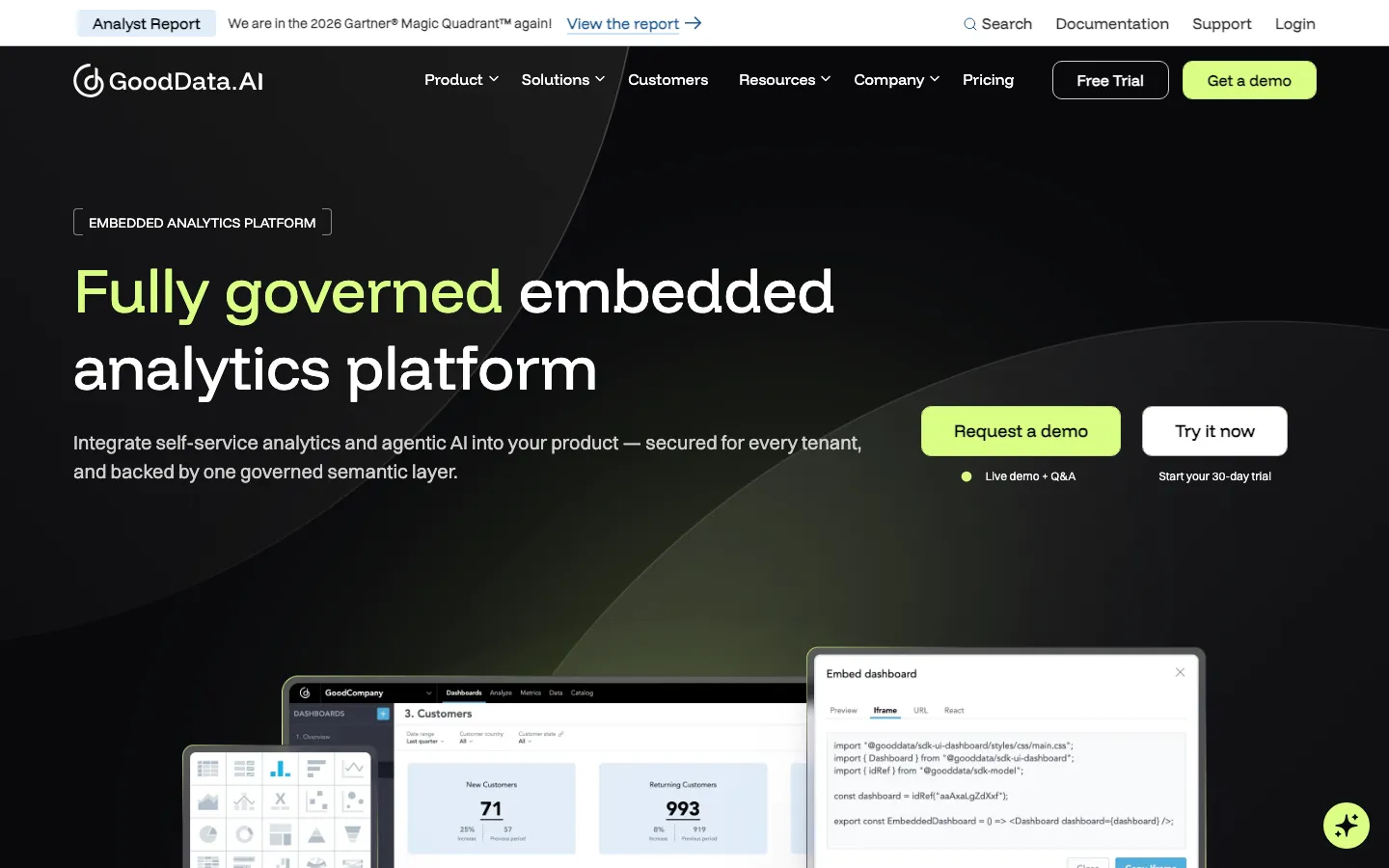
GoodData is a modeling-first analytics platform that gives each customer a workspace. You embed with iframes, web components or a React SDK.
- Customer self-service: self-serve analytics inside each customer's own workspace.
- Multi-tenancy: a workspace per tenant, with workspace and user data filters for row-level security.
- Hosting: fully managed SaaS on AWS or Azure on the Professional plan. Self-hosted deployment, in the cloud or on-premise, is an on-demand Enterprise option.
- AI: the AI assistant is an Enterprise feature.
- Pricing: not published. Professional is a platform fee plus a charge per workspace, with unlimited users and data, and Enterprise is priced by use case (GoodData pricing).
- Watch out for: you build a logical data model and learn MAQL, GoodData's own query language, before your first customer sees a chart, and the bill rises with every tenant workspace you add.
6. Sisense
Best for enterprises that need deep SDK embedding and on-premise deployment
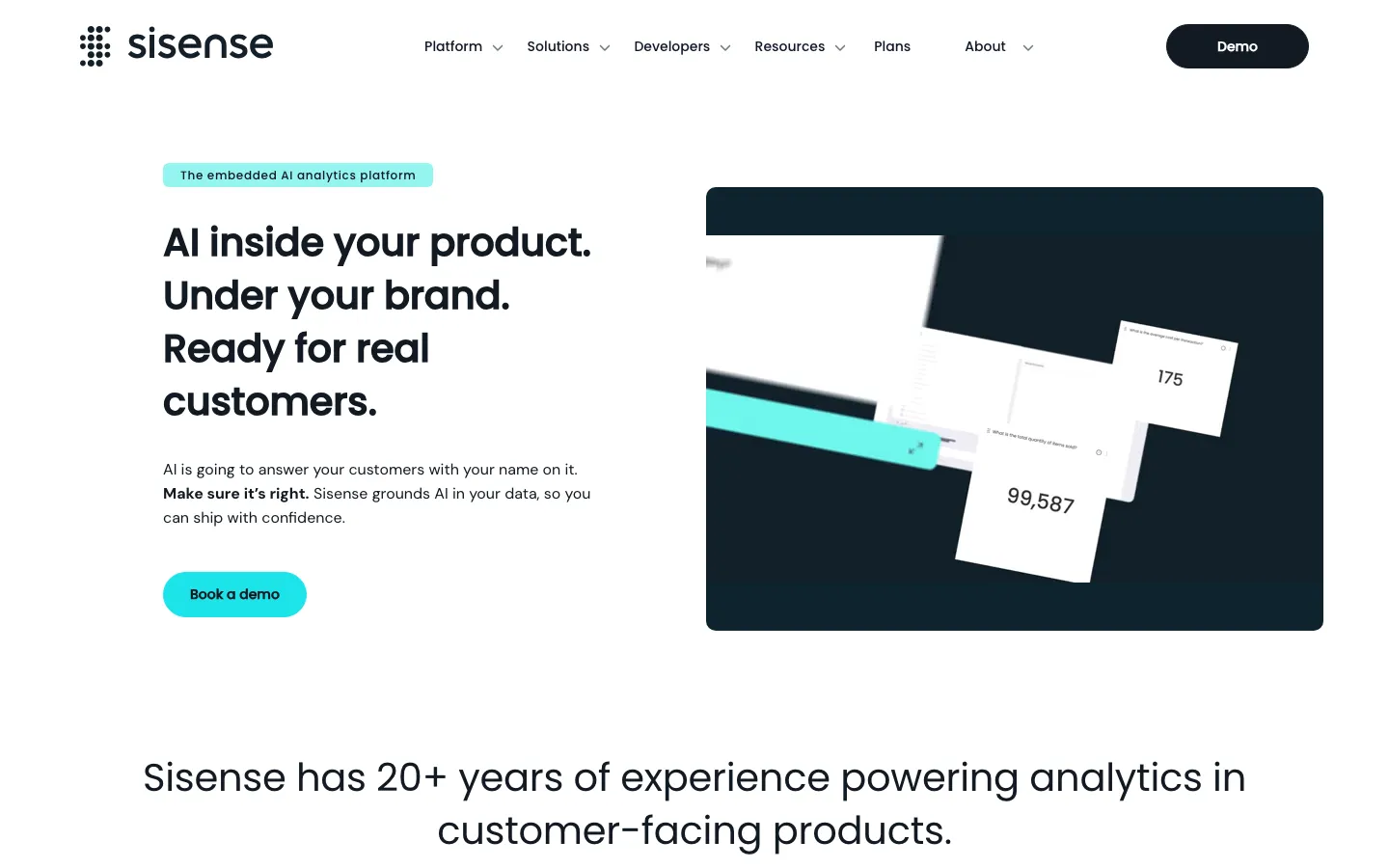
Sisense embeds with iframes or the Compose SDK for React, Angular and Vue, on ElastiCubes that import your data or live models that query your warehouse.
- Customer self-service: customers explore dashboards and build widgets, depending on the roles you give them.
- Multi-tenancy: data security rules give row-level access, and Enterprise adds a native multi-tenant architecture that isolates each customer's data across environments.
- Hosting: Sisense cloud on Self-Serve. Enterprise adds dedicated cloud and on-premise deployment.
- AI: Self-Serve includes natural-language queries, auto-narratives and an assistant for your customers. Enterprise lets you bring your own LLM alongside the Sisense Intelligence suite.
- Pricing: not published. The plans page lists Self-Serve, which has a free trial, and Enterprise, which is built to your specification (Sisense plans).
- Watch out for: native multitenancy, full white-labeling and on-premise deployment all sit on the quote-only Enterprise plan.
What else shows up on Qrvey shortlists?
Toucan suits products whose customers want answers in plain language rather than a query tool. It is one of the few embedded analytics vendors that publishes prices, with Studio at €445 and €990 a month excluding tax, unlimited users on every plan and AI usage metered in credits (Toucan pricing).
Explo still appears on older shortlists, but Omni acquired it in October 2025 and announced a 12-month wind-down, with Explo customers moving onto Omni. A new embedded project there means planning a second migration.
Metabase is the open-source name on most lists, and its open-source edition is free to self-host. Row-level permissions and embedding with tailored interactivity start on the Pro plan at $575 a month for the first 10 users, plus $12 a month for each additional user (Metabase pricing).
Domo Everywhere extends Domo dashboards to external customers and partner portals. It suits enterprises already running Domo internally, since the embedding comes as part of the wider Domo platform.
Power BI, Tableau and Looker appear on general BI comparison sites. All three are built for internal reporting first, and each licenses customer-facing embedding separately from its internal BI seats.
Which Qrvey alternative is right for you?
| If you need | Start with |
|---|---|
| Customers who build dashboards, write SQL and ask an AI that shows the query behind every answer, with row-level security on all of it and no platform for your team to run | Draxlr (Power plan) |
| A managed embedded dashboard editor with React, Vue and Angular SDKs | Luzmo |
| Dashboards as code that your frontend team owns | Embeddable |
| Analytics inside your own infrastructure as an SDK in your app | Reveal |
| Governed metrics across many tenant workspaces | GoodData |
| A mature embedding SDK with on-premise deployment | Sisense |
| Unlimited tenants on a perpetual licence, running in your own AWS or Azure account, with no-code workflows and pixel-perfect reports for customers | Stay on Qrvey |
What is the best Qrvey alternative?
For most SaaS teams moving off Qrvey, the best alternative is Draxlr. Your customers keep the self-service they had, building their own dashboards and asking an AI questions in plain English, and they gain a layer Qrvey doesn't hand them. They can write SQL against your live tables, save it as their own query, and open and edit the query behind every AI answer, with row-level security holding across all of it. Your team stops running a Kubernetes cluster and search index for analytics, and if the data must stay inside your network, the Enterprise plan self-hosts with Docker. Pricing is published and flat with unlimited customer viewers, from $75/month for white-labeled dashboard embedding and $250/month for row-level security and full app embedding.
Pick another tool when one requirement outweighs the rest. Luzmo suits teams that want a managed dashboard editor with SDKs for every major framework, and Embeddable suits developers who want dashboards as code. Reveal fits teams that want analytics inside their own servers as an SDK, GoodData fits governed metrics across many tenant workspaces, and Sisense fits deep SDK embedding with on-premise deployment.
Whichever you shortlist, test it against your real database, your tenant model and the number of customers you expect before you sign.
FAQs
1. What is Qrvey?
Qrvey is an embedded analytics platform built for multi-tenant SaaS products. It deploys into the software vendor's own AWS or Azure account, embeds as JavaScript widgets built on web components, and lets end users build dashboards, pixel-perfect reports and no-code workflows. Qrvey 9.4 added Sidekick, an AI assistant, along with AI agents and an MCP server, and Qrvey 9.5 added comparative analytics. It is sold as two flat-rate packages, Pro and Ultra, or as a perpetual licence.
2. How much does Qrvey cost?
Qrvey doesn't publish prices. You request a quote and receive it by email within 24 hours. Both packages are flat-rate with unlimited tenants, users and dashboards. Pro is for teams with an analytics-ready database, Ultra adds Qrvey's own data engine and transformation layer, and a perpetual licence has been offered for both since April 2026. Budget separately for the cloud infrastructure Qrvey runs on in your account and for the LLM provider its AI features call.
3. Who are Qrvey's main competitors?
In embedded analytics for SaaS, Qrvey competes most directly with Draxlr, Luzmo, Embeddable, Reveal, GoodData and Sisense, with Toucan, Metabase and Domo Everywhere also appearing on shortlists. Of these, Draxlr is the pick when customers want to write their own queries, because it gives them a SQL editor, a no-code query builder and an AI assistant inside your app, with row-level security applied as each query runs.
4. Does Qrvey run in my own cloud?
Yes, that is how Qrvey is designed to run. Its deployment guides use Terraform to install the platform into your AWS or Azure account, and Qrvey says it also runs on GCP. On AWS it runs on an EKS cluster with a PostgreSQL database on Amazon RDS and an OpenSearch or Elasticsearch search cluster, the guide asks for at least 56 vCPUs of available EC2 on-demand quota, and Qrvey warns that an upgrade can take up to two hours of downtime. If you would rather not run that stack, Draxlr, Luzmo, GoodData and Sisense all offer hosted plans, and Draxlr's Enterprise plan can still be self-hosted with Docker when data has to stay in your network.
5. Can Qrvey users write their own SQL?
Qrvey's self-service pages describe customers building dashboards, charts, custom formulas and custom datasets, and asking Sidekick questions in plain language. None of them names a SQL editor for embedded end users, and in Qrvey's docs SQL appears as a way to define Live Connect datasets. Draxlr's full app embedding, on the Power plan, gives each customer a SQL editor, a no-code query builder and their own saved queries, with row-level security applied as each query runs.
6. How is AI paid for in Qrvey and its alternatives?
Qrvey's Sidekick and AI agents call an LLM provider you connect, either OpenAI, Azure OpenAI or Claude in Amazon Bedrock, so that provider bills the AI usage to your own account. Reveal also runs on the provider you choose, and Sisense Enterprise lets you bring your own LLM. Draxlr includes AI in the plan as monthly credits, 300 on Power with 200 more for $10, and Luzmo includes 500 AI conversations a month with usage above that billed on top. On Draxlr, credits cover only AI messages, so customers keep using the query builder and SQL editor once the month's credits are spent.
7. Which Qrvey alternatives support row-level security for multi-tenant SaaS?
All six isolate tenant data, in different ways. Draxlr applies row-level security from an RLS group and attribute values sent with the embed token, on the Power plan, across dashboards, the SQL customers write and the AI assistant. Luzmo sets parameter filters on the dataset and overrides them per user in the embed token, Embeddable reads a security context passed to its Tokens API, and Reveal applies the user context your app passes to its server. GoodData combines a workspace per tenant with data filters, and Sisense uses data security rules. Qrvey itself carries record-level security in a token your backend generates.
8. Is there a self-hosted Qrvey alternative?
Yes. Draxlr's Enterprise plan runs self-hosted with Docker in your VPC or on-premise, or on a dedicated server in the region you choose. Reveal runs on your own servers as an SDK inside your app, GoodData offers self-hosted deployment on Enterprise, and Sisense offers dedicated cloud and on-premise deployment on Enterprise.
9. How hard is it to move from Qrvey to another tool?
Dashboards don't transfer between embedded analytics tools, so plan to rebuild your most-used dashboards first. Moving to Draxlr removes two steps, because there is no data engine to load and no dataset layer to recreate. You connect the same SQL database, rebuild dashboards with the query builder, SQL or AI, replace Qrvey's widget code with Draxlr's embed snippet, and send each customer's RLS group and attribute values with the embed token so tenant isolation carries over. Once the last customer has moved, the Qrvey infrastructure in your cloud account can be retired.
About the author

Ameena is the co-founder of Draxlr, a modern embedded analytics platform focused on making data analysis simpler and faster. She writes about embedded analytics, databases, SQL, dashboards, and building scalable data products for modern teams.
If you have questions about anything in this guide, or want to compare options for your specific stack, you can try Draxlr free, or reach out directly through the Draxlr team.