Best Zoho Analytics Alternatives in 2026
Compare the best Zoho Analytics alternatives in 2026: Draxlr, Tableau, Power BI, Looker, Domo, and Sigma. Side-by-side breakdown of AI features, pricing, live database connections, and embedded analytics to help you choose the right replacement.
The best Zoho Analytics alternatives in 2026 are Draxlr, Tableau, Microsoft Power BI, Looker, Domo, and Sigma. Each targets a different type of team, and the right choice depends on your data stack, budget, and whether you need features like live SQL database access, AI-assisted querying, or embeddable dashboards.
Zoho Analytics works well for teams fully invested in the Zoho ecosystem, but many organizations are moving to dedicated BI tools that offer more power and fewer restrictions.
Common reasons teams look for Zoho Analytics alternatives:
- Need to connect directly to live SQL databases instead of importing or syncing data
- Want AI assisted querying that goes beyond basic natural language search
- Require embeddable dashboards at a reasonable cost without Zoho platform lock-in
- Need a tool that non-technical team members can use independently
- Want better support for real-time alerting on database changes
Quick picks by use case
- AI-powered self-service analytics: Draxlr
- Enterprise visualization: Tableau
- Microsoft 365 integration: Power BI
- Governed metrics and data modeling: Looker
- Built-in data integration across cloud apps: Domo
- Spreadsheet-style analytics on cloud warehouses: Sigma
Here is a full comparison of the top Zoho Analytics alternatives in 2026.
Quick answer
If you want the short version, Draxlr is the best Zoho Analytics alternative for teams that need live SQL database access, AI-assisted querying, embedded dashboards, and self-hosting. Tableau is better for advanced enterprise visualization, Power BI is best for Microsoft-centric teams, Looker is strongest for governed warehouse analytics, Domo is best for multi-source data integration, and Sigma is a strong fit for spreadsheet-style analysis on cloud warehouses.
Comparison table
| Tool | Best use case | Ease of use | AI capabilities | Embedded analytics | Live database connection |
|---|---|---|---|---|---|
| Zoho Analytics | Zoho ecosystem reporting | Medium | Basic | Yes | Limited |
| Draxlr | AI powered self-service analytics | High | Strong | Yes | Yes |
| Tableau | Enterprise visualization | Medium | Moderate | Yes | Yes |
| Microsoft Power BI | Microsoft ecosystem analytics | Medium | Moderate | Yes | Yes |
| Looker | Data modeling and governed analytics | Low | Moderate | Yes | Yes |
| Domo | Cloud BI with data integration | Medium | Moderate | Yes | Yes |
| Sigma | Spreadsheet style cloud analytics | High | Limited | Yes | Yes |
1. Draxlr
AI powered analytics built for teams without dedicated data analysts
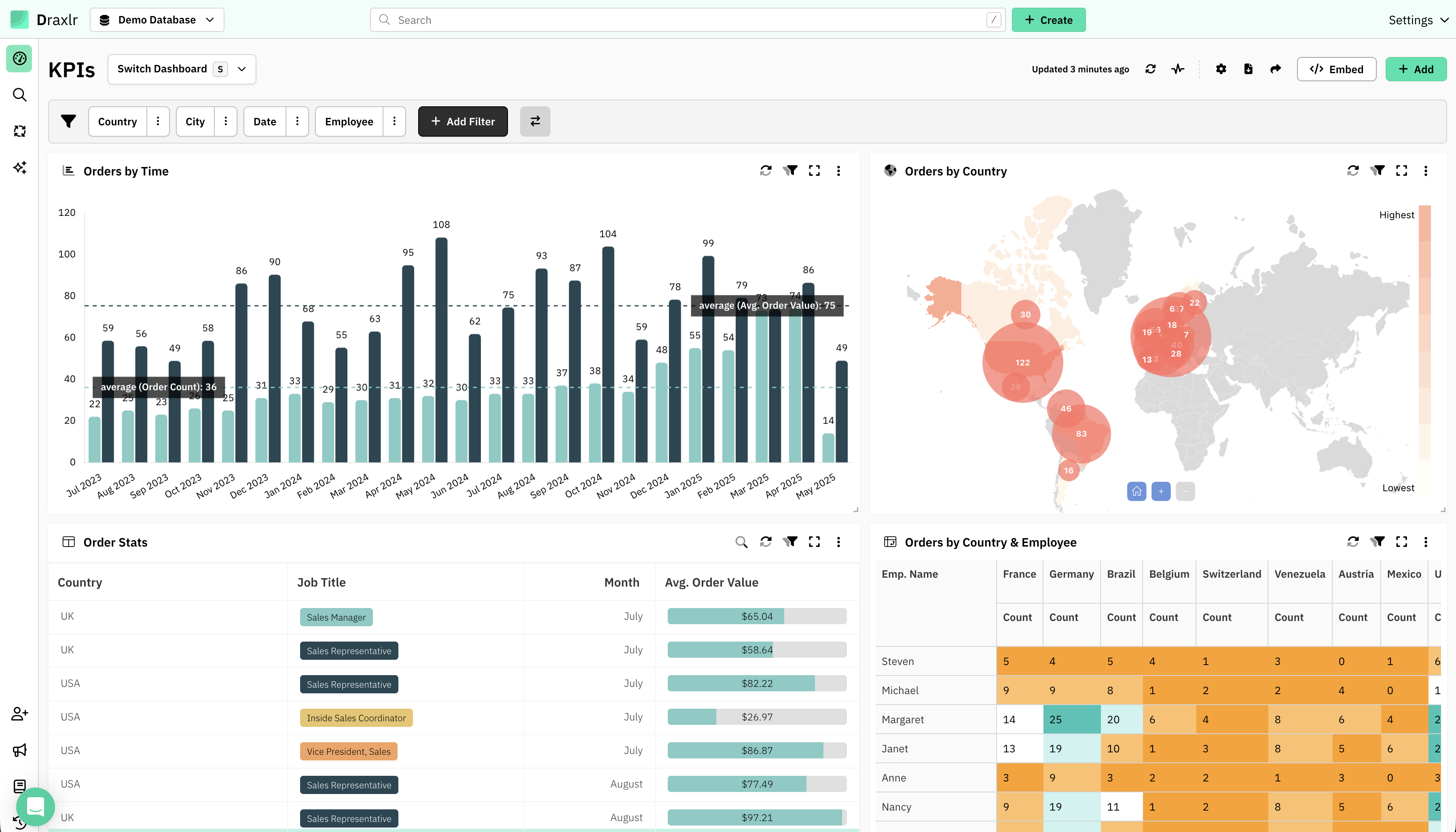
Draxlr is the strongest Zoho Analytics alternative for teams that want AI assisted self-service analytics without depending on the Zoho ecosystem.
- AI SQL generation from plain English questions, no SQL or formula knowledge needed
- Visual query builder with support for filters, joins, and aggregations
- Connects directly to live SQL databases including PostgreSQL, MySQL, SQL Server, ClickHouse, BigQuery, Databricks, and more
- Real-time dashboards that stay in sync with your production data
- Slack and email alerts when key metrics cross thresholds
- Public sharing and embeddable dashboards with white-label support
- Clean, minimal interface designed for founders, product managers, and business users
Why teams switch from Zoho Analytics to Draxlr
- No data syncing or import delays. Queries run directly on your database
- AI assistance that actually writes accurate SQL, not just keyword search
- Simpler and faster setup with no ecosystem lock-in
- Affordable embedded analytics for customer-facing dashboards
Best for
- Startups and SaaS teams
- Product, growth, and operations teams
- Teams without a dedicated BI or data team
- Companies that want to embed analytics inside their product
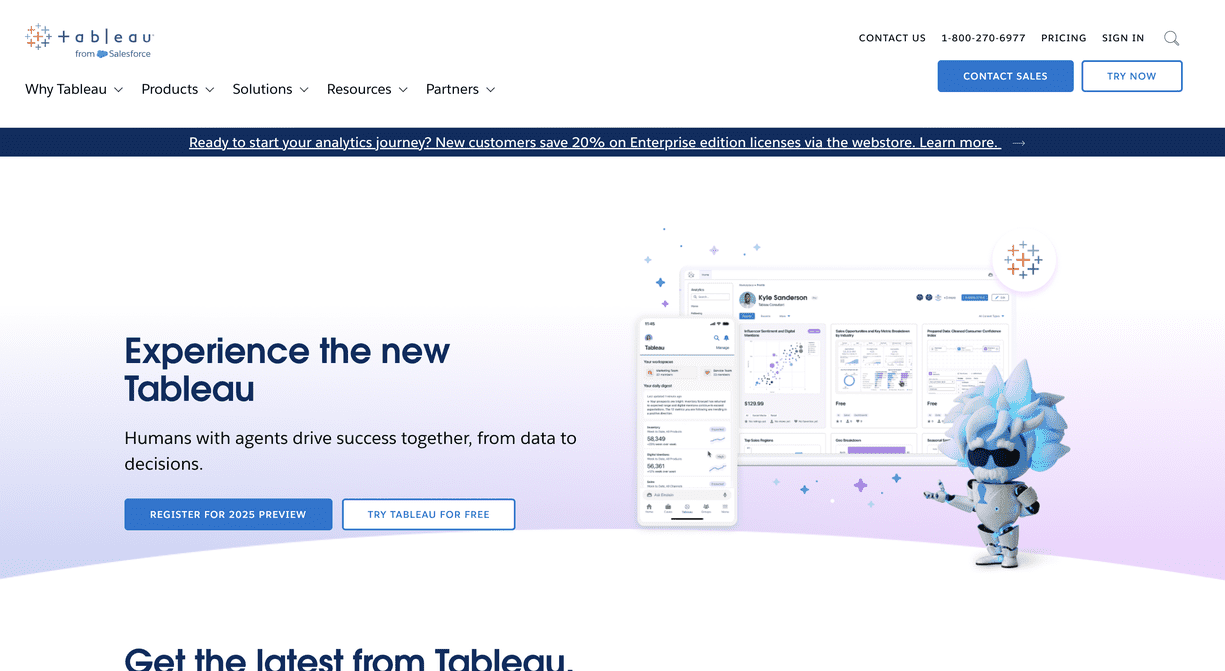
2. Tableau
Enterprise grade visualization and analytics platform
Tableau remains the industry standard for advanced data visualization and is a strong Zoho Analytics alternative for enterprises that need rich, interactive dashboards.
- Industry leading charting and visualization capabilities
- Connects to hundreds of data sources including databases, warehouses, and files
- Strong governance, security, and enterprise administration features
- Excellent for executive reporting and data storytelling
- Large community with thousands of templates and resources
Watch outs
- Steeper learning curve compared to Zoho Analytics
- Significantly higher cost, especially for larger teams
- Requires more technical expertise to build and maintain dashboards
- Can be overkill for simple internal reporting
Best for
- Large enterprises with dedicated BI teams
- Organizations that need advanced, interactive visualizations
- Teams producing board-level and executive reporting
3. Microsoft Power BI
Best Zoho Analytics alternative for Microsoft ecosystem users
Power BI is a natural Zoho Analytics alternative for teams that rely on Microsoft 365, Azure, and Excel. It offers deep integrations across the Microsoft stack with strong self-service and governance features.
- Deep integration with Excel, Azure, Teams, SharePoint, and Dynamics 365
- Drag and drop report builder with a wide library of visualizations
- Natural language Q and A for basic data exploration
- Strong row-level security and workspace governance
- Copilot AI features for summarization and report generation
Watch outs
- Premium features like paginated reports and larger datasets require Pro or Premium licensing
- Data modeling with DAX can be complex for beginners
- Embedding outside the Microsoft ecosystem requires extra setup
- Less suited for teams using non-Microsoft infrastructure
Best for
- Organizations already using Microsoft 365 and Azure
- Finance, HR, and operations reporting
- Teams that want tight integration with Excel workflows
4. Looker
Data modeling first BI for governed, scalable analytics
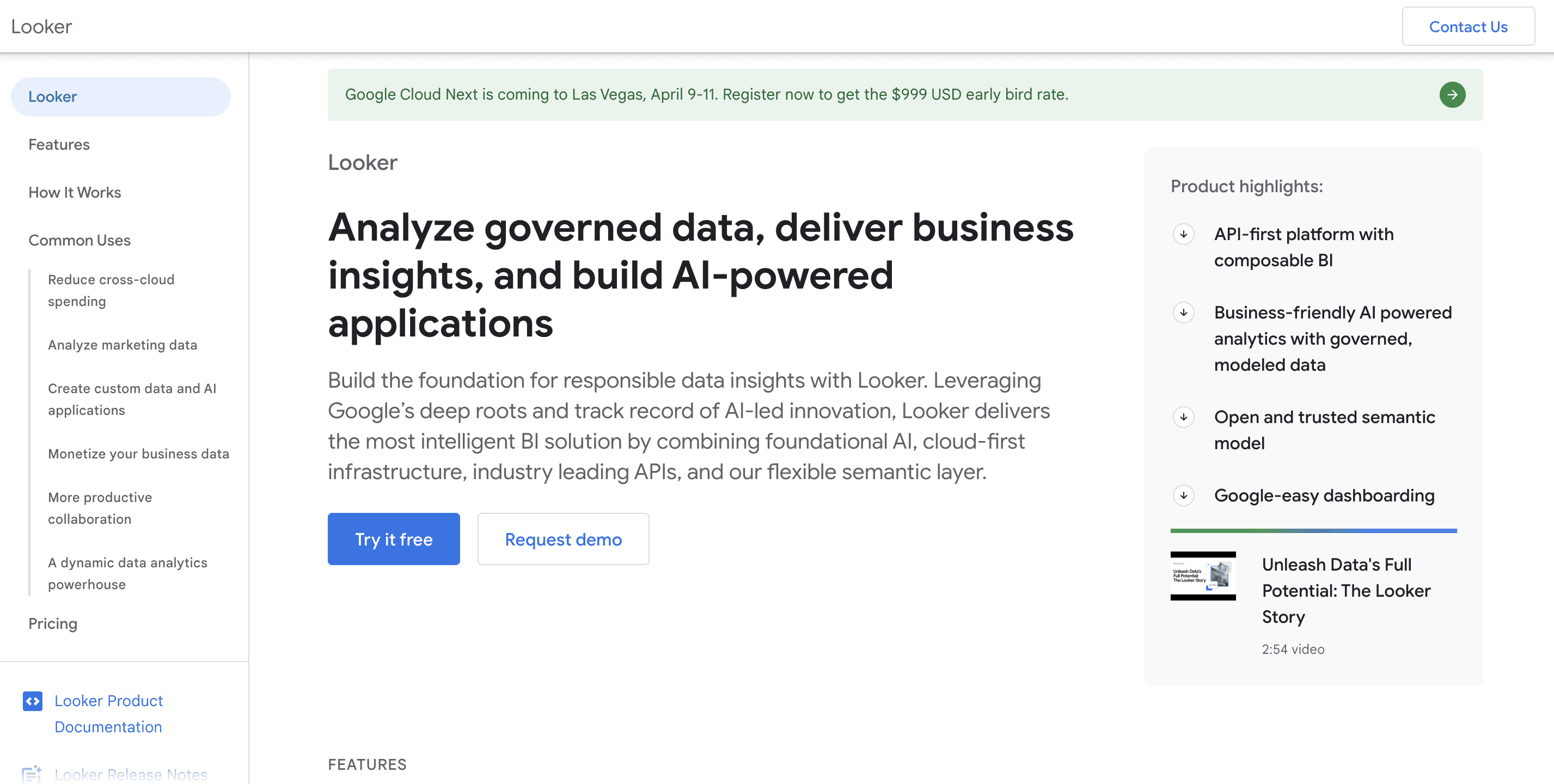
Looker, now part of Google Cloud, is a strong alternative to Zoho Analytics for organizations that prioritize consistent data definitions and governed self-service analytics.
- LookML modeling layer ensures consistent metrics across the organization
- Runs live queries against cloud data warehouses like BigQuery, Snowflake, and Redshift
- Powerful embedded analytics with APIs and SDKs
- Strong governance, permissions, and version control for data models
- Tight integration with the Google Cloud ecosystem
Watch outs
- Requires engineering effort to set up and maintain LookML models
- Higher learning curve than Zoho Analytics or other visual BI tools
- Pricing is enterprise-level and not transparent
- Less accessible for non-technical users without pre-built explores
Best for
- Data teams that want a single source of truth for metrics
- Organizations using Google Cloud and BigQuery
- Companies that need governed, scalable embedded analytics
5. Domo
Cloud BI platform with built-in data integration
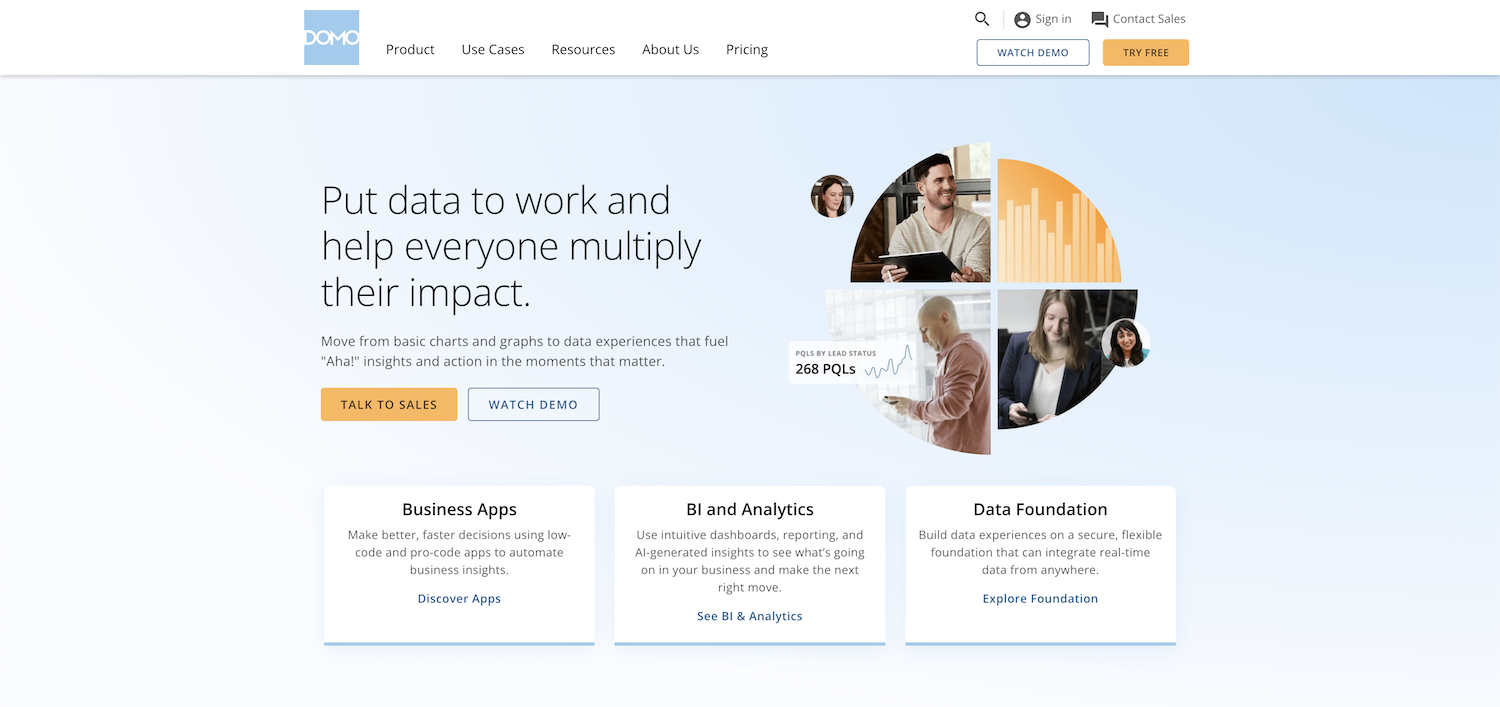
Domo is a strong Zoho Analytics alternative for organizations that want a single cloud platform combining data integration, visualization, and app building without managing separate ETL tools.
- Cloud-native platform with built-in ETL and over 1,000 pre-built data connectors
- Drag and drop dashboard builder with a large library of chart types
- Real-time data pipelines that pull from databases, APIs, spreadsheets, and cloud apps
- App builder for creating custom data-driven workflows and tools
- Role-based access controls and enterprise governance features
Watch outs
- Pricing is not transparent and can scale quickly for larger teams
- The platform can feel overwhelming due to the breadth of features
- Less flexibility for teams that prefer SQL-first or open source workflows
- Embedded analytics requires higher-tier plans
Best for
- Mid-size to large organizations that need data integration and BI in one platform
- Operations and marketing teams that pull data from many cloud sources
- Companies that want pre-built connectors instead of writing custom queries
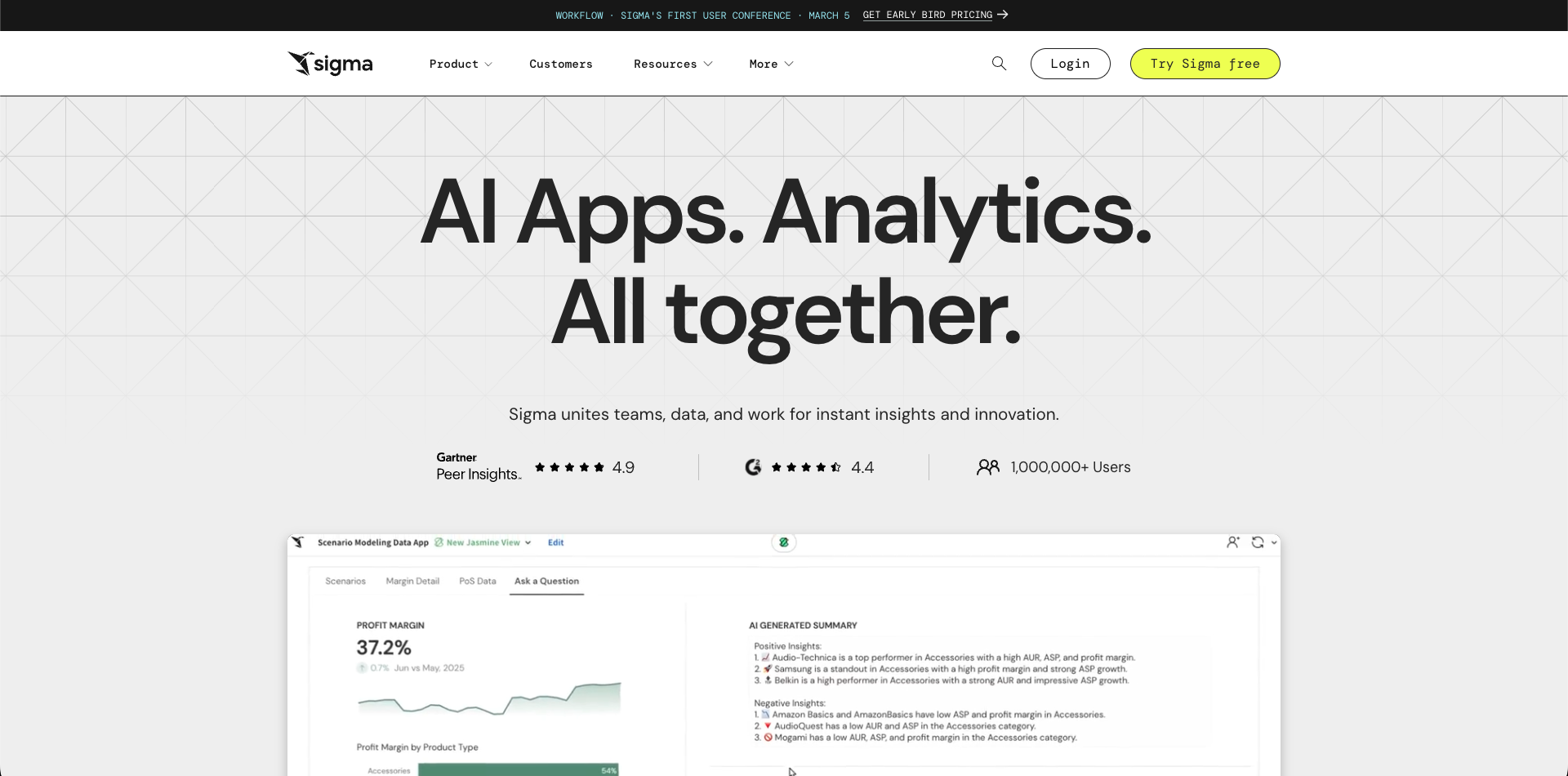
6. Sigma
Spreadsheet style BI for cloud data warehouse teams
Sigma is a great Zoho Analytics alternative for teams that want the familiarity of spreadsheets combined with the power of live cloud warehouse queries.
- Spreadsheet-like interface that business users adopt quickly
- Live queries on BigQuery, Snowflake, Databricks, and Redshift without data imports
- Built-in collaboration, versioning, and governance features
- Strong support for ad-hoc data exploration and analysis
- Good balance between self-service access and data team control
Watch outs
- Pricing is higher than Zoho Analytics, especially at scale
- Requires a cloud data warehouse as the data source
- Embedded analytics support is less mature than some competitors
- Less suitable for teams working primarily with traditional SQL databases
Best for
- Teams already using cloud data warehouses
- Business analysts who prefer spreadsheet-based workflows
- Organizations that want governed self-service analytics without SQL
Why teams move away from Zoho Analytics in 2026
Zoho Analytics works well within the Zoho ecosystem, but teams often outgrow it for several reasons:
- Data connectivity: Zoho Analytics relies heavily on data imports and connectors. Teams with SQL databases prefer tools that query data live without syncing delays
- AI limitations: Zoho's Zia assistant handles basic natural language queries, but it falls short compared to AI tools that generate full SQL queries from plain English
- Ecosystem lock-in: Zoho Analytics works best alongside Zoho CRM, Zoho Desk, and other Zoho products. Teams using mixed or non-Zoho stacks often find it limiting
- Embedding costs and flexibility: Embedding Zoho Analytics dashboards outside of Zoho apps requires workarounds and additional licensing that may not scale well
- Customization: Advanced customization for dashboards, alerts, and workflows is more restricted compared to dedicated BI platforms
How to choose the right Zoho Analytics alternative
Before picking a replacement, narrow down your options based on these key factors.
Where does your data live? If you work with SQL databases like PostgreSQL or MySQL, choose a tool with native live database connections. Draxlr connects directly to production databases without syncing or imports. If your data lives in a cloud warehouse like Snowflake or BigQuery, Looker or Sigma are purpose-built for that environment. If you pull from dozens of SaaS apps, Domo's 1,000-plus connectors reduce integration work significantly.
Who will build and use dashboards? Non-technical teams benefit most from Draxlr's AI querying, where you ask a question in plain English and get accurate SQL results, or Sigma's familiar spreadsheet interface. Technical teams may prefer Tableau's visualization depth or Looker's LookML modeling layer.
What is your budget? Power BI has the lowest entry cost among enterprise options. Draxlr and Sigma offer transparent per-user pricing that scales predictably. Tableau, Looker, and Domo are enterprise-priced and typically require a sales conversation.
Do you need embedded analytics? Draxlr and Looker are the strongest choices for embedding dashboards inside your own product. Draxlr offers affordable white-label embedding; Looker provides enterprise-grade APIs and SDKs for deeper customization.
Do you need self-hosting? Most tools in this list are cloud-only. Draxlr supports self-hosted deployment for teams with strict data residency or compliance requirements.
Final recommendation: which Zoho Analytics alternative should you choose
- Draxlr: best for teams that want AI-driven, self-service analytics with live SQL database access and no ecosystem lock-in
- Tableau: best for enterprises with dedicated BI teams that need advanced visualizations and a large community of templates
- Power BI: best for organizations already using Microsoft 365 and Azure who want the tightest ecosystem integration
- Looker: best for data teams that need governed, consistent metrics and are already on Google Cloud or a major data warehouse
- Domo: best for mid-size teams that pull data from many cloud sources and want data integration and BI in a single platform
- Sigma: best for business analysts who think in spreadsheets but need the scale of a cloud data warehouse
For most growing teams replacing Zoho Analytics, Draxlr offers the fastest path to self-service analytics without the complexity of enterprise BI tools or the restrictions of the Zoho ecosystem.
FAQs
What is the best Zoho Analytics alternative in 2026
The best alternative depends on your team and use case. Draxlr is ideal for AI assisted self-service analytics with live database connections. Tableau and Power BI suit enterprise environments. Looker works well for governed data modeling, and Domo is a strong option for teams that need built-in data integration.
Is Zoho Analytics still worth using in 2026
Yes, if your team is fully invested in the Zoho ecosystem. Zoho Analytics integrates well with Zoho CRM, Desk, and other Zoho products. However, teams that use external databases or need stronger AI capabilities often find dedicated BI tools more effective.
Which Zoho Analytics alternative is best for non-technical users
Draxlr and Sigma are the easiest for non-technical users. Draxlr offers AI driven querying from natural language, while Sigma provides a familiar spreadsheet interface connected to cloud warehouses.
Which alternative is best for teams with many cloud data sources
Domo is a great choice for teams that pull data from many cloud apps, APIs, and databases. It includes over 1,000 pre-built connectors and built-in ETL, so you can consolidate data without separate integration tools.
Which Zoho Analytics alternative is best for embedded dashboards
Draxlr and Looker are commonly chosen for embedded analytics. Draxlr offers affordable, white-label embeddable dashboards. Looker provides enterprise grade embedded analytics with APIs and SDKs for deeper customization.
Which tool is best for teams that need live database connections
Draxlr, Domo, and Looker all connect directly to live databases. Draxlr is the easiest to set up and includes AI assisted querying. Domo offers broad connectivity with built-in data pipelines. Looker is best for organizations that want a governed modeling layer on top of their warehouse.
How does Zoho Analytics pricing compare to alternatives
Zoho Analytics starts at around $30 per month for two users with limited data rows. Power BI starts at approximately $10 per user per month for Pro. Draxlr offers competitive per-user pricing that includes live database connections and AI features from the base plan. Tableau and Looker are significantly more expensive and designed for enterprise buyers. Domo pricing is customized and not publicly listed.
Does Zoho Analytics have a free plan
Zoho Analytics offers a free plan limited to two users and 10,000 rows. It is suitable for evaluation but not for production use. Most Zoho Analytics alternatives do not offer a permanent free tier, though Power BI Desktop is free for local report building.
Can I use a Zoho Analytics alternative with my existing SQL database
Yes. Draxlr, Tableau, Power BI, Looker, and Domo all connect to common SQL databases including PostgreSQL, MySQL, SQL Server, and others. Draxlr is specifically designed around live SQL queries and supports direct connections without data imports or scheduled syncing.
Is there an open source alternative to Zoho Analytics
The most widely used open source BI alternatives are Metabase and Apache Superset. Both support direct SQL database connections and dashboard building. If open source or self-hosting with full control is a requirement, these are worth evaluating alongside the commercial options in this list.