Best Apache Superset Alternatives in 2026
Explore the best Apache Superset alternatives in 2026. Compare features, pricing, AI capabilities, embedded analytics, and ease of use to find the right BI platform for your team.
Finding the right Apache Superset alternative can make a significant difference in how your team builds dashboards, explores data, and delivers analytics across your organization or product. While Apache Superset is a popular open-source business intelligence tool, it may not suit every company's needs in terms of ease of deployment, user accessibility, AI capabilities, enterprise support, or long-term maintainability.
Many teams start with Apache Superset for its open-source flexibility but later look for Apache Superset alternative tools that offer simpler setup, better experiences for non-technical users, stronger embedded analytics, or managed infrastructure that eliminates operational overhead. As your analytics requirements grow, having the right BI platform becomes critical to avoid engineering bottlenecks and mounting maintenance costs.
If you are actively searching for a strong Apache Superset alternative in 2026, this guide will help you evaluate the best options available.
Why consider an Apache Superset alternative?
While Apache Superset provides a powerful open-source foundation for business intelligence and data visualization, several factors might push your organization toward exploring other options. Understanding these pain points can help you determine if switching to an Apache Superset alternative makes sense for your business.
1. High maintenance and operational overhead
Apache Superset requires dedicated engineering resources to deploy, configure, scale, and maintain. Self-hosting means managing infrastructure, database backends, caching layers, security patches, and version upgrades. Many Apache Superset alternatives offer fully managed solutions that eliminate this operational burden entirely.
2. Steep learning curve for non-technical users
Superset was built with data engineers and analysts in mind. Business users without SQL knowledge or technical backgrounds often find the interface overwhelming. Teams frequently explore Apache Superset alternatives that provide more intuitive drag-and-drop interfaces, visual query builders, or AI powered natural language querying.
3. Limited AI and automation capabilities
Modern BI tools are moving beyond static dashboards. Teams often explore Apache Superset alternatives that provide AI driven query generation, text to SQL features, and automated insights to speed up dashboard creation and reduce dependency on SQL expertise.
4. Embedded analytics complexity
While Superset supports embedding through iframes and its API, achieving production-grade embedded analytics with proper multi-tenancy, white labeling, and granular access controls requires significant custom engineering. A strong Apache Superset alternative should provide embedding capabilities without heavy development effort.
5. Limited alerting and monitoring
Superset's built-in alerting capabilities are basic compared to commercial BI platforms. Organizations needing advanced data change alerts, threshold notifications, or Slack and email integrations often find themselves building custom solutions on top of Superset.
6. Enterprise support and governance gaps
As an open-source project, Superset relies on community support. Organizations requiring guaranteed SLAs, dedicated support teams, compliance certifications, or advanced access controls may find the lack of formal enterprise support a significant limitation.
7. Scaling challenges under heavy workloads
While Superset can handle large datasets, scaling it for high-concurrency environments with many concurrent users and complex queries requires careful infrastructure tuning. Many Apache Superset alternatives handle scaling automatically without manual intervention.
What to look for in an Apache Superset alternative
Selecting a replacement BI platform requires evaluating multiple dimensions. Here's what to prioritize when assessing alternatives:
1. Ease of use and accessibility
This should rank high on your list. The best BI tool balances power with simplicity, enabling both technical analysts and business users to create insights without extensive training. Look for platforms with drag-and-drop interfaces, natural language query (AI) capabilities, and intuitive design.
2. Deployment and maintenance simplicity
Determine whether the platform eliminates operational overhead. Assess whether you need to manage infrastructure, handle upgrades, or configure scaling. Fully managed cloud solutions can free your engineering team to focus on product work instead of BI maintenance.
3. Advanced analytical features
Distinguish premium platforms from basic ones. Consider whether you need AI-driven insights, advanced charts, intelligent alerts, or more. Your future analytics roadmap should influence this decision.
4. Transparent, flexible pricing
This prevents budgetary surprises. Compare total cost of ownership across different pricing models — per-user, per-query, or consumption-based. While Superset itself is free, factor in infrastructure, engineering time, and opportunity costs when calculating true TCO.
5. Embedded analytics and white labeling
SaaS companies often require full branding control, granular row-level security, and advanced permission management. A strong Apache Superset alternative should provide embedding flexibility without heavy engineering effort.
6. Vendor stability and support quality
Research the company's product roadmap and customer support reputation. Responsive support teams can make a significant difference during implementation and scaling phases.
7. Database connectivity and integrations
These are essential for seamless operations. Your ideal Apache Superset alternative should connect effortlessly with your data warehouse, cloud storage, or any other critical systems. Evaluate the breadth of pre-built connectors and API flexibility.
8. Alerting and real-time monitoring
Look for platforms with built-in alerting on data changes, scheduled reports, and integrations with communication tools like Slack and email. Proactive monitoring reduces the time between data changes and team awareness.
Best Apache Superset alternatives in 2026 at a glance
| Tool | Best use case | Ease of use | AI capabilities | Self-hosted option |
|---|---|---|---|---|
| Apache Superset | Open source BI for data teams | Low | None | Yes |
| Draxlr | AI powered self-service analytics | High | Strong | Yes |
| Tableau | Enterprise visualization | Medium | Moderate | Yes |
| Microsoft Power BI | Microsoft ecosystem analytics | Medium | Moderate | No |
| Looker | Data modeling and governed analytics | Low | Moderate | No |
| Domo | Cloud BI with data integration | Medium | Moderate | No |
| Sigma | Spreadsheet style cloud analytics | High | Limited | No |
1. Draxlr
AI powered analytics built for teams moving away from complex open-source setups
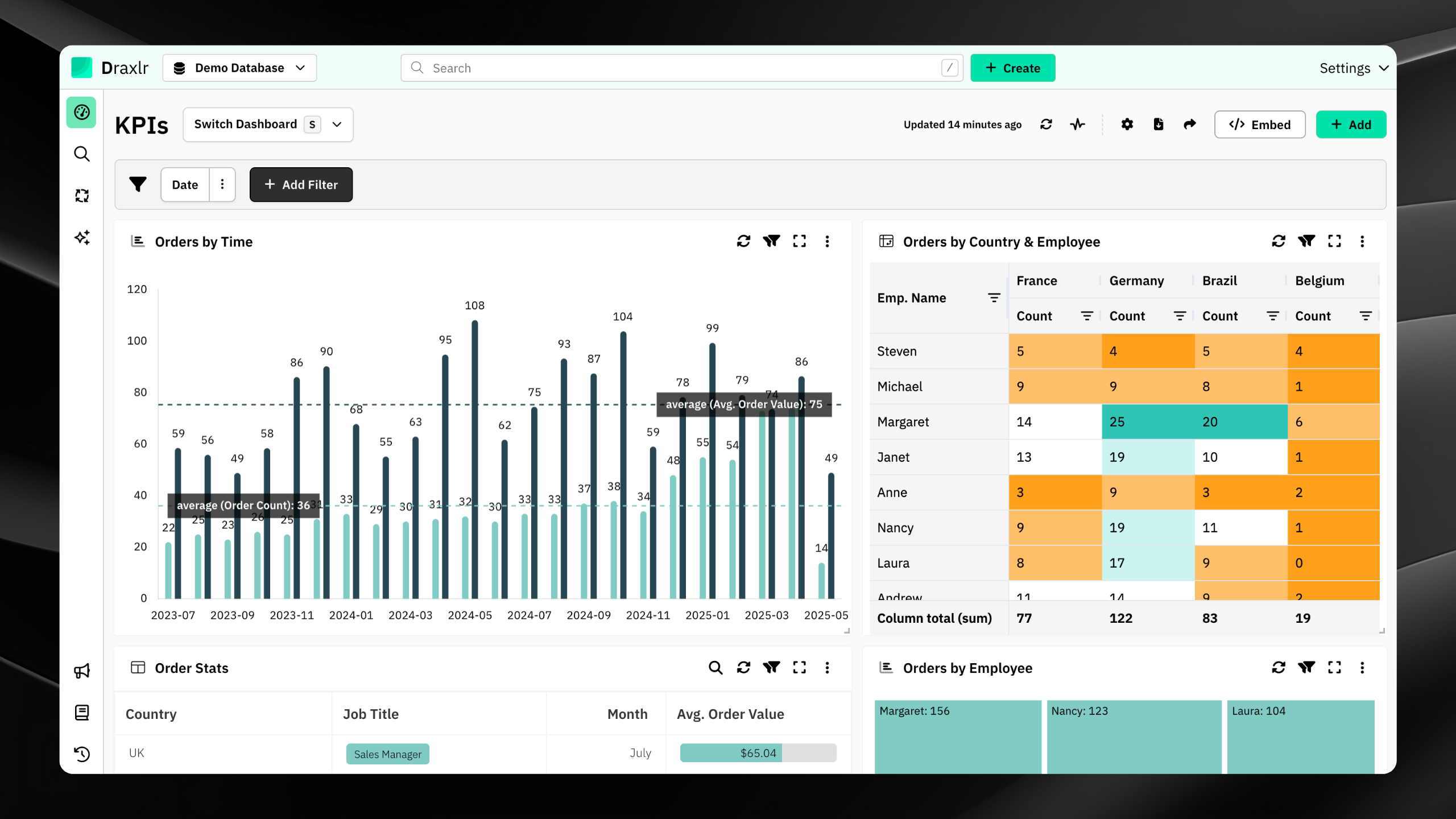
Draxlr stands out as a top Apache Superset alternative for teams that want the depth of SQL analytics without the DevOps headache. Where Superset demands infrastructure provisioning, Redis caching, and manual scaling, Draxlr lets you connect a database and start building dashboards in minutes. Its AI query assistant turns plain English questions into working SQL, which is a game-changer for organizations where not every stakeholder writes queries. Teams migrating from Superset consistently highlight the reduction in setup time and the ability to onboard non-technical users without training sessions.
Connect your DatabaseKey Features
- AI powered Text-to-SQL that converts natural language into optimized queries — no SQL expertise needed
- Three dashboard building modes: Visual Query Builder, AI chat, and a full raw SQL editor for power users
- Direct connections to MySQL, PostgreSQL, SQL Server, ClickHouse, BigQuery, Databricks, and more — no ETL pipelines required
- Embeddable dashboards with white labeling and row-level security for SaaS products
- Scheduled Slack and email alerts triggered by data changes or threshold breaches
- Interactive filters, drill-downs, and cross-chart filtering on live data
- Zero infrastructure management — no Docker containers, no Celery workers, no Redis to maintain
- Role-based access controls and team workspaces for multi-department analytics
Pricing
Draxlr uses a consumption-based pricing model that starts affordable for small teams and scales predictably as usage grows. There are no per-seat surprises — you pay for what you use. Startup-friendly plans cover core analytics needs, while enterprise tiers unlock dedicated support, SSO, and custom integrations. A self-hosted deployment option is available for teams that need on-premise control, delivering Superset-like flexibility without the ongoing maintenance cost.
2. Tableau
Industry-standard visualization for data-heavy enterprises
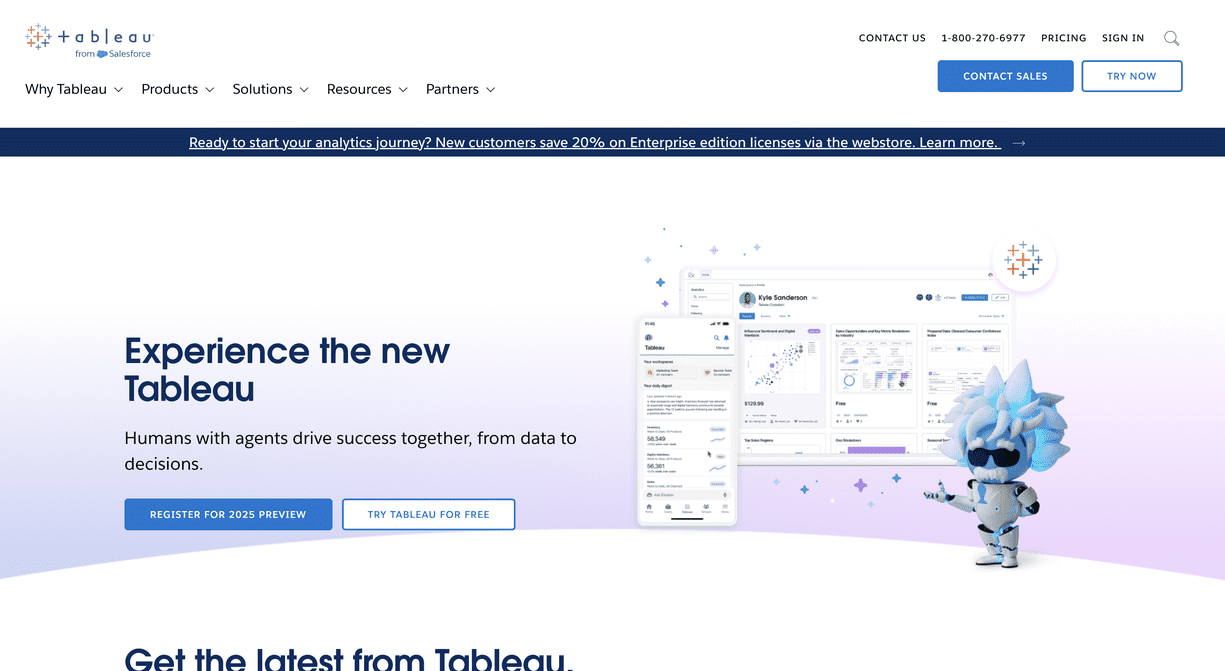
Tableau is often the first name that comes up when organizations outgrow open-source BI tooling. Unlike Superset, which requires building visualizations through a web UI with limited chart customization, Tableau offers a desktop-class authoring experience with granular control over every visual element. Its strength lies in exploratory analytics — analysts can drag dimensions and measures onto a canvas and discover patterns through visual iteration. For teams that found Superset's charting options restrictive or ran into rendering limitations with complex datasets, Tableau provides a significant upgrade in visualization depth.
Key Features
- Desktop and web authoring with pixel-level control over chart design and layout
- VizQL engine that translates visual selections into optimized database queries automatically
- Native connectors to virtually every major database, warehouse, and cloud platform
- Tableau Prep for visual data cleaning and transformation workflows
- Built-in statistical models, trend lines, clustering, and forecasting
- Tableau Server or Tableau Cloud for centralized publishing, scheduling, and governance
Pricing
Tableau licenses are sold per user across Creator, Explorer, and Viewer tiers. Creator licenses (needed for dashboard authoring) start at a premium, and costs add up quickly for large teams. Compared to Superset's zero licensing fee, the jump in spend is significant — but many teams find the trade-off worthwhile when factoring in reduced engineering hours and faster dashboard delivery.
3. Power BI
The go-to Apache Superset alternative for Microsoft-centered teams
Power BI is a natural migration path for teams running on Azure, SQL Server, or the broader Microsoft 365 stack. Where Superset requires you to wire up database connections and configure authentication manually, Power BI pulls data directly from Excel files, SharePoint lists, Azure Synapse, and Dataverse with minimal configuration. Its DAX formula language gives analysts modeling power that goes well beyond what Superset's SQL Lab offers, and the tight integration with Teams means dashboards live where your team already collaborates.
Key Features
- One-click connectivity to Azure services, SQL Server, Excel, SharePoint, and Dynamics 365
- DAX-powered data modeling with calculated columns, measures, and time intelligence functions
- Natural language Q&A that lets business users type questions and receive auto-generated charts
- Power BI Embedded SDK for integrating reports directly into custom web applications
- Row-level security, sensitivity labels, and Microsoft Entra ID integration for enterprise governance
- Paginated reports for pixel-perfect financial statements and operational printouts
Pricing
Power BI Pro starts at $10 per user per month, making it one of the most affordable commercial options. However, embedded analytics and high-concurrency workloads require Premium Per Capacity plans that start significantly higher. When comparing total cost against a self-hosted Superset instance, Power BI frequently comes out cheaper once you account for infrastructure and engineering overhead.
4. Looker
Governed, model-driven analytics for data engineering teams
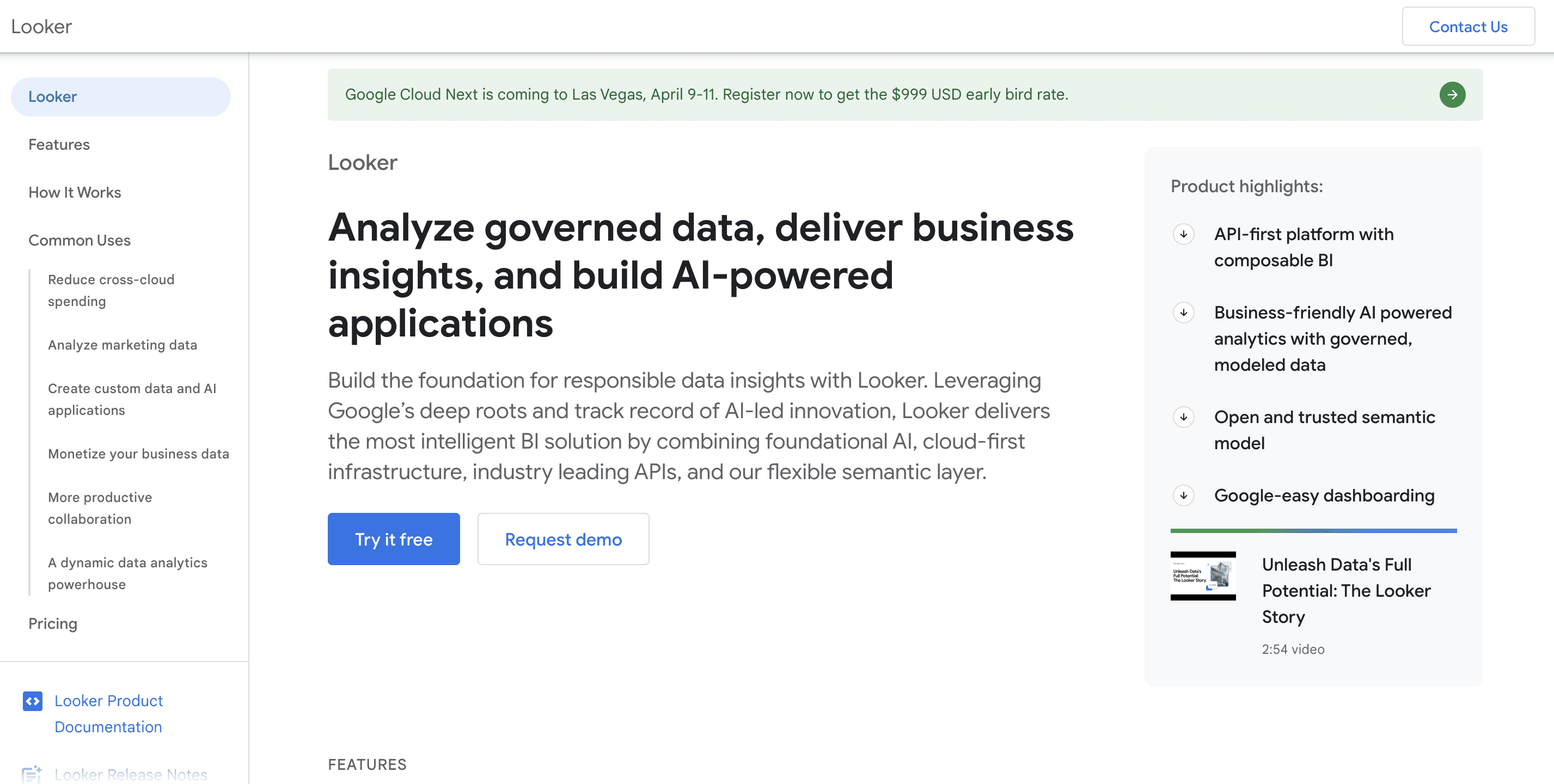
Looker, now part of Google Cloud, takes a fundamentally different approach than Superset. Instead of writing ad-hoc SQL queries for each dashboard panel, Looker uses LookML — a version-controlled modeling language that defines metrics, dimensions, and relationships once and reuses them everywhere. This eliminates the metric inconsistency problem that plagues Superset deployments where different teams write slightly different SQL for the same KPI. For engineering-led organizations running on BigQuery or Snowflake, Looker enforces a single source of truth that Superset's freeform SQL Lab cannot match.
Key Features
- LookML semantic layer that centralizes business logic and prevents metric drift across teams
- Git-integrated development workflow for version control, code review, and CI/CD on analytics definitions
- Looker API and Action Hub for triggering workflows, sending data to Slack, or pushing results to external systems
- Embedded analytics via iframes or the Looker Embed SDK with SSO and content filtering
- Native BigQuery optimization with awareness of partitioning, clustering, and BI Engine acceleration
- Granular content access, row-level permissions, and field-level security tied to user attributes
Pricing
Looker pricing is negotiated per contract and typically based on user count plus platform usage. It is positioned firmly in the mid-market to enterprise segment. Smaller teams exploring Superset alternatives may find the cost prohibitive, but organizations with complex governance needs often see the investment pay for itself through reduced data inconsistency and faster self-service adoption.
5. Domo
All-in-one cloud platform replacing your BI stack, not just Superset
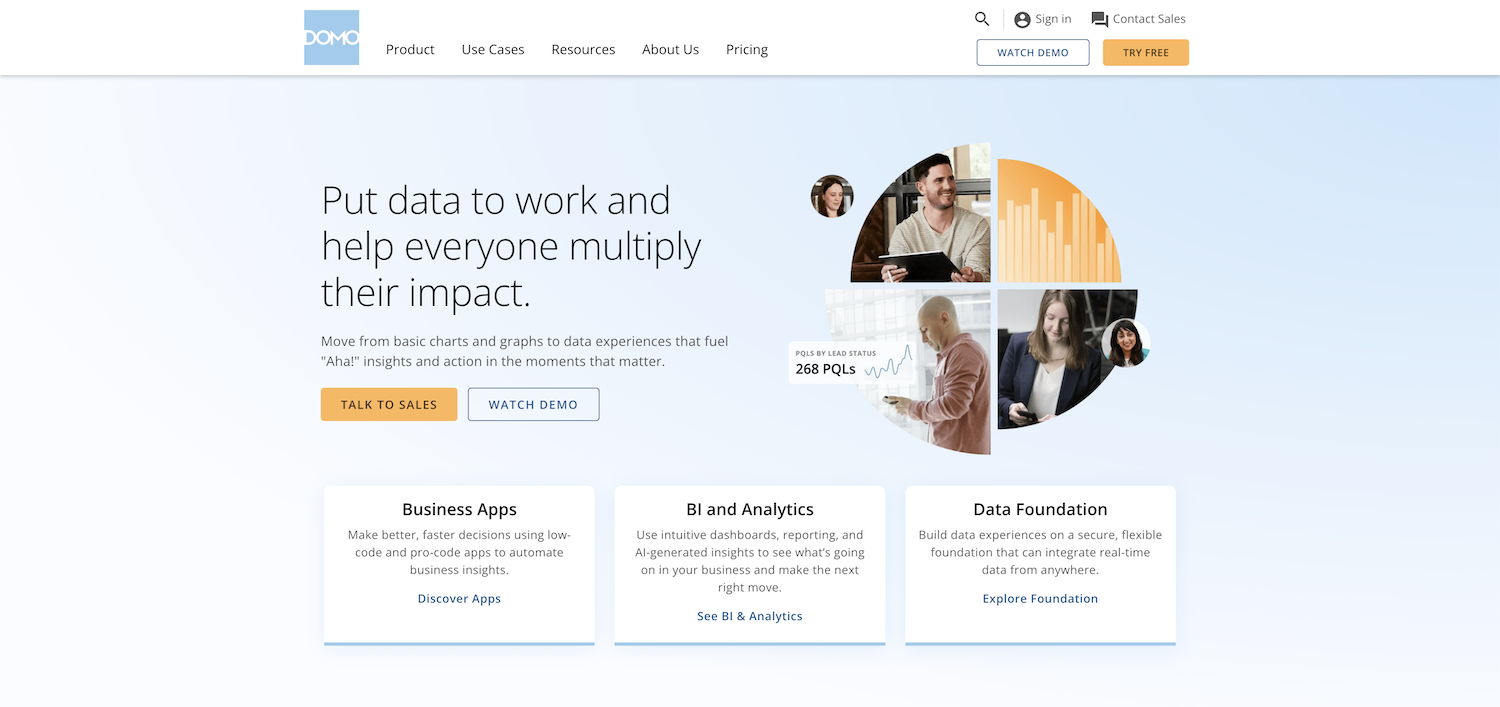
Domo goes beyond replacing Superset — it aims to consolidate your entire data pipeline. Where a typical Superset setup requires separate tools for ETL (like Airflow), data warehousing, and visualization, Domo bundles data ingestion, transformation, storage, and dashboarding into a single cloud platform. This makes it particularly appealing to operations teams and executives who want real-time KPI dashboards without depending on data engineering to stitch together multiple open-source components.
Key Features
- Over 1,000 pre-built connectors for SaaS apps, databases, cloud storage, and APIs
- Magic ETL — a no-code data transformation pipeline builder with drag-and-drop logic
- Domo Appstore with pre-built dashboard templates for common business functions
- Buzz — a built-in messaging and collaboration layer tied directly to dashboard cards
- Mobile-first design with a fully featured iOS and Android app for on-the-go analytics
- Domo Everywhere for embedding analytics into external applications and partner portals
Pricing
Domo uses custom contract pricing that varies by user count, data volume, and connector requirements. It is generally positioned toward mid-market and enterprise buyers. The all-in-one approach can reduce total spend versus running Superset plus Airflow plus a warehouse, but individual licensing costs are higher than most point solutions.
6. Sigma Computing
The spreadsheet-native alternative for teams that think in rows and columns
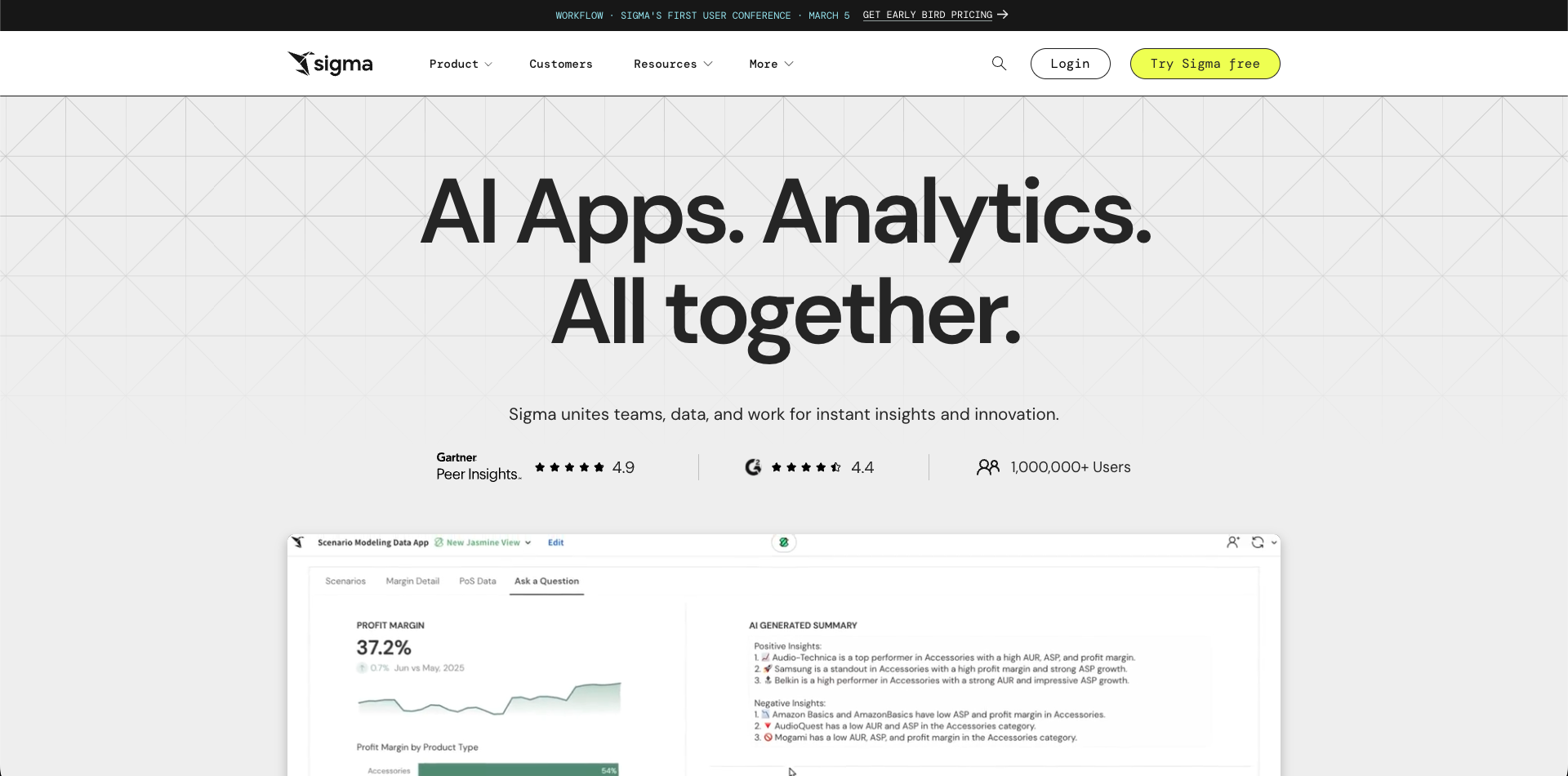
Sigma Computing bridges the gap between the power of a cloud data warehouse and the familiarity of a spreadsheet. While Superset requires users to write SQL or navigate a chart builder UI, Sigma presents warehouse data in a live spreadsheet grid where business users can sort, filter, pivot, and build formulas the same way they would in Excel or Google Sheets. Every action generates optimized SQL executed directly on Snowflake, BigQuery, or Databricks — no data extracts, no CSV exports, no stale snapshots. For organizations where finance, marketing, or operations teams built mission-critical spreadsheets that Superset could never replace, Sigma offers a familiar entry point into warehouse-scale analytics.
Key Features
- Live spreadsheet interface that runs queries directly on your cloud warehouse in real time
- Familiar formula bar supporting Excel-compatible functions alongside warehouse-specific operations
- Workbook-based collaboration with version history, comments, and shared editing
- Input tables that let users write data back to the warehouse for planning and forecasting workflows
- Embeddable workbooks with tenant-aware filtering for customer-facing analytics
- No data movement — all computation happens at the warehouse layer, keeping data governance intact
Pricing
Sigma offers per-user pricing with tiers for viewers, contributors, and creators. Enterprise plans include advanced governance, custom branding, and priority support. For teams moving from Superset, the per-user cost is offset by the near-zero training investment — if your team knows spreadsheets, they already know Sigma.
Conclusion
Selecting the right business intelligence platform requires careful evaluation of your organization's specific needs, budget constraints, technical capabilities, and growth trajectory. While Apache Superset provides a powerful open-source foundation for analytics and dashboard creation, numerous alternatives offer distinct advantages — particularly around ease of use, managed infrastructure, AI capabilities, and enterprise support.
The true cost of Superset often extends well beyond its zero license fee. Factor in engineering time for deployment, ongoing maintenance, scaling, and security when comparing against commercial alternatives. For many teams, a managed Apache Superset alternative delivers faster time-to-value and lower total cost of ownership.
We recommend evaluating 2-3 Apache Superset alternatives through free trials before deciding. Most vendors offer implementation support and migration assistance to facilitate smooth transitions. By assessing each Apache Superset alternative against your unique requirements, you'll identify a BI solution that maximizes analytics value and supports data-driven decision-making.
FAQs
1. What are the best Apache Superset alternatives in 2026?
The best Apache Superset alternatives in 2026 include Draxlr, Tableau, Power BI, Looker, Domo, and Sigma Computing. The right choice depends on your needs such as AI powered analytics, ease of deployment, embedded dashboards, pricing scalability, and database compatibility.
2. Which Apache Superset alternative is best for AI powered analytics?
If AI driven analytics is a priority, look for a BI platform that offers Text to SQL, AI chat, automated insights, and intelligent data exploration features to reduce manual reporting effort and eliminate the need for every user to write SQL.
3. Which Apache Superset alternative is best for non-technical users?
Draxlr and Sigma are the easiest for non-technical users. Draxlr offers AI driven querying from natural language and a visual query builder, while Sigma provides a familiar spreadsheet interface connected to cloud warehouses.
4. Which Apache Superset alternative is best for small businesses?
Draxlr and Power BI are ideal for small businesses with affordable pricing, quick implementation, and scalable growth models. Both eliminate the infrastructure overhead that makes Superset challenging for small teams without dedicated DevOps resources.
5. Is Apache Superset really free to use?
Apache Superset is free to download and use as open-source software. However, the true cost includes cloud infrastructure, engineering time for setup and maintenance, security management, and ongoing upgrades. Many teams find that a managed alternative offers better ROI when total cost of ownership is considered.
6. Will switching from Apache Superset be complicated?
Switching is straightforward with most platforms connecting to existing data sources. Since Superset connects directly to databases, you can point a new BI tool at the same databases. Migration typically takes days to weeks, with most vendors offering implementation support.