5 Best Redash Alternatives in 2026
Hosted Redash shut down in 2021, but the open-source project is alive. Compare Draxlr, Metabase, Superset, Grafana, and Power BI with verified 2026 pricing.
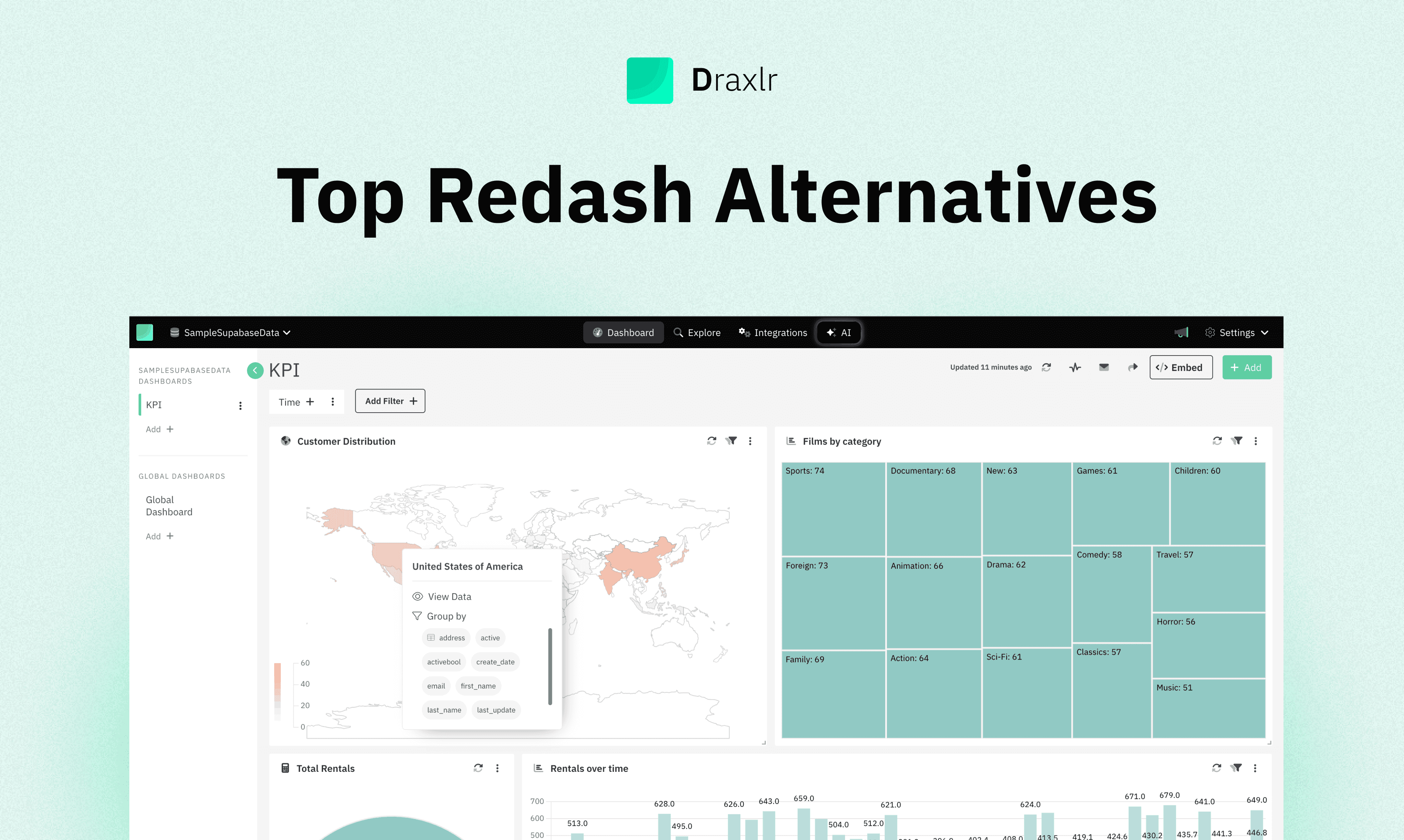
Short answer: if you are replacing Redash, the choice comes down to how much infrastructure you want to own. Draxlr is the closest managed equivalent to the Redash workflow - connect a SQL database, write a query, get a dashboard - at a flat price. Metabase is the most common migration target for teams who want to stay open source. Apache Superset is the most powerful self-hosted option. Grafana wins if your dashboards are operational. Power BI is where teams land when they leave open source entirely.
Most articles about Redash alternatives tell you Redash is dead. That is not quite right, and the details matter when you are deciding whether to migrate at all.
What actually happened to Redash
Redash is an open-source SQL query and dashboard tool, first released in 2013 and licensed under BSD 2-Clause. Here is the timeline that drives almost every search for an alternative:
| When | What happened |
|---|---|
| June 2020 | Databricks acquires Redash. |
| Nov 30, 2021 | The hosted service at app.redash.io is shut down. Customer data is deleted within thirty days. Paid Starter, Professional, and Business plans end. |
| 2022 - 2024 | No tagged releases. The project goes effectively dormant after v10.1.0. |
| Jan 2025 onward | Community-led releases resume: v25.1.0, then v25.8.0, then v26.3.0 in March 2026. |
So the accurate position in 2026 is this: there is no hosted Redash you can buy, but the open-source project is alive. The repository is not archived, it has around 29,000 stars, and it was still receiving commits in September 2026. Releases run at roughly two per year rather than the monthly cadence of its commercial rivals.
That gives you three honest options:
- Keep self-hosting Redash. Free, and fine if it already works and nobody needs new features. You own upgrades, Postgres and Redis maintenance, and security patching.
- Move to another open-source tool with a faster roadmap - Metabase, Superset, or Grafana.
- Move to a managed tool and stop running infrastructure at all.
The rest of this guide covers options two and three.
Redash alternatives at a glance
| Tool | Open source | Self-host | Entry price (managed) | Best for |
|---|---|---|---|---|
| Draxlr | No | Enterprise plan | $25 / month flat | The Redash workflow, without servers |
| Metabase | Yes (AGPL) | Yes, free | $100 / month (5 users) | The default migration target |
| Apache Superset | Yes (Apache 2.0) | Yes, free | Preset: free to 5 users | Max control, if you can run it |
| Grafana | Yes (AGPLv3) | Yes, free | Free tier, then $19 / mo | Operational and time-series dashboards |
| Power BI | No | No | $14 / user / month | Microsoft shops |
1. Draxlr
Best for: teams who liked how Redash worked and simply do not want to run it any more.
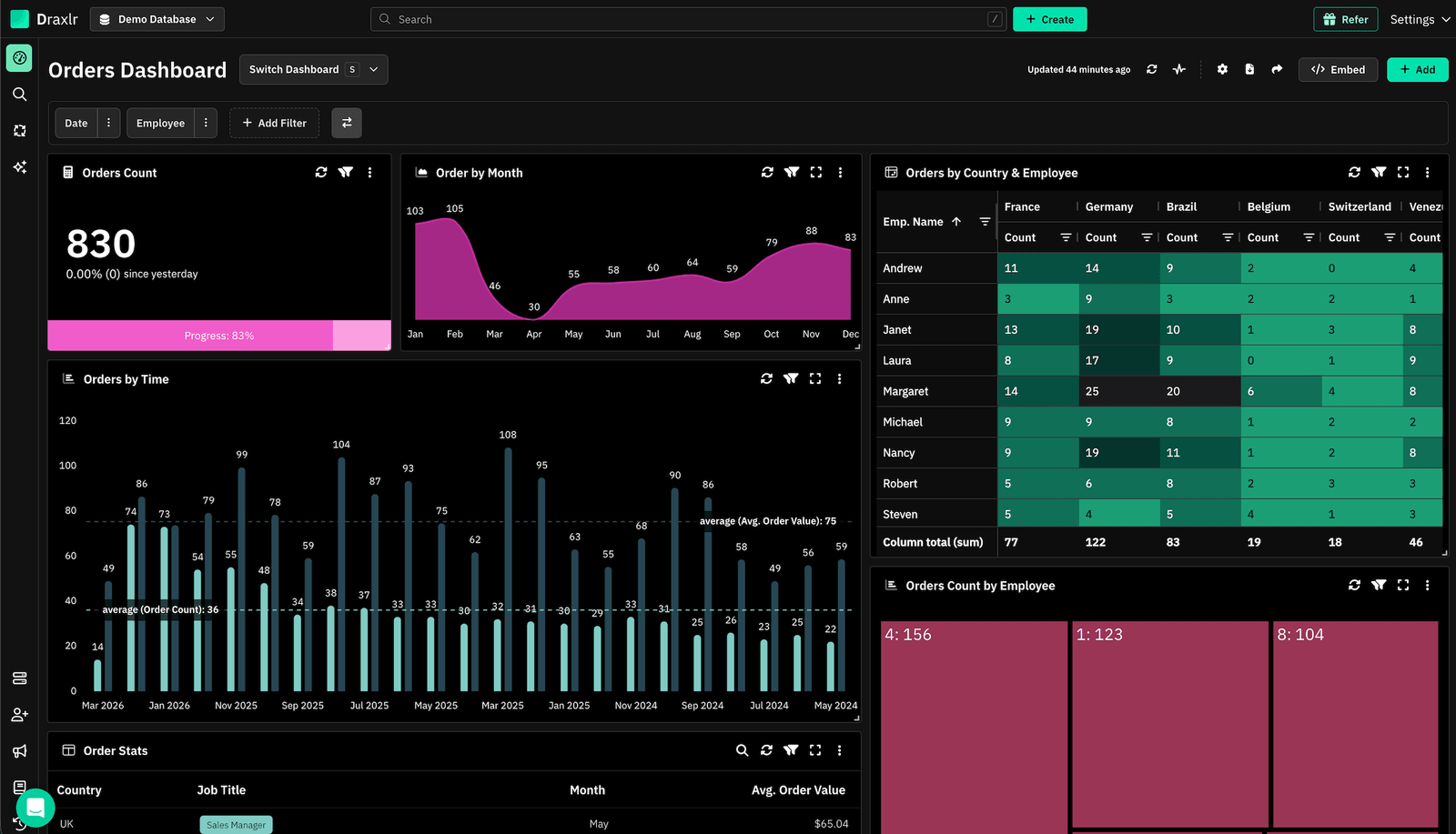
Draxlr is the closest managed match to the Redash workflow. You connect a SQL database, write or build a query, save it, and drop it on a dashboard. No warehouse project, no modelling layer, no semantic layer to define first.
It connects directly to PostgreSQL, MySQL, MS SQL, BigQuery, Snowflake, Redshift, ClickHouse, Databricks, Supabase, Neon, PlanetScale, and more - the same shape of connection Redash used, so your existing SQL mostly ports across as-is.
Where it goes past Redash is the parts Redash never shipped: a visual query builder for people who do not write SQL, an AI assistant that turns a plain-English question into a query you can then edit, and white-label embedding with per-customer context.
Connect your Database
Key Features
- SQL editor plus a visual query builder, so SQL-first users and non-technical users work in the same tool.
- AI SQL generation from natural-language questions, with the generated query editable in the builder.
- MCP server so AI assistants like Claude can query your databases and build dashboards directly - included on every paid plan.
- Alerts and automations: Slack and email alerts on a schedule, at intervals, or only when values change - the Redash alerting use case, without the worker queue.
- Drill-down from a chart into the underlying rows.
- Live mode dashboards that refresh on an interval for wall displays.
- White-label embedding into customer-facing products.
- REST API and Google Sheets sync for pulling query results elsewhere.
- Unlimited external viewers on every plan - anyone viewing a shared or embedded dashboard is never a billable seat.
- Self-hosting on the Enterprise plan for teams with data-residency requirements.
Major Drawbacks
- Not open source. If running your own fork is the requirement, Metabase or Superset are the better fit.
- Self-hosting is Enterprise-only, so it is a much bigger step up than
docker compose upwith Redash. - Built for SQL databases and warehouses. Data in spreadsheets or SaaS APIs has to land in a database first.
Pricing
Flat monthly pricing with seats included. Annual billing saves roughly a third.
| Plan | Price | What is included |
|---|---|---|
| Lite | $25 / month ($200 / year) |
1 database, 1 user, 50 AI credits, MCP, unlimited external viewers. |
| Premium | $75 / month ($600 / year) |
2 databases, 10 users, 100 AI credits, white-label embedding. |
| Power | $250 / month ($2,000 / year) |
5 databases, 30 users, 300 AI credits, white-label embedding. |
| Enterprise | $500 / month ($3,800 / year) |
Custom databases and users, dedicated server or self-hosting, SSO, audit logs. |
See the full breakdown on the Draxlr pricing page.
2. Metabase
Best for: teams who want to stay open source with the least friction.
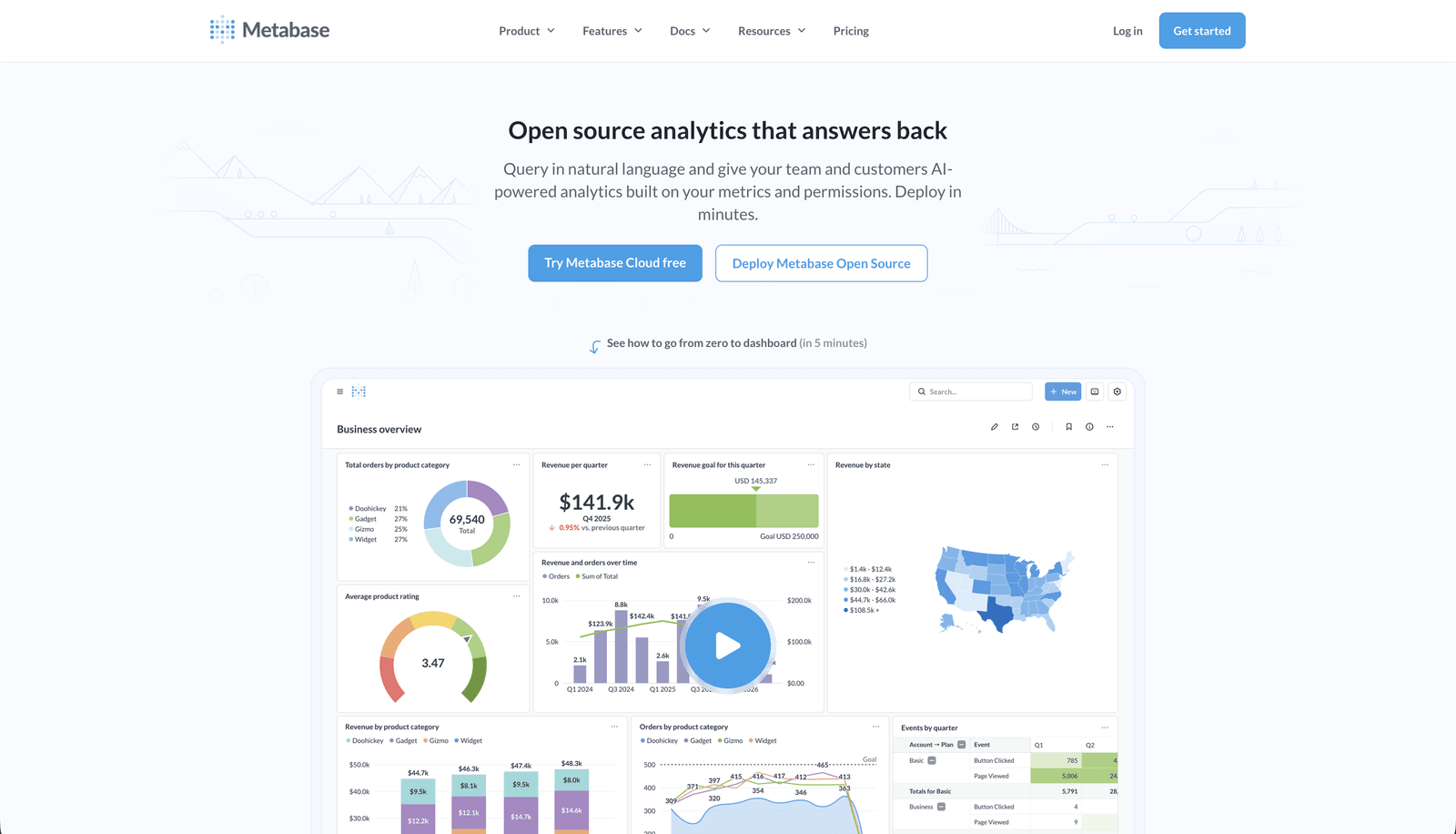
Metabase is where most Redash users end up, and for good reason: it is open source, it self-hosts from a single JAR or Docker image, and it keeps the SQL editor front and centre while adding a genuinely good point-and-click question builder on top.
Compared with Redash, the big wins are an active release cadence, a much better dashboard layout engine, and the ability to hand non-SQL users a query interface they can actually use. The migration cost is real but bounded - your SQL still runs, you are rebuilding the presentation layer.
Key Features
- Open source under AGPL, self-hosted free with no seat limit.
- SQL editor with variables, snippets, and query caching.
- Point-and-click question builder for non-technical users.
- Models, which let you publish a curated table other people query from.
- Dashboard subscriptions to Slack and email, plus alerts on results.
- Sandboxing and row-level permissions on paid tiers.
- Metabot AI add-on for natural-language querying, from $100 per month for 500 requests.
Major Drawbacks
- Embedding is the expensive part. Static embedding is free, but interactive and white-labelled embedding requires Pro at $575 per month.
- The AGPL licence is a blocker for some companies' legal teams.
- Self-hosting is free but not free of work - you own the JVM, the app database, upgrades, and backups.
- Performance on very large result sets is weaker than Superset.
- Per-user pricing on paid plans adds up as viewership grows.
Pricing
- Open Source: free, self-hosted, unlimited users
- Starter (cloud): $100 per month for 5 users, then $6 per extra user ($90 per month billed annually)
- Pro: $575 per month for 10 users, then $12 per extra user ($517.50 per month billed annually); cloud or self-hosted
- Enterprise: custom, starting around $20,000 per year
More options in our Metabase alternatives guide.
3. Apache Superset
Best for: teams with real infrastructure skills who want the most capable open-source option.
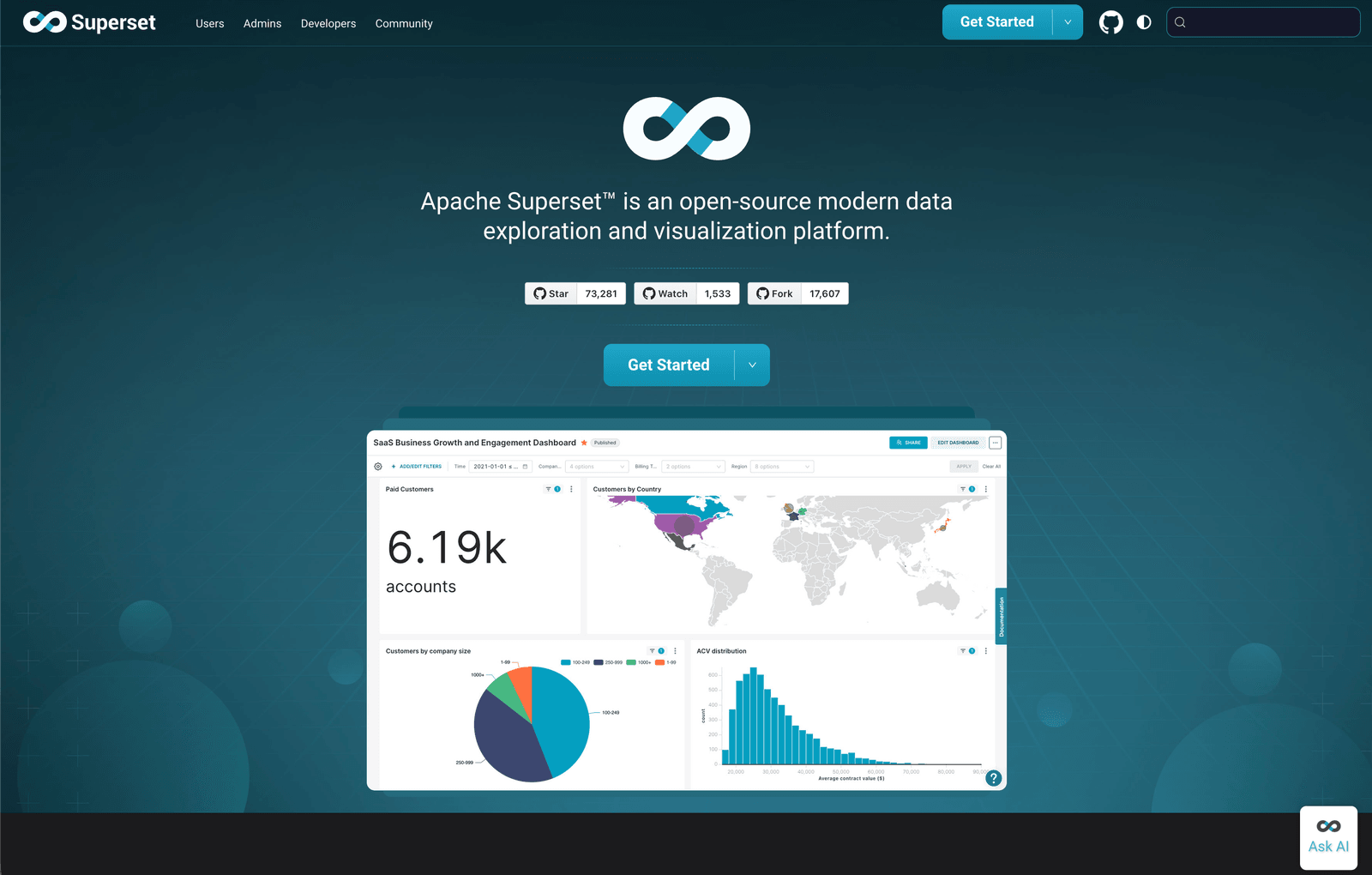
Apache Superset is the most powerful tool on this list and the least forgiving. It is a top-level Apache Software Foundation project under the Apache 2.0 licence, it handles far larger datasets than Redash ever did, and its chart library is deeper than anything else here short of Tableau.
It is also a genuine platform to operate: Superset expects Postgres, Redis, Celery workers, and someone who is comfortable with all three. If Redash's operational burden is what pushed you to look elsewhere, Superset is a step up in complexity, not down.
Key Features
- Apache 2.0 licence - the most permissive on this list, with no AGPL concerns.
- 50-plus visualisation types, well beyond Redash's chart set.
- SQL Lab, a capable SQL IDE with query history and result caching.
- Virtual datasets and a semantic layer for defining reusable metrics.
- Async query execution through Celery for long-running queries.
- Fine-grained role-based access control and row-level security.
- Broad database support through SQLAlchemy - if there is a driver, Superset can query it.
Major Drawbacks
- Operationally heavy. Postgres, Redis, Celery, and a web tier, all yours to run and upgrade.
- Steep learning curve for chart configuration; simple charts take more clicks than they should.
- Documentation is uneven, and upgrades between major versions have historically been disruptive.
- No built-in alerting comparable to Redash without configuring the alerting stack yourself.
- Not aimed at non-technical users without a lot of curation work first.
Pricing
- Self-hosted: free, Apache 2.0
- Preset (managed Superset, from Superset's original creators): free Starter tier for up to 5 users; paid Professional and Enterprise tiers are quote-based. Embedded dashboard viewer licences start at $500 per month for 50 licences.
4. Grafana
Best for: dashboards that are operational rather than analytical.
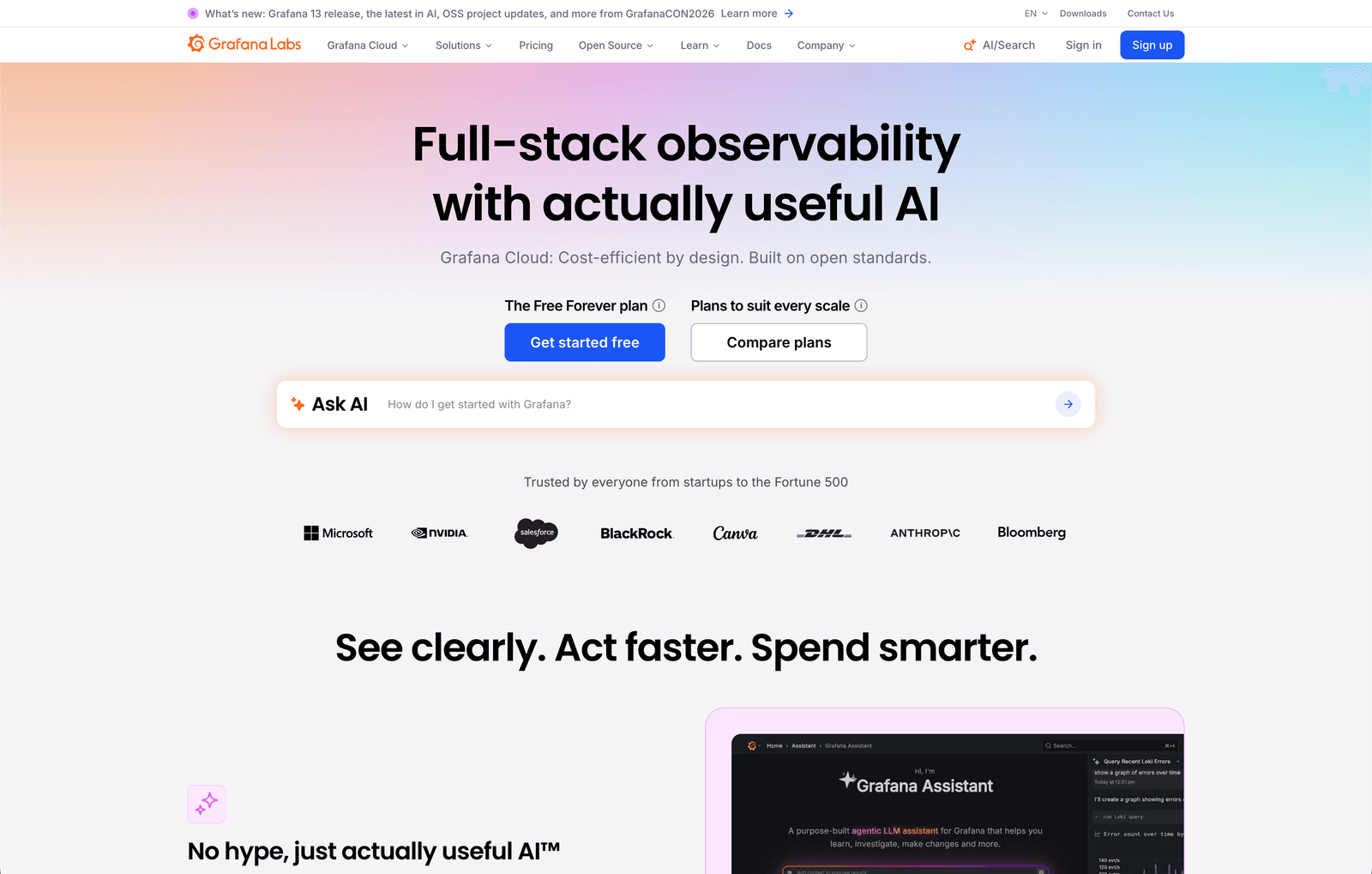
Grafana is the default for infrastructure and time-series dashboards, and it is a better Redash replacement than people expect: it queries PostgreSQL, MySQL, and most warehouses directly through SQL data sources, not just Prometheus.
The distinction that matters is what the dashboard is for. If your Redash dashboards are "how many signups yesterday, broken down by plan," Metabase or Draxlr fit better. If they are "show me this metric over time, and page someone when it moves," Grafana is purpose-built for that and nothing else here comes close on alerting.
Key Features
- Open source under AGPLv3, self-hosted free.
- First-class SQL data sources alongside Prometheus, Loki, and Elasticsearch.
- The best alerting engine on this list, with routing, silences, and escalation.
- Mature templating and dashboard variables for building one dashboard that serves many cases.
- Enormous plugin and community-dashboard ecosystem.
- Grafana Cloud free tier that is genuinely usable: 3 users, 10k metrics series, 50 GB logs, 14-day retention.
Major Drawbacks
- Built for time series first. Ad-hoc tabular exploration is awkward compared with Redash's query-and-table flow.
- Not a tool you hand to a non-technical colleague to explore data.
- Grafana Cloud's usage-based pricing is hard to forecast: a platform fee, per-active-user charges, and separate metering for metrics, logs, and traces.
- Weaker at business reporting: no scheduled PDF-style reports outside the enterprise tier.
Pricing
- Grafana OSS: free, self-hosted
- Grafana Cloud Free: 3 users, 10k metrics series, 50 GB logs, 14-day retention
- Grafana Cloud Pro: $19 per month platform fee plus usage, including $8 per active visualisation user
- Grafana Cloud Advanced: from around $25,000 per year
5. Power BI
Best for: organisations already standardised on Microsoft 365 and Azure.
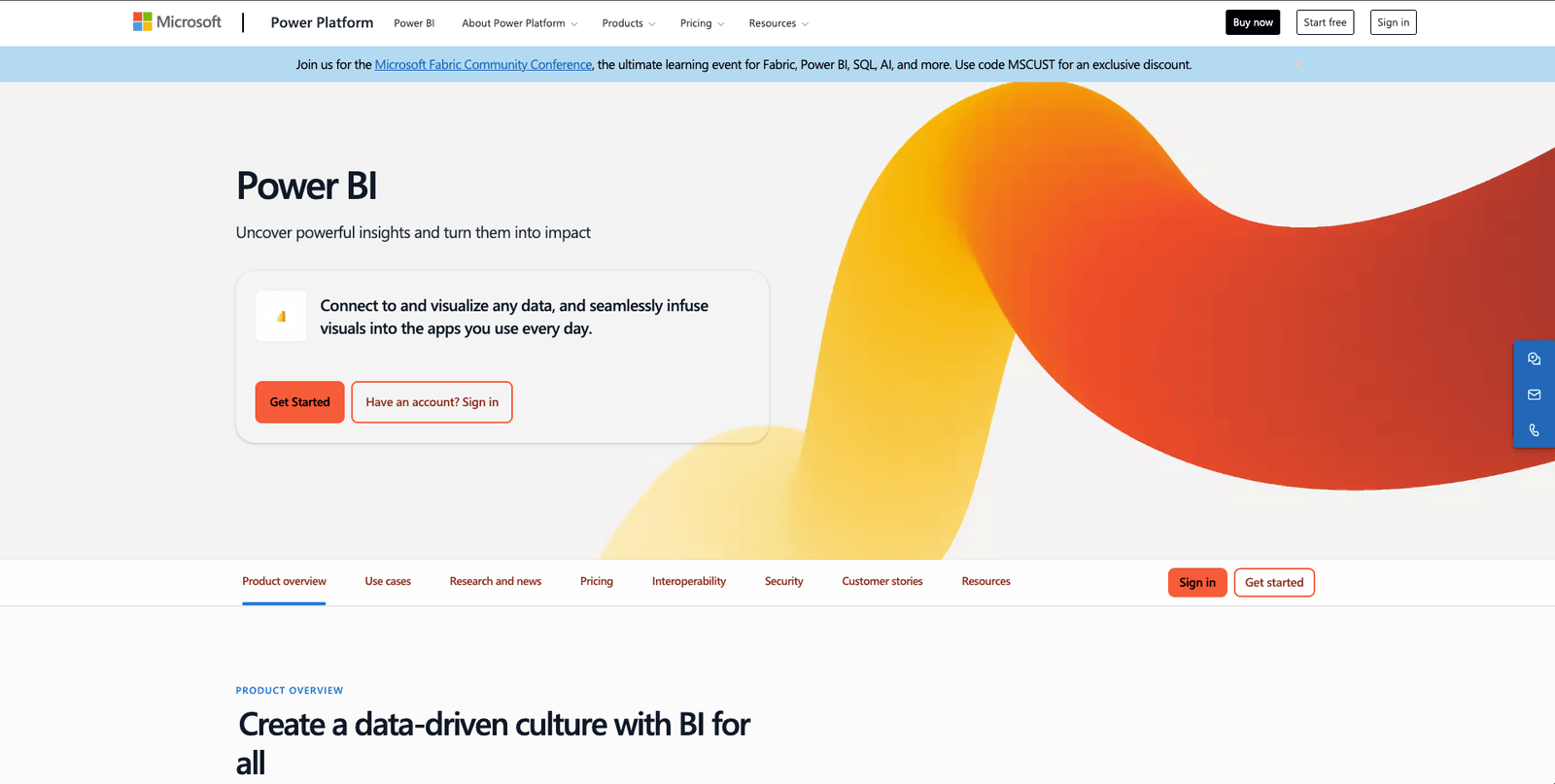
Power BI is the option for teams who conclude the answer is to stop running BI infrastructure and stop using open source at the same time. It is the cheapest per-seat commercial BI tool at this tier, the desktop authoring tool is free, and in a Microsoft estate the identity and permissions story is already solved.
It is the biggest workflow change on this list. Redash is a SQL tool; Power BI is a modelling tool. You do not write a query and publish it - you build a semantic model, write DAX measures, and design a report on top.
Key Features
- Over 100 connectors, with deep Azure SQL, Synapse, and Fabric integration.
- Copilot for generating DAX and summarising reports.
- Row-level security mapped to Entra ID groups.
- 60-plus built-in visuals plus a custom visual marketplace.
- Included at no extra cost with Microsoft 365 E5 and Office 365 E5 annual subscriptions.
- Strong mobile apps.
Major Drawbacks
- DAX is a real learning investment. It resembles Excel and behaves nothing like it.
- Power BI Desktop is Windows-only. Mac authors need a VM.
- Not open source and not self-hostable - the opposite of what most Redash users want.
- Embedding into a product needs Power BI Embedded or Fabric capacity, not just Pro seats.
- Large models need Premium Per User or Fabric capacity, which changes the cost conversation.
Pricing
- Power BI Desktop: free
- Power BI Pro: $14 per user per month, paid yearly
- Power BI Premium Per User: $24 per user per month, paid yearly
- Microsoft Fabric capacity: consumption-based; Power BI Premium P-SKUs are no longer sold to new customers
Open source or managed: how to decide
The Redash decision is not really about features. It is about who maintains the thing.
Stay open source if you already have someone who runs infrastructure, your data cannot leave your network, or a licence audit means the tool has to be inspectable. Metabase is the gentlest landing, Superset the most capable, Grafana the right call for operational dashboards.
Go managed if the reason you are reading this is that nobody wants to own the upgrade path any more. Self-hosted BI is free in licence terms and expensive in attention: Postgres, Redis, a worker queue, TLS certificates, and a security patch cadence you cannot skip. Draxlr and Power BI both remove that entirely.
One number worth running before you decide: what an engineer's time costs you. A few hours a month maintaining a self-hosted BI stack is, for most teams, more expensive than every managed plan on this list.
Migrating off Redash without losing your work
The good news about leaving a SQL-first tool is that your actual work is portable. Redash stores your queries as plain SQL.
- Export your queries. Redash's
/api/queriesendpoint returns every saved query as JSON, including the SQL text and the data source it targets. Pull that before you shut anything down. - Take stock of what is actually used. Most Redash instances have a long tail of queries nobody has opened in a year. Query the Redash metadata database for last-executed timestamps and migrate only what survives that filter.
- Rebuild data source connections first. Every tool here connects to the same databases, so this is configuration, not migration.
- Port the SQL, then rebuild the visuals. The SQL usually runs unchanged. The chart configuration does not transfer between any two tools on this list - budget for rebuilding it by hand.
- Recreate alerts last. They are easy to forget because nobody looks at an alert that is working. Grep your Redash alert definitions and check each one has an equivalent before you decommission.
If you are still running Redash while you evaluate, keep it up in read-only mode for a month after cutover. It costs nothing and it settles every "where did that number come from" argument.
Also worth a look
- Looker Studio (renamed back to Data Studio in April 2026) - free, strong on Google data sources, weak on large datasets.
- Tableau - far more visual control, far more expensive, and a poor match for a SQL-first workflow.
- Datapad - lightweight, mobile-first KPI dashboards; a much smaller product than the rest of this list.
- Databricks SQL - the path Databricks itself recommended to hosted Redash customers, if you are already on Databricks.
For a broader view, see our roundups of AI-powered BI tools and SQL dashboard tools for embedding.
Conclusion
Redash's hosted service is gone and is not coming back, but the open-source project is still maintained, so "we have to migrate immediately" is rarely true. If your self-hosted instance works, you have time to choose properly.
When you do choose, pick on the axis that actually differs. Metabase, Superset, and Grafana keep you open source and keep the maintenance. Draxlr and Power BI take the maintenance away and take open source with it.
For teams who liked Redash's directness - a database, a query, a dashboard - but are done running the servers behind it, Draxlr is the shortest path across. It connects to your database in minutes, includes seats in a flat price, and never charges for people who only view dashboards.
Try Draxlr freeFAQs
Is Redash still available in 2026?
The open-source version is. Hosted Redash at app.redash.io shut down on November 30, 2021 and customer data was deleted within thirty days. The self-hosted project remains active: it is not archived, has roughly 29,000 GitHub stars, and shipped v26.3.0 in March 2026.
Is Redash dead?
No, though it is much slower-moving than it was. After the Databricks acquisition in 2020 the project went dormant with no tagged releases between late 2021 and the end of 2024. Community-led releases resumed in January 2025 and have run at roughly two per year since.
What is the best free alternative to Redash?
Metabase and Apache Superset are both free and open source when self-hosted, with no user limits. Metabase is easier to run and friendlier to non-technical users; Superset handles larger data and offers far more chart types but needs Postgres, Redis, and Celery.
What is the best Redash alternative for self-hosting?
Metabase for the gentlest migration, Apache Superset for the most capability. Grafana is the better choice if your dashboards are operational. All three are free to self-host; Draxlr offers self-hosting on its Enterprise plan for teams that want a managed product behind their own firewall.
Does Redash use SQL?
Yes. Redash is a SQL-first tool: you write a query against a connected data source, save it, and build visualisations on the result. That is why migration is less painful than it sounds - your queries are portable even though your dashboards are not.
How do I export my queries out of Redash?
Use the Redash API. A GET request to /api/queries with your API key returns every saved query as JSON, including the SQL text and target data source. Export this before decommissioning an instance, since chart configuration will have to be rebuilt by hand in whichever tool you move to.
Which Redash alternative is cheapest?
Self-hosted Metabase, Superset, and Grafana are free in licence cost, though you pay in maintenance time. Among managed options, Draxlr starts at $25 per month flat and Grafana Cloud has a usable free tier; Power BI is $14 per user per month, which overtakes a flat plan quickly as the team grows.
Why did Databricks shut down hosted Redash?
Databricks said it was focusing on building best-in-class experiences for SQL analysts inside Databricks as its paid offering. It directed existing Databricks customers to Databricks SQL and everyone else to the free, self-hostable open-source version of Redash.
About the author

Vivek is a coder and the founder of Draxlr who cares deeply about building good products. He works at the intersection of AI, SQL, dashboards, and embedded analytics, with a strong focus on making complex data workflows feel simple, useful, and fast for real teams.
If you have questions about anything in this guide, or want to compare options for your specific stack, you can email Vivek at vivek@draxlr.com, try Draxlr free, or reach out directly through the Draxlr team.